
15.6 Inch Privacy Screen Filter for 16:9 Monitor 1920 x 1080 Resolution
4.2Editor score
Blocks 30 percent blue light
Simple slide-on installation
Fits 16 9 screens
Discover the top laptop privacy screen filters for 2026. We compare privacy, clarity, blue light reduction, and ease of use to help you protect your data
In today's connected world, protecting your sensitive data while working remotely is crucial. A high-quality laptop privacy screen filter blocks side views, ensuring only you see your display content clearly and securely anywhere.
We evaluated ten leading privacy filters based on optical clarity, installation ease, blue light protection, and compatibility with various screen ratios. Our analysis focuses on real-world usability for travelers, professionals, and students alike.
Each pick highlights specific strengths like magnetic attachment or anti-glare coatings. Prices and availability change frequently, so always verify the latest details before purchasing to ensure the best value for your specific device.
4.2Editor score

4.2Editor score

4.2Editor score
This table provides a side-by-side overview of all ten selected products, highlighting their key specifications, aspect ratios, and primary protective features to help you make an informed choice.
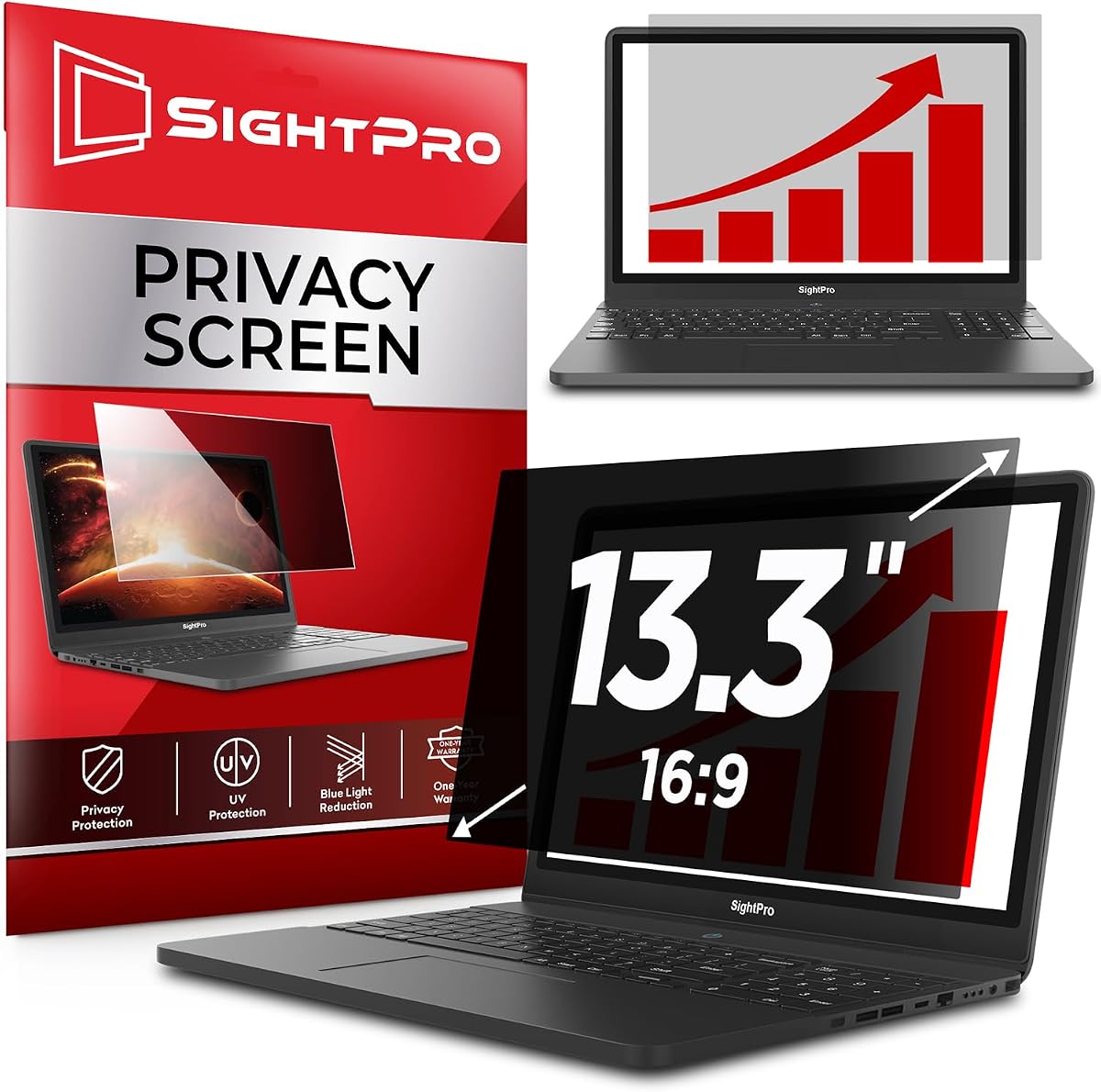


This budget-friendly filter delivers essential privacy protection for standard 15.6-inch laptops. It effectively blocks side views while maintaining clear visibility from the front, rated by users for its solid value and performance.
We may earn a commission when you buy through this link, at no additional cost to you.
The key strength lies in its blue light blocking capability, filtering out harmful wavelengths to reduce eye strain during long work sessions. Users appreciate the simple slide-on installation that avoids permanent adhesive on the screen.
A trade-off is the requirement for precise sizing; users must measure width and height manually as diagonal sizes can be misleading. Additionally, it is not designed for touchscreens, limiting compatibility for some modern devices.
This filter is ideal for students and budget-conscious professionals seeking basic privacy in cafes or offices. It provides reliable protection without breaking the bank, making it a smart entry-level choice for most 16:9 screens.
By filtering out 30% of blue light, this screen helps reduce eye fatigue and discomfort during extended computer use sessions.
The slide-on mounting option allows users to remove the filter quickly when privacy is not needed, preserving screen clarity.
We may earn a commission when you buy through this link, at no additional cost to you.
SightPro offers a premium magnetic solution that eliminates messy adhesives. Its patented snap-on magnets provide a secure fit for 14-inch 16:10 screens, earning top marks for ease of use and portability among frequent travelers.
We may earn a commission when you buy through this link, at no additional cost to you.
The magnetic attachment stands out as a major advantage, allowing users to attach or remove the filter instantly without residue or damage. The package also includes a webcam cover, adding an extra layer of security for remote calls.
While effective, the higher cost may deter budget shoppers. Additionally, like many models, it is not optimized for touchscreens, which could limit adoption on newer convertible laptops that rely on touch input.
This is the top choice for professionals who value convenience and quick removal. The magnetic system ensures hassle-free privacy on demand, making it perfect for commuters who need to share screens occasionally.
Protected by U.S. patents, this magnetic design allows quick attachment and removal without compromising the laptop's screen surface integrity.
The included webcam cover adds physical privacy protection for video calls, complementing the screen's visual privacy features effectively.
We may earn a commission when you buy through this link, at no additional cost to you.
3M delivers a premium screen known for maintaining screen brightness while ensuring privacy. Its Advanced Nanolouver technology transmits 85% of screen light, making it ideal for users who need clarity without sacrificing privacy protection.
We may earn a commission when you buy through this link, at no additional cost to you.
The standout feature is the Flip Attach system, enabling quick switching between privacy and screen sharing modes. Users also appreciate the reversible design, offering a choice between glossy clarity or matte glare reduction.
The primary drawback is the cost, which places it above average. Additionally, proper installation requires careful alignment, as the adhesive strips must be perfectly positioned to ensure the flip mechanism functions correctly over time.
This filter is best for corporate users who frequently present to colleagues. The brightness and flip functionality support dynamic work environments, providing professional-grade privacy without dimming your display significantly.
Up to 25% brighter than standard filters, this screen maintains vibrant visuals even with the privacy layer active during presentations.
Choose between glossy and matte finishes to suit your lighting environment, enhancing usability in various office settings.
We may earn a commission when you buy through this link, at no additional cost to you.
This model balances affordability with reliable performance for 13.3-inch devices. Its multi-layered film blocks side views effectively while maintaining a clear front view, earning consistent praise for high clarity and ease of setup.
We may earn a commission when you buy through this link, at no additional cost to you.
Users benefit from two mounting options: adhesive strips for permanence or slide tabs for flexibility. The blue light filtering further enhances eye comfort, making it suitable for extended work sessions in airports or open offices.
Compatibility limitations include incompatibility with MacBooks and touchscreens, which narrows its appeal. Buyers must verify dimensions carefully before purchasing to ensure a proper fit for their specific laptop model.
This screen is ideal for users with standard Windows laptops seeking a balance of cost and performance. It offers essential privacy features without unnecessary premium costs, serving a wide range of business travelers well.
Choose between adhesive strips or slide mount tabs to suit your preference for permanent or removable screen protection.
By filtering harmful UV and blue light, this protector helps maintain visual comfort during long hours of screen time.
We may earn a commission when you buy through this link, at no additional cost to you.
ZOEGAA provides comprehensive privacy by blocking views from all four directions rather than just horizontally. This 360-degree protection ensures security even when seated in crowded public transport or open workspaces, earning high marks for thoroughness.
We may earn a commission when you buy through this link, at no additional cost to you.
Users can choose between a glossy finish for better privacy protection or a matte finish to prevent glare. The installation options include slide tabs or double-sided adhesive, allowing flexibility depending on how often the filter is removed.
The product is not compatible with Surface or MacBook computers, which limits its audience. Additionally, achieving a secure fit may require careful alignment during installation to prevent accidental detachment over time.
This screen is perfect for travelers concerned about overhead or side views. The 360-degree design addresses real-world scenarios where privacy is often compromised from unexpected angles in public areas.
Unlike standard filters, this model blocks views from up, down, left, and right for comprehensive protection in busy spaces.
Select glossy for max privacy or matte for anti-glare to adapt the filter to your specific lighting needs.
We may earn a commission when you buy through this link, at no additional cost to you.
Designed for 15.6-inch laptops, this filter ensures reliable privacy with anti-glare benefits. Users appreciate the clear visibility from the front and the effectiveness of the privacy film in blocking side views securely.
We may earn a commission when you buy through this link, at no additional cost to you.
The package includes both adhesive strips and slide mount tabs for flexible installation. The anti-glare coating reduces reflected light, improving readability in bright environments like offices with strong lighting.
Some users note that adhesive application requires precision to avoid residue. Additionally, it does not support touchscreens, which limits its use on newer touch-enabled laptops that need interactive capabilities.
This model suits users with traditional business laptops needing standard privacy. Its combination of glare reduction and ease of installation makes it a practical choice for daily office work or travel.
The anti-glare coating reduces reflections from overhead lights, making the screen easier to read in bright settings.
Users can choose between permanent adhesive or removable slide tabs depending on their preference for screen coverage.
We may earn a commission when you buy through this link, at no additional cost to you.
This filter offers significant blue light reduction and glare protection for 14-inch laptops. Users highlight its effectiveness in improving eye comfort during long working hours, making it a strong contender for health-focused buyers.
We may earn a commission when you buy through this link, at no additional cost to you.
The reversible design allows switching between glossy and matte finishes based on privacy or glare needs. Installation options include permanent adhesive or slide tabs, catering to both long-term and temporary privacy requirements.
The main drawback is a lower rating compared to premium alternatives, possibly due to installation challenges. Some users report difficulty aligning the slide tabs correctly, which can affect the overall user experience.
This screen is best for health-conscious users needing strong blue light protection. Its affordability and reversible options provide value for those prioritizing eye safety alongside standard data privacy.
By filtering 92% of blue light, this screen helps reduce eye strain and discomfort during extended usage sessions.
Switch between matte and glossy sides to optimize glare reduction or privacy based on your immediate workspace needs.
We may earn a commission when you buy through this link, at no additional cost to you.
This 3M filter is designed for 14-inch full-screen laptops, offering comprehensive privacy coverage. Users praise its high brightness retention and effective side-view blocking, ensuring security without significant visual compromise.
We may earn a commission when you buy through this link, at no additional cost to you.
The Flip Attach system allows quick transition between privacy and screen sharing modes. This feature is highly valued by professionals who need to toggle visibility frequently during collaborative meetings.
The price is higher than average, reflecting its premium branding and technology. Installation requires careful alignment of adhesive strips to ensure the Flip mechanism functions reliably over time.
Ideal for professionals needing full-screen privacy on modern laptops. The flip functionality ensures flexibility for team collaborations while maintaining security in public settings.
Designed to cover the entire display area, this filter ensures no edge data leakage in busy work environments.
Quickly switch between private and shared modes without removing the filter, enhancing productivity in collaborative settings.
We may earn a commission when you buy through this link, at no additional cost to you.
This 3M model excels in share-sharing scenarios thanks to its COMPLY Flip system. Users highlight its ability to instantly toggle privacy, making it perfect for professionals working in public places who need quick access to display content.
We may earn a commission when you buy through this link, at no additional cost to you.
The reversible design offers both glossy and matte options for glare reduction. Additionally, it reduces 35% of blue light transmission, providing a balanced approach to privacy and visual comfort during daily tasks.
It is limited to 16:9 aspect ratios, which restricts compatibility for newer screens. Proper installation using the hinge design is crucial to ensure the flip mechanism withstands daily use without wear.
This is ideal for frequent collaborators needing seamless privacy transitions. The flip system simplifies workflow, making it a practical choice for teams sharing information on public devices.
The COMPLY attachment allows instant switching between privacy and sharing modes, enhancing collaboration efficiency.
By reducing blue light and offering a matte option, it helps minimize eye strain in various lighting conditions.
We may earn a commission when you buy through this link, at no additional cost to you.
This model offers trusted 3M reliability with advanced Nanolouver technology. Users appreciate the bright display and clear privacy protection, making it a solid choice for those prioritizing brand quality and performance consistency.
We may earn a commission when you buy through this link, at no additional cost to you.
The Flip Attach system and reversible surface provide flexibility for various tasks. Whether needing privacy or clarity, this filter adapts to different professional requirements effectively in dynamic office or travel settings.
It is not designed for touchscreens, which limits use on modern touch-enabled devices. Additionally, the premium price may be a barrier for budget-conscious buyers seeking essential privacy features.
Ideal for professionals who value proven reliability and brightness. It delivers consistent privacy performance with minimal impact on display quality for standard business laptops.
Backed by 3M's reputation, this filter ensures consistent quality and durability for critical work environments.
The Flip Attach feature allows quick switching between privacy and sharing, enhancing productivity during collaborations.
We may earn a commission when you buy through this link, at no additional cost to you.
Selecting the right privacy screen requires understanding several key factors to ensure compatibility and effective protection.
Always measure your screen's width and height accurately before purchasing. Diagonal size alone can be misleading because manufacturers vary bezel sizes. Most laptops are 16:9 or 16:10; verify your model's specific aspect ratio to avoid fit issues.
Measure width and height precisely to ensure a snug fit without covering bezels or affecting functionality.
Consider how you plan to use the filter. Adhesive strips provide permanence but may leave residue. Slide-on tabs allow easy removal but may feel less secure. Magnetic options offer the best balance of security and convenience if compatible with your device.
Choose a method that suits how often you need to remove the filter for screen sharing.
Many filters reduce blue light exposure, which helps lower eye strain during long hours of use. Look for filters that block harmful wavelengths between 380nm and 495nm to protect your vision effectively.
Opt for models with significant blue light reduction to enhance comfort during extended screen sessions.
Glossy finishes offer better privacy and sharper visuals but may reflect light. Matte finishes reduce glare effectively but might slightly soften the image. Choose based on your lighting environment to balance readability and privacy.
Select matte for bright offices or glossy for maximum privacy in darker spaces.
Not all filters work with touchscreens. If you rely on touch input, ensure the product explicitly states it is touchscreen compatible. Otherwise, the filter may interfere with functionality or become unusable.
Verify touchscreen compatibility to avoid losing touch functionality on interactive devices.
Easy installation saves time and frustration. Look for products with clear instructions and pre-cut sizes. Flip-attach or magnetic systems generally offer the smoothest setup experience compared to manual adhesive application.
Prioritize kits with pre-aligned components for quicker and more accurate installation.
Standard filters block views outside a 60-degree angle. However, some models offer 360-degree coverage for added protection from all sides. Consider where you usually work to decide if standard or wide-angle coverage is needed.
Check the viewing angle specs to ensure privacy matches your typical seating environment.
Reputable brands often provide better quality control and customer support. Look for warranties or lifetime support policies that cover fit issues or defects. This reduces risk if you encounter sizing or attachment problems later.
Buy from trusted manufacturers with clear return policies for a secure purchase.
Before installation, clean your laptop screen thoroughly to remove dust and oils. Ensure the surface is completely dry to allow adhesive or magnetic parts to bond properly.
Align the filter precisely using reference marks or measuring tape. Press down firmly on adhesive strips to ensure a secure fit, then wipe away any air bubbles.
Clean the privacy filter regularly with a soft, dry microfiber cloth. Avoid harsh chemicals that could damage the coating. Store it in a protective sleeve when not in use to prevent scratches.
Most privacy screens do not work with touchscreens because the filter interferes with touch sensitivity. Always check product specifications to confirm compatibility before purchasing. Some models may allow limited touch but often with reduced accuracy.
Removable filters are available using slide-on tabs or magnetic attachments. Adhesive ones generally cannot be reused once removed. Check the attachment type listed in the product details to decide.
Privacy screens typically reduce brightness because they block light from reaching the sides. Premium models with advanced technology may reduce brightness loss significantly. Adjust your laptop's brightness settings to compensate.
Use a ruler to measure the visible screen area excluding the bezel. Record width and height in millimeters. Do not rely solely on diagonal size since aspect ratios vary across different models.
Yes, many privacy filters help organizations meet compliance standards like GDPR or HIPAA by preventing unauthorized viewing. Always verify with legal counsel for specific regulatory requirements before deploying them widely.
With proper care, a privacy screen can last several years. Regular cleaning and careful removal extend its lifespan. Avoid bending or exposing it to extreme temperatures to prevent damage to the film layers.
Our top picks highlight options ranging from budget-friendly to premium quality. SightPro offers a strong magnetic choice, while 3M leads in brightness technology and flip convenience for professionals.
Prioritize compatibility with your specific laptop model and aspect ratio before making a final decision. Also consider whether you need blue light protection or just standard privacy for your work environment.
Always check current availability and pricing as deals change frequently. Ensure you review return policies to avoid fit issues and maximize your investment in data protection.