
AOC 27 Gaming Monitor
4.6Editor score
Affordable QHD IPS display
240Hz refresh rate overclocked
Adaptive-Sync for tear-free gaming
Finding the right display for competitive gaming requires balancing speed and clarity. A 1440p gaming monitor at 240Hz offers the sweet spot of sharp visuals and ultra smooth motion. These screens eliminate blur while delivering crisp detail for immersive experiences.
We evaluated ten leading models based on panel technology, refresh rate consistency, and color accuracy. Our analysis covers IPS, OLED, and QD-OLED options to help you choose the best fit for your setup and budget constraints.
Each pick highlights specific strengths like response time, adaptive sync, and ergonomic stands. Prices and availability change frequently so verify current deals before buying. This guide ensures you invest in a monitor that enhances your gameplay significantly.
4.6Editor score

4.4Editor score

4.5Editor score
As an Amazon Associate we earn from qualifying purchases.
This side-by-side comparison breaks down the key specifications of all ten selected monitors. Evaluate panel types, refresh rates, response times, and connectivity options to find the ideal match for your gaming needs.


The LG 27GR83Q-B stands out as a top tier choice for competitive gamers seeking high refresh rates without sacrificing image quality. With a 4.4 star rating, it consistently delivers sharp visuals and smooth motion essential for fast-paced titles. The balance between price and performance makes it a reliable favorite in the 240Hz market.
We may earn a commission when you buy through this link, at no additional cost to you.
Its 27 inch IPS panel provides a wide color gamut with 95% DCI-P3 coverage ensuring vibrant and accurate images. The 240Hz refresh rate combined with a 1ms G to G response time minimizes blur effectively. NVIDIA G-Sync Compatible and AMD FreeSync Premium support guarantee tear-free gameplay across different graphics cards.
While the HDR400 certification is present the dynamic contrast lacks the depth of premium HDR displays. Some users may notice minor panel glow in dark scenes due to the IPS technology. However these trade-offs are acceptable given the high speed and color fidelity offered at this price point.
This monitor is ideal for gamers who want a versatile screen for both competitive play and media consumption. The ergonomic stand allows for precise positioning while the variety of ports supports multiple devices. For those seeking a high performance display with proven reliability the LG 27GR83Q-B is a strong recommendation.
The 240Hz refresh rate ensures every frame transitions smoothly reducing input lag significantly. This speed allows players to track fast moving targets with greater precision during intense matches.
Covering 95% of the DCI-P3 color space delivers rich and lifelike images. Whether gaming or editing photos the color accuracy remains consistent and vivid across the entire screen.
We may earn a commission when you buy through this link, at no additional cost to you.
The AOC 27 Gaming Monitor offers exceptional value for budget conscious gamers seeking high performance. With a 4.6 star rating it delivers a 240Hz refresh rate and QHD resolution at a very accessible price. Its focus on speed and clarity makes it a standout choice for competitive gaming.
We may earn a commission when you buy through this link, at no additional cost to you.
The IPS panel ensures wide viewing angles and vibrant colors while the 0.3ms MPRT response time keeps motion crisp. Adaptive-Sync support eliminates screen tearing for a fluid experience on both AMD and NVIDIA systems. The frameless design adds a sleek look to any desk setup.
It lacks advanced ergonomic features like height adjustment which limits customization for long sessions. Connectivity is also minimal with only two HDMI and one DisplayPort options. Despite these limitations the performance per dollar remains unmatched for entry level high refresh rate gaming.
This monitor is perfect for players who prioritize frame rate over extra features. It provides the essential tools needed for smooth gameplay without breaking the bank. For anyone looking to upgrade their display affordably the AOC 27 Gaming Monitor is an excellent starting point.
Delivering 240Hz at this price point sets a new standard for budget gaming monitors. It offers competitive specs usually found in higher priced models ensuring you do not compromise on speed.
The combination of fast response time and Adaptive-Sync ensures smooth visual output. You can engage in fast paced shooters with minimal input lag and no distracting screen tearing.
We may earn a commission when you buy through this link, at no additional cost to you.
The Acer Predator X27U W1 redefines premium gaming with its QD-OLED technology. It achieves a 4.5 star rating by offering deep blacks and instant response times unmatched by LCD panels. This monitor is designed for those who demand the highest visual fidelity alongside fast performance.
We may earn a commission when you buy through this link, at no additional cost to you.
With a 240Hz refresh rate and 0.03ms response time it handles rapid motion effortlessly. The 99% DCI-P3 color gamut ensures colors are accurate and vivid. The ZeroFrame design maximizes screen real estate creating a more immersive gaming environment for single player titles.
OLED panels carry a risk of image retention if static elements are shown for long periods. Image retention-refresh features mitigate this but users must still be mindful of their usage. Additionally the stand offers limited height adjustment compared to high-end alternatives.
This monitor is best for enthusiasts who want the ultimate visual experience. It excels in HDR content and games with dark scenes due to true black levels. If you are willing to manage OLED care the X27U W1 provides a top tier gaming display.
QD-OLED technology allows for individual pixel control creating true blacks when needed. This results in stunning contrast ratios that make dark scenes look incredibly detailed and realistic.
The 0.03ms response time effectively eliminates ghosting and blur. Fast moving objects appear sharp and clear ensuring that you never lose track of enemies during gameplay.
We may earn a commission when you buy through this link, at no additional cost to you.
The Acer Nitro XV272U W2bmiiprx offers a balanced mix of performance and ergonomics. Its comprehensive stand with height tilt swivel and pivot adjustment makes it suitable for various desk setups. This versatility appeals to users who need flexibility in positioning their display for comfort.
We may earn a commission when you buy through this link, at no additional cost to you.
The 240Hz refresh rate via DisplayPort ensures smooth gameplay while 144Hz is available over HDMI. The IPS panel provides reliable color performance which is useful for mixed media use. The inclusion of built-in speakers adds convenience for quick audio checks without extra gear.
It is not the brightest monitor in the class and may struggle in very bright rooms. Input lag is slightly higher than the fastest models on this list but remains acceptable for most players. The overall performance is steady without major flaws that hinder typical gaming sessions.
This monitor is recommended for gamers who value ergonomic flexibility above all else. It serves well for long working or gaming sessions due to its adjustment options. If you prioritize a comfortable setup the XV272U W2bmiiprx is a practical choice.
The stand offers height adjustment tilt swivel and pivot for portrait mode. This full range of motion helps reduce neck strain during long sessions and adapts to different work styles.
Built-in speakers save desk space for casual audio needs. While not a replacement for headphones they provide adequate sound for system alerts and quick media playback.
We may earn a commission when you buy through this link, at no additional cost to you.
The KTC 27 Inch 240Hz Gaming Monitor offers impressive speed and color for its price. It allows overclocking to 275Hz which provides a slight edge in frame rates. The white finish adds a unique aesthetic option that stands out from typical black monitors.
We may earn a commission when you buy through this link, at no additional cost to you.
Its 123% sRGB coverage ensures vibrant and rich colors for media consumption. The Fast IPS panel delivers quick response times suitable for FPS games. Four video inputs including HDMI and DisplayPort allow easy connection of multiple devices like consoles and PCs.
Lack of HDR support means dark scenes may not appear as dynamic. Support and warranty claims rely heavily on the vendor which can vary by region. These factors are worth considering if long-term service is a priority for your purchase.
This monitor is best for users who want high refresh rates and specific aesthetics. It offers solid performance for competitive gaming without a premium price tag. If you like the white design and need multiple ports the KTC H27E6S is a strong contender.
The ability to reach 275Hz overclocked gives extra frames for competitive games. This can provide a tangible advantage in fast-paced shooters where split-second reactions matter.
With four input ports you can connect a PC console and laptop simultaneously. This flexibility simplifies switching between different platforms without constant cable changes.
We may earn a commission when you buy through this link, at no additional cost to you.
The ASUS ROG XG27ACMG is a powerhouse for gamers seeking high refresh rates and modern connectivity. Its USB-C port with DP Alt Mode simplifies desktop setups by supporting both video and data. The 270Hz overclocked rate ensures ultra smooth motion for competitive play.
We may earn a commission when you buy through this link, at no additional cost to you.
ASUS Fast IPS technology combined with ELMB SYNC eliminates ghosting effectively. The ROG Gaming A.I technology offers enhancements like AI Crosshair for improved aiming. The DisplayWidget Center makes adjusting settings intuitive using a mouse.
Accessing some features requires software installation which might bother purists. The menu system is extensive and takes time to learn fully. Despite this complexity the performance benefits are significant for serious gamers who want control.
This monitor is ideal for users who want a seamless workstation and gaming experience. The USB-C connectivity is a major plus for laptops and Mac setups. If you value cutting edge features and a high refresh rate the XG27ACMG is excellent.
The USB-C port supports video data and power with one cable. This reduces cable clutter and allows easy connection to laptops or tablets with a single plug.
ROG Gaming A.I features include AI Crosshair and other optimizations. These tools help you perform better by providing visual aids that enhance precision during matches.
We may earn a commission when you buy through this link, at no additional cost to you.
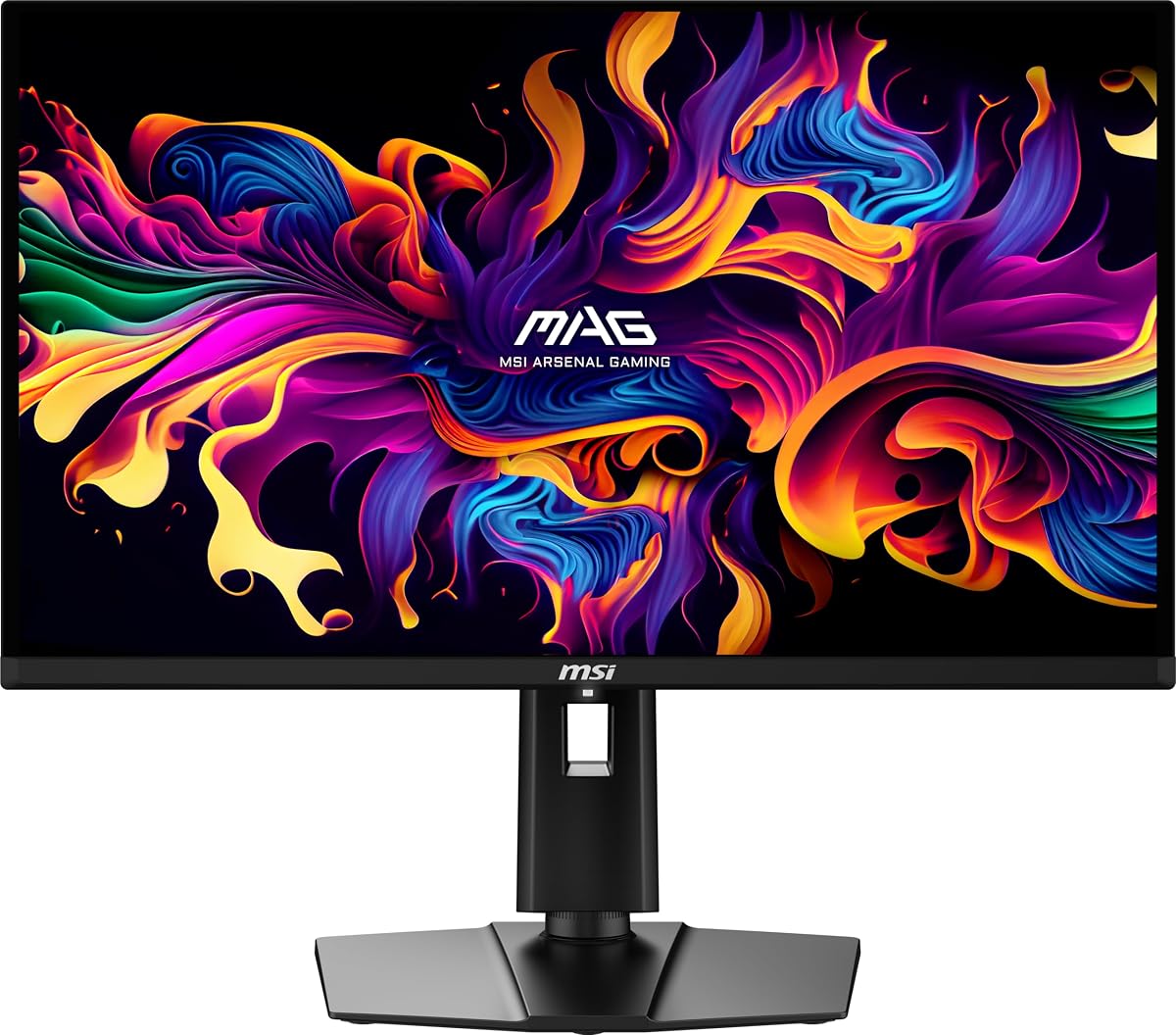
The MSI MAG 274QP QD-OLED combines speed with exceptional visual quality. An enhanced sub-pixel arrangement improves sharpness making text and edges clearer than standard OLEDs. Its 240Hz refresh rate ensures smooth motion while the 0.03ms response time is practically instant.
We may earn a commission when you buy through this link, at no additional cost to you.
MSI GI software includes OLED Care 2.0 to prevent burn-in risks over time. The graphene heatsink provides silent cooling without fans which adds to the quiet operation. This monitor supports HDMI 2.1 for next-gen consoles and high bandwidth content.
The cost is higher than IPS options and care must be taken to avoid static images. Users need to manage brightness and screen savers to extend panel life. These precautions ensure the monitor lasts long while delivering premium visual performance.
This monitor is best for high-end setups where quality and speed are paramount. It excels in competitive gaming due to its instant response times. If you want the best viewing experience and are willing to maintain it this model is top tier.
The enhanced sub-pixel arrangement improves image sharpness beyond typical OLEDs. This makes text and fine details appear sharper and more defined across the screen.
The graphene heatsink dissipates heat without active fans for silent operation. This ensures no noise interference during quiet gaming or recording sessions.
We may earn a commission when you buy through this link, at no additional cost to you.
The Alienware AW2723DF delivers a premium experience with its iconic Lunar Light design. It features IPS Nano Color technology for vibrant 95% DCI-P3 coverage. The 240Hz native refresh rate with 280Hz overclocking ensures fluid gameplay for competitive titles.
We may earn a commission when you buy through this link, at no additional cost to you.
VESA DisplayHDR 600 certification provides better brightness and contrast than standard HDR. The stand offers height tilt swivel and pivot adjustments for ergonomic comfort. AlienFX lighting allows you to customize the look to match your setup style.
The stand footprint is larger than some competitors which might require more desk space. The cost is higher than standard 240Hz monitors but justified by the build quality. These factors are acceptable if you value aesthetics and premium support.
This monitor is perfect for enthusiasts who want style and performance combined. The robust construction and warranty support provide long-term confidence. If you want a display that looks and performs great the AW2723DF is highly recommended.
IPS Nano Color enhances color purity ensuring accurate reproduction. This technology allows for vivid visuals that pop on the screen during gaming sessions.
AlienFX lighting adds a unique look to your gaming station. You can sync colors with games or adjust them manually to suit your mood.
We may earn a commission when you buy through this link, at no additional cost to you.
The Acer Nitro KG271U W3bmiipx is a solid mid-range option for 1440p gaming. Its zero-frame design offers a modern look with minimal bezels for immersion. The 240Hz refresh rate helps deliver ultra-smooth motion essential for fast-paced competitive gaming.
We may earn a commission when you buy through this link, at no additional cost to you.
With 99% sRGB coverage it produces accurate colors suitable for creative work too. The 0.5ms G to G response time ensures minimal ghosting during rapid movements. AMD FreeSync Premium technology reduces tearing for a more consistent experience.
The stand does not offer height adjustment which limits ergonomic customization. Connectivity is standard with HDMI and DisplayPort but lacks modern USB-C. These constraints are acceptable given the reliable performance and affordability of the monitor.
This monitor is ideal for budget focused gamers who need high refresh rates. It provides all the necessary features for smooth gaming without extra costs. If you want reliable performance at a fair price the KG271U W3bmiipx is a smart choice.
The zero-frame design removes thick frames allowing more screen space. This creates a seamless visual experience especially when using multiple monitors together.
Supporting 99% sRGB ensures colors are true to life. This makes the monitor useful for editing and viewing photos beyond just gaming.
We may earn a commission when you buy through this link, at no additional cost to you.
The MSI MAG 271QPX QD-OLED offers an advanced OLED experience for high-end gamers. True Black HDR 400 ensures dark scenes look deep and detailed. The 240Hz refresh rate combined with 0.03ms response time makes motion exceptionally clear and fast.
We may earn a commission when you buy through this link, at no additional cost to you.
OLED Care 2.0 provides enhanced features to prevent aging and burn-in. The graphene heatsink enables silent cooling without active fans. This results in efficient heat dispersion which extends the panel's lifespan significantly.
The cost is high compared to IPS panels and the stand offers limited adjustment. Users must be careful with static elements to prevent potential image retention. These factors are manageable for those committed to OLED's visual advantages.
This monitor is best for users seeking the pinnacle of contrast and color. Its advanced care features help maintain quality over long periods. If you want the deepest blacks and best color depth the MAG 271QPX is outstanding.
True Black HDR 400 delivers deep blacks for immersive dark scenes. This creates a cinematic look in games with high contrast requirements.
The graphene heatsink dissipates heat efficiently without a fan. This ensures the monitor stays cool and silent during extended gaming sessions.
We may earn a commission when you buy through this link, at no additional cost to you.
Choosing the right monitor involves balancing speed color and cost. This guide covers the key factors to consider before buying a high refresh rate display.
A 240Hz refresh rate allows the screen to display up to 240 frames per second. This reduces motion blur significantly and makes fast-paced games feel smoother. Ensure your GPU can output enough frames to utilize this speed fully.
Prioritize monitors that support 240Hz natively and via the ports you use.
Response time measures how quickly pixels change color which affects ghosting. Aim for 1ms or less for competitive gaming to keep images sharp. Lower response times ensure fast moving objects do not trail.
Look for G to G specs rather than MPRT for accurate blur assessment.
IPS panels offer good color and viewing angles while OLED provides perfect blacks. QD-OLED combines quantum dots with OLED for vibrant colors and high contrast. Choose IPS for budget and OLED for premium visual depth.
Select a panel type that matches your preference for color accuracy.
Adaptive sync like G-Sync and FreeSync prevents screen tearing during gameplay. Look for official certifications to ensure compatibility with your graphics card. This technology syncs the refresh rate with the GPU output for smooth visuals.
Check both NVIDIA and AMD compatibility before finalizing your purchase.
High color gamut coverage like 95% DCI-P3 ensures vibrant and true colors. This matters for media consumption and creative work beyond gaming. Accurate colors make games look richer and more immersive.
Prioritize monitors with wide gamut coverage if color is a priority.
Adjustable stands with height tilt and swivel improve comfort during long sessions. A pivot function helps when using the monitor in portrait mode. Proper ergonomics reduce strain on your neck and back.
Ensure the stand offers the adjustments you need for your desk.
DisplayPort 1.4 is essential for running 240Hz at 1440p resolution. HDMI 2.1 support benefits console users for high refresh rates. USB-C offers convenient single cable setups for laptops and data transfer.
Check the ports available to match your PC or console needs.
Prices vary significantly between IPS and OLED technologies. Budget models offer speed while premium options deliver better visuals. Decide your max spend to narrow down choices effectively.
Balance performance with affordability to get the best value.
Connect your PC using DisplayPort to ensure the full 240Hz refresh rate is active. Adjust your graphics card settings to match the monitor's native resolution and refresh rate.
Enable adaptive sync in your GPU control panel to eliminate screen tearing during gameplay. Calibrate color settings if you work with visual media to maintain accuracy.
Use screen savers or power-saving features to prevent image retention on OLED panels. Clean the screen gently with a microfiber cloth to avoid scratches.
240Hz provides smoother motion which benefits competitive gamers. For casual play 144Hz is often enough but 240Hz future-proofs your setup.
Yes high frame rates require strong GPU performance to avoid bottlenecks. Ensure your graphics card can consistently output high FPS.
OLED offers faster response times and better contrast while IPS is more affordable. Choose based on your priority for visual quality or budget.
DisplayPort 1.4 is the most reliable choice for 1440p at 240Hz. Ensure the cable supports the bandwidth required for this resolution.
Use dynamic brightness management and screen savers to reduce static image risks. OLED Care features in modern monitors help manage this effectively.
G-Sync and FreeSync both eliminate tearing but G-Sync is stricter on compatibility. Check if your graphics card supports the monitor's adaptive sync.
It depends on the HDMI version. HDMI 2.1 supports higher rates but DisplayPort is often required for 240Hz at 1440p.
The LG 27GR83Q-B offers the best balance of speed and color for most gamers. Budget buyers will appreciate the AOC 27 Gaming Monitor's speed and affordability.
Prioritize response time and adaptive sync to ensure a smooth experience. High refresh rates only matter if your system can sustain high frame rates.
Always check current pricing and availability before making a purchase decision. Features and deals change frequently so verify specs before buying.