
BenQ TH671ST
4.4Editor score
Native Full HD Resolution
Ultra-Low Input Lag
Short Throw Design
Discover the top Benq Projector for Golf Simulator options compared by resolution, brightness, throw distance, and gaming performance to build your perfect
Choosing the right Benq Projector for Golf Simulator transforms your practice space into a realistic training ground. High brightness, accurate colors, and low latency are essential for a truly immersive experience.
We evaluated ten top models based on projection quality, installation flexibility, and compatibility with popular simulation software. Each pick balances performance with practical features for home and pro setups.
Every product review highlights specific strengths and limitations to help you decide quickly. Keep in mind that stock and pricing fluctuate, so check current availability before making your final purchase.
4.4Editor score

3.5Editor score
5.0Editor score
This side-by-side comparison highlights the key specifications of every model to help you find the perfect match for your indoor golf setup.


The BenQ AH700ST stands out as a specialized tool for golf enthusiasts. It offers Full HD clarity paired with a high brightness output to handle typical garage lighting.
We may earn a commission when you buy through this link, at no additional cost to you.
Key strengths include its dedicated golf mode, which optimizes green tones and contrast for better course visibility. The short throw design means less distance between the unit and screen, minimizing shadows from the swing.
Trade-offs include a 1080p resolution limit compared to newer 4K models. However, this resolution is often sufficient for simulation graphics, especially given the high brightness and low latency.
Buyers looking for a reliable, purpose built projector should consider this model. It balances performance and price for home setups needing minimal installation complexity.
Specialized color tuning helps differentiate grass, sand, and sky clearly during virtual rounds.
The short throw ratio allows placement closer to the screen, reducing the risk of player interference.
We may earn a commission when you buy through this link, at no additional cost to you.
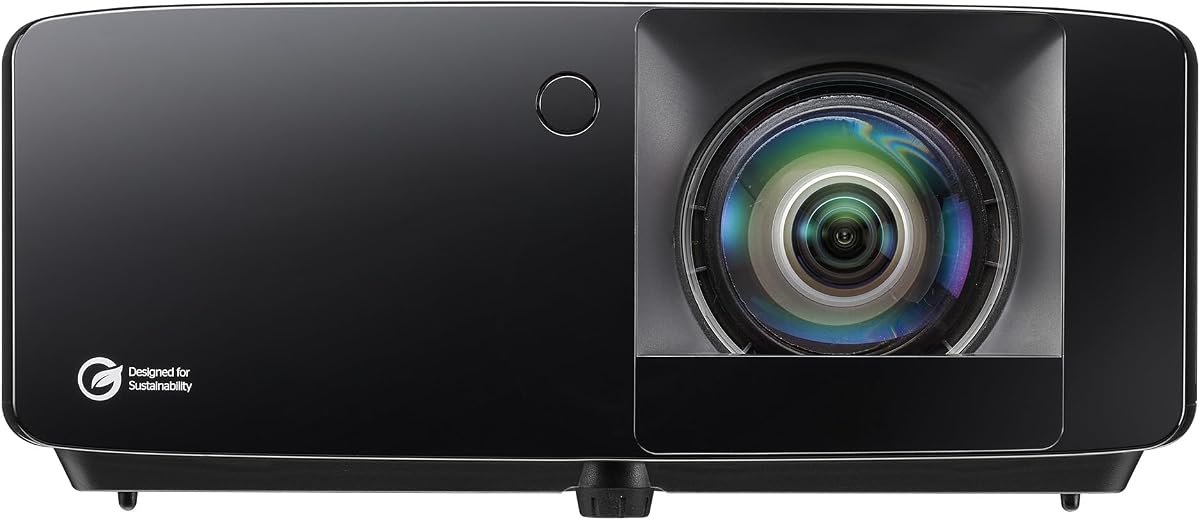
The BenQ TH671ST is an excellent entry point for those building a simulator on a budget. It delivers crisp 1080p images and has low input lag for responsive feedback.
We may earn a commission when you buy through this link, at no additional cost to you.
Its gaming focus translates well to golf simulation, ensuring smooth motion tracking. The short throw lens allows for versatile room setups without needing a large distance.
Compared to laser models, this unit may have a shorter lifespan and lower peak brightness. However, for dimmer environments, it provides reliable performance at a competitive cost.
This projector is ideal for hobbyists who want quality visuals without overspending. It proves that you can get a solid gaming experience without breaking the bank.
Fast response times ensure your swing animations render without delay, critical for accurate feedback.
The projector fits easily on shelves or mounts, maximizing space in tighter rooms.
We may earn a commission when you buy through this link, at no additional cost to you.
The Optoma GT3900UHD brings True 4K resolution to golf simulation, offering unmatched detail. Its ultra-short throw lens is perfect for avoiding shadows entirely.
We may earn a commission when you buy through this link, at no additional cost to you.
This model supports HDR and low input lag, making it versatile for other entertainment. The laser source ensures long term brightness stability for years of use.
While expensive, the clarity and convenience justify the investment for serious players. It provides a professional experience that rivals commercial indoor facilities.
Ideal for those wanting the best possible visual fidelity, this projector sets a high standard. It balances advanced technology with practical design for home use.
Placing the projector close to the screen minimizes the chance of your body blocking the image.
The durable laser source reduces maintenance and ensures consistent performance over time.
We may earn a commission when you buy through this link, at no additional cost to you.
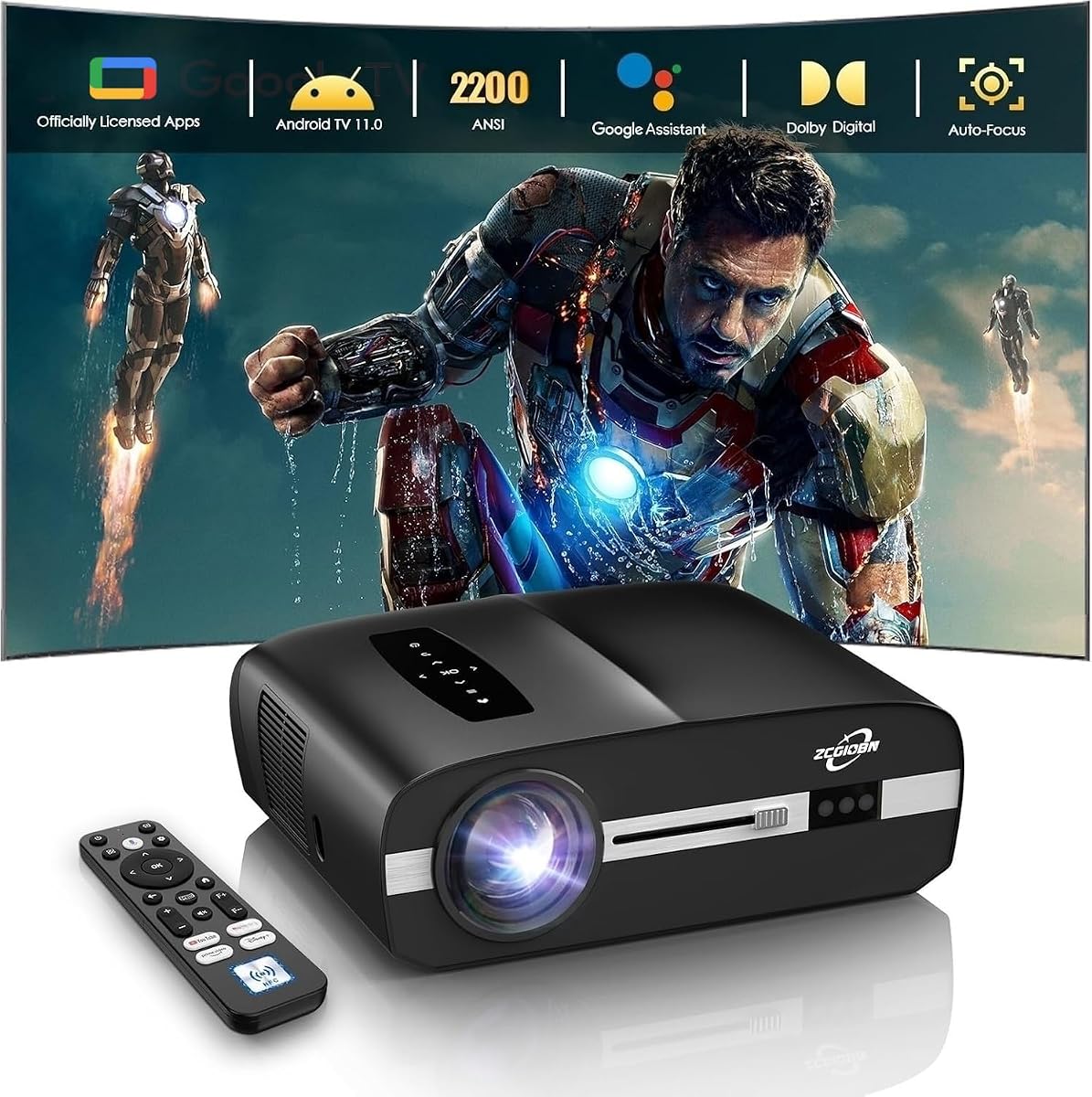
This 4K projector brings smart TV capabilities to your golf setup. It offers high brightness and HDMI 2.1 support for smooth data transfer.
We may earn a commission when you buy through this link, at no additional cost to you.
Features like auto keystone and Google TV make it easy to setup and stream content. The fully sealed engine protects against dust in garage environments.
It is not a short throw, so placement requires care to avoid shadows. Connecting a PC is necessary for full simulation features as direct casting isn't supported.
Buyers who value smart features and ease of use will appreciate this unit. It delivers a strong balance of visual quality and functionality for home users.
Access streaming services directly without extra devices, enhancing the overall entertainment value.
Auto alignment tools save time and ensure the image is perfectly squared quickly.
We may earn a commission when you buy through this link, at no additional cost to you.
The BenQ TH575i combines high brightness with a Google TV dongle for a versatile setup. It handles ambient light well, making it suitable for garages.
We may earn a commission when you buy through this link, at no additional cost to you.
Its low input lag is beneficial for real-time gaming feedback. The included streaming hardware simplifies the setup process for entertainment beyond golf.
However, the 1080p resolution and lack of short throw may limit immersion. Users must ensure proper placement to avoid shadows during swing movements.
This model is great for those wanting a dual-purpose entertainment center. It offers strong performance for the price, balancing gaming and streaming features.
Built-in apps allow you to enjoy movies or sports on the same big screen.
High lumen count ensures images remain clear even with lights partially on.
We may earn a commission when you buy through this link, at no additional cost to you.
The BenQ LU935ST offers professional-level performance with WUXGA resolution and high brightness. It is designed for well-lit spaces and demanding environments.
We may earn a commission when you buy through this link, at no additional cost to you.
Its short throw ratio and lens shift allow flexible placement. The laser source ensures stability over years, suitable for heavy usage.
The price and features lean towards business or high-end installations. It may be overkill for typical home use but excels in performance.
Investors looking for commercial quality can rely on this unit. It ensures a vivid display regardless of ambient light conditions.
Exceptional brightness makes it usable in bright rooms without compromising image clarity.
Lateral lens shift allows adjustment without moving the projector, simplifying alignment.
We may earn a commission when you buy through this link, at no additional cost to you.
The BenQ LK936ST delivers native 4K visuals with high brightness. It combines professional specs with short throw convenience for immersive viewing.
We may earn a commission when you buy through this link, at no additional cost to you.
Its connectivity options like HDBaseT allow long-distance signal transmission. The laser source ensures consistent performance, minimizing maintenance.
While targeted at commercial users, its resolution and brightness suit home golf simulators well. It is a robust solution for quality seekers.
Buyers prioritizing visual clarity and reliability should consider this model. It ensures a professional experience suitable for serious training.
Native 4K ensures every pixel is sharp, enhancing the realism of virtual courses.
Advanced input options allow for complex setups with minimal signal loss.
We may earn a commission when you buy through this link, at no additional cost to you.
The BenQ W4100i merges 4K HDR with Android TV for smart viewing. Its color accuracy and brightness are excellent for home entertainment.
We may earn a commission when you buy through this link, at no additional cost to you.
While not specialized for golf, its performance is suitable. The LED source provides longevity without lamp replacements.
Its standard throw requires careful positioning to avoid swing shadows. The focus is more on cinema than simulation specifics.
This model is great for dual-purpose rooms where entertainment matters. It offers high quality visuals with built-in streaming apps.
Factory calibrated colors ensure realistic images for all types of content.
Pre-loaded apps remove the need for external streaming sticks.
We may earn a commission when you buy through this link, at no additional cost to you.
The ViewSonic LS740W offers high brightness and a dedicated golf mode. It ensures visibility in well-lit rooms, ideal for training spaces.
We may earn a commission when you buy through this link, at no additional cost to you.
Its simulation mode enhances colors for better course contrast. The quick startup saves time, making it ready instantly for use.
Resolution is lower than modern 4K models. However, the brightness and specialized features compensate for casual training needs.
This projector suits those prioritizing visibility and speed. It is a practical choice for high-traffic simulation areas.
Enhances specific greens and blues to improve course accuracy visually.
No warm-up means you can start playing immediately.
We may earn a commission when you buy through this link, at no additional cost to you.
The GoSports Projector Cover protects your gear from stray balls. It allows floor mounting, avoiding complex ceiling wiring.
We may earn a commission when you buy through this link, at no additional cost to you.
Made of durable HDPE, it shields against impacts. The design includes vents to prevent overheating, ensuring longevity.
Not waterproof, it is best for indoor use. It simplifies the setup significantly for those avoiding overhead work.
This accessory is essential for safety. It preserves your investment and keeps the setup neat and secure.
Solid panels absorb hits, protecting your sensitive optics from damage.
No tools needed to place it over your projector.
We may earn a commission when you buy through this link, at no additional cost to you.
Selecting the right projector requires analyzing several technical aspects to ensure optimal performance.
Brightness measured in lumens determines visibility in your space. Higher lumens allow usage with lights on.
Aim for at least 3000 ANSI lumens for clear images.
Short throw lenses project large images from closer distances. This is vital to avoid casting shadows during swings.
Check the throw ratio to ensure it fits your room.
Input lag is the delay between signal and image. Low lag ensures real-time swing feedback.
Look for lag under 20ms for smooth motion.
Higher resolution like 4K offers more course detail. It enhances immersion significantly.
Budget units may stick to 1080p which is often sufficient.
HDMI ports allow connection to PCs and consoles. Multiple inputs add flexibility for devices.
Ensure HDMI 2.1 is available for high bandwidth.
Flexible mounting like ceiling or desk setups matters. Proper placement avoids obstruction.
Consider projectors with lens shift for easy adjustment.
Position your projector carefully to minimize shadows. Keep the lens clean and free from dust.
Ensure your PC or console connects via high-speed HDMI. Test lag settings before playing.
Regularly check ventilation to prevent overheating. Keep the area around the projector clear.
Yes, but a short-throw model is ideal. It allows placement away from the swing path to prevent shadows. Standard projectors may interfere with your game unless ceiling mounted.
Gars often have ambient light, so aim for 3000 lumens or more. This ensures the screen remains visible even when lights are on.
Use Game Mode in projector settings to disable post-processing. This speeds up the signal processing for faster response during swings.
Laser units offer longer life and stable brightness over time. They are more efficient and require less maintenance than lamp models.
Yes, use an HDMI cable to connect your PC. Ensure your graphics card supports the projector's resolution for best performance.
A white wall works in low light, but a proper screen improves contrast. Projector screens help manage glare and maintain image quality.
We highlighted top options like the BenQ AH700ST and Optoma GT3900UHD for different needs. Each brings unique strengths to the simulation experience.
Prioritize brightness and throw distance for the best setup. These factors directly impact your gameplay immersion.
Always check current availability and specs before buying. Market offerings change frequently, so verify details.