
A-Tech 8GB DDR4 2400 MHz
4.7Editor score
Affordable 8GB capacity
2400MHz speed rating
Lifetime warranty included
Discover the top DDR4 Sodimm Laptop RAM options for 2026. This guide compares performance, compatibility, and value to help you upgrade your notebook speed
Upgrading your laptop memory is one of the easiest ways to boost performance. DDR4 Sodimm Laptop RAM modules offer significant improvements for multitasking and loading times across many devices.
We evaluated ten top-rated modules based on speed, capacity, and brand reliability. Each selection meets strict compatibility standards for modern laptops and notebooks using DDR4 sockets.
Every pick below shows key specs and real-world benefits. Prices fluctuate frequently, so verify current costs before buying to ensure you get the best value for your system.
4.7Editor score
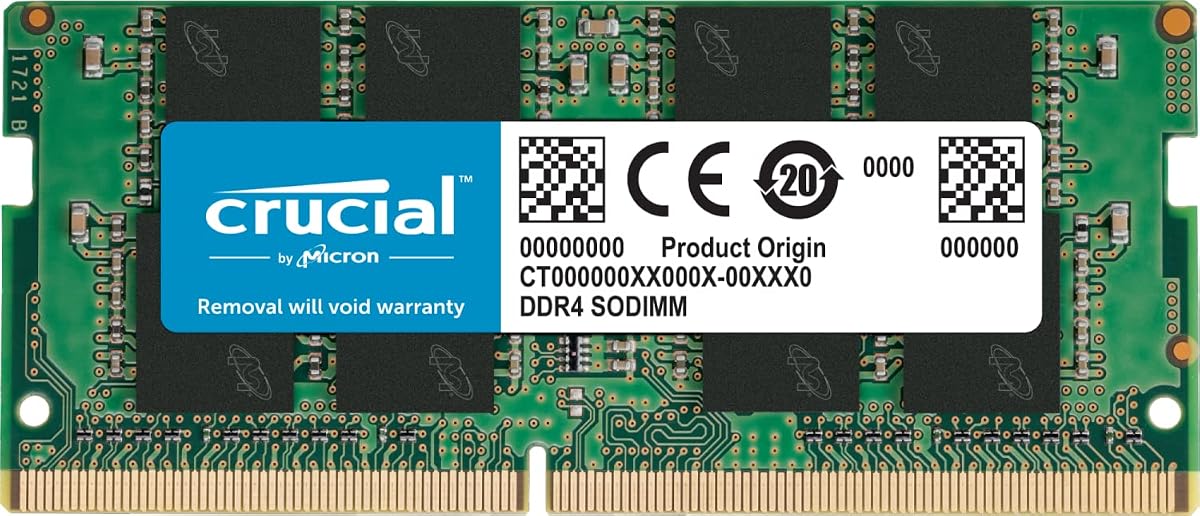
4.8Editor score
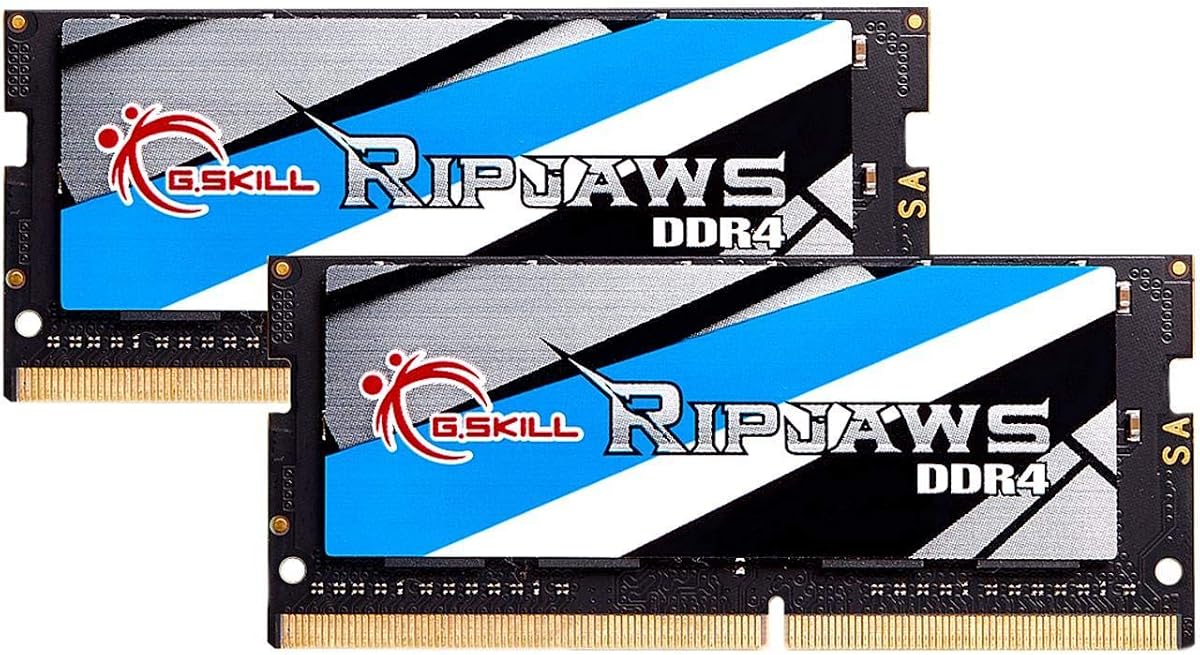
4.7Editor score
The following table provides a side-by-side overview of all ten selected modules. Compare capacities, speeds, and form factors to find the exact match for your laptop upgrade needs.


This Crucial module offers a robust 16GB capacity at 3200MHz, earning it a top rating for performance. It is designed to work seamlessly with modern Intel and AMD systems.
We may earn a commission when you buy through this link, at no additional cost to you.
The standout quality is the compatibility guarantee via Crucial's system scanner. This ensures you select the correct RAM for your specific device without guesswork.
While it is pricier than budget options, the reliability and speed justify the cost. Most users report smoother multitasking and faster application loading times.
Buy this if you need a proven upgrade for a recent laptop. It remains the top recommendation for balancing capacity and speed effectively.
Use the Crucial System Scanner to confirm your laptop supports this exact module before purchase.
3200MHz speed significantly reduces lag when running multiple heavy applications simultaneously.
We may earn a commission when you buy through this link, at no additional cost to you.
Samsung is a trusted name in memory, and this 16GB module delivers consistent 3200MHz performance. It aims to speed up loading times effectively.
We may earn a commission when you buy through this link, at no additional cost to you.
The dual rank configuration helps maintain stability under heavy workloads. Users appreciate the genuine manufacturing quality and dependable specifications.
It is a premium choice that requires checking system support. However, the reliability makes it a solid investment for professional workflows.
Choose this if you prioritize brand authenticity and stability. It is ideal for laptops needing a reliable boost in memory capacity.
Dual Rank x8 configuration supports better data throughput during intensive computing tasks.
All modules undergo strict quality assurance to ensure dependable long-term performance.
We may earn a commission when you buy through this link, at no additional cost to you.
This 8GB module brings high-speed 3200MHz performance to budget-conscious buyers. It is downclockable to match older system requirements perfectly.
We may earn a commission when you buy through this link, at no additional cost to you.
Its compatibility with both 13th Gen Intel and AMD Ryzen 7000 makes it versatile. Micron quality ensures reliability across various laptop brands.
The main trade-off is the lower capacity compared to 16GB options. However, for general use, this speed is often sufficient and smooth.
Buy this for adding speed to a budget laptop efficiently. It strikes a great balance between cost and performance.
Downclocks to 2933MHz or 2666MHz if your laptop does not support 3200MHz.
Backed by 42 years of memory expertise for consistent component quality.
We may earn a commission when you buy through this link, at no additional cost to you.
This kit delivers a massive 32GB total capacity in two 16GB modules. It is designed for users needing maximum memory for heavy tasks.
We may earn a commission when you buy through this link, at no additional cost to you.
The 3200MT/s speed allows for overclocking potential if your BIOS supports it. G.SKILL is known for stable, high-performance memory solutions.
Note that mixing kits can cause instability, so use the matched set provided. Users must verify their hardware compatibility carefully.
Choose this if you need substantial memory for gaming or editing. It is a powerful choice for advanced laptop users.
Sold as a matched pair to ensure optimal dual-channel performance.
Includes default profile for standard boot speeds without extra configuration.
We may earn a commission when you buy through this link, at no additional cost to you.
This 32GB kit offers speed flexibility for various laptops. It can run at 3200MHz or downclock to match system limits.
We may earn a commission when you buy through this link, at no additional cost to you.
TEAMGROUP supports buyers with a lifetime warranty and free technical assistance. Installation videos help guide users through the upgrade process.
The speed depends heavily on your motherboard and BIOS settings. Always check device specs before purchasing to avoid issues.
Ideal for users needing 32GB capacity with added support. It provides a robust upgrade path for demanding workloads.
Products include lifetime warranty and free technical support for peace of mind.
Operates at 2933MHz or 2666MHz if host system requires lower speeds.
We may earn a commission when you buy through this link, at no additional cost to you.
This module provides a budget-friendly way to upgrade your laptop. It offers 8GB capacity at 2400MHz for reliable daily use.
We may earn a commission when you buy through this link, at no additional cost to you.
A-Tech backs this RAM with a lifetime warranty and friendly support. It is designed for home installation without needing expertise.
The speed is lower than premium options, which is acceptable for basic tasks. It maximizes performance for older or entry-level laptops.
Perfect for cost-effective upgrades where 3200MHz is not needed. It ensures your system meets basic multitasking requirements.
An affordable solution to boost loading speeds and multitasking on a budget.
Backed by A-Tech's lifetime warranty for long-term security and reliability.
We may earn a commission when you buy through this link, at no additional cost to you.
This 32GB kit offers high performance for laptops requiring more memory. It supports speeds up to 3200MHz for smooth operation.
We may earn a commission when you buy through this link, at no additional cost to you.
Designed for a wide range of devices, it works with laptops and notebooks. The unbuffered Non-ECC type is standard for most consumer systems.
Speed may vary depending on your specific system specifications. Always verify device limits before purchasing to avoid compatibility issues.
Choose this if you need high capacity for demanding software. It ensures versatile use across multiple system types.
32GB kit allows for handling greater workloads and larger applications.
Ensures versatile use across multiple laptops and all-in-one computers.
We may earn a commission when you buy through this link, at no additional cost to you.
This genuine Samsung module delivers fast 3200MHz speeds in 8GB capacity. It is ideal for expanding available memory resources.
We may earn a commission when you buy through this link, at no additional cost to you.
The single rank design ensures physical compatibility with many thin laptops. It effectively reduces bottlenecks in system performance.
Note that product numbers may vary slightly. However, the specifications remain identical in performance and reliability.
Buy this for reliable expansion without bulk. It is a strong choice for notebooks needing a simple speed boost.
Single Rank x16 design ensures broad compatibility with modern laptop chassis.
Expands system memory to improve performance and increase workload capacity.
We may earn a commission when you buy through this link, at no additional cost to you.
This module provides maximum 32GB capacity at 3200MHz for powerful laptops. It is the newest version for latest speed standards.
We may earn a commission when you buy through this link, at no additional cost to you.
Dual Rank 2Rx8 configuration supports higher performance. It helps handle complex applications and virtualization tasks efficiently.
High capacity comes with a higher cost. Verify motherboard limits before purchasing to ensure full utilization of the module.
Choose this for professional workloads needing max memory. It supports heavy tasks and large datasets effectively.
2Rx8 component composition supports better data throughput during intensive work.
Latest version ensures compatibility with newest laptop hardware standards.
We may earn a commission when you buy through this link, at no additional cost to you.
This CORSAIR module offers a sleek design for laptops with 11th Gen Intel. It ensures physical compatibility with tight chassis requirements.
We may earn a commission when you buy through this link, at no additional cost to you.
Auto-overclocking allows compatible laptops to reach full speed without BIOS changes. Each module is built for excellent stability.
Max speed requires configuration on some systems. However, the selected DRAM ensures reliable performance in daily use.
Ideal for users wanting style and reliability. It works well with compatible Intel laptops and notebooks.
Slim design ensures physical compatibility with 11th Gen Intel Core Processors.
Compatible notebooks auto-overclock to full speed without BIOS configuration.
We may earn a commission when you buy through this link, at no additional cost to you.
Selecting the right RAM requires checking speed, capacity, and compatibility. This guide breaks down essential factors to help you upgrade confidently.
Capacity determines how many applications you can run simultaneously. For general tasks, 8GB is often enough. However, 16GB or 32GB is better for gaming or video editing.
Always check your laptop's maximum supported capacity before buying larger kits.
Speed like 3200MHz impacts data transfer rates. Higher speeds reduce lag in heavy workloads. Ensure your CPU and motherboard support the chosen frequency.
Modules often downclock to match lower system limits if needed.
Laptops use SODIMM (Small Outline Dual In-Line Memory Module). Desktop RAM will not fit in laptops. Verify the pin count matches your device.
DDR4 SODIMM modules typically have 260 pins.
Different systems support different memory configurations. Use tools like Crucial System Scanner to ensure accurate recommendations for your specific device.
Always verify compatibility before purchasing to avoid return hassles.
Using two identical modules enables dual-channel mode. This doubles data bandwidth for faster performance. Kits often include matched pairs.
Single sticks may limit performance on systems expecting dual-channel setup.
Major brands like Samsung and Crucial provide reliable quality. They test modules rigorously to ensure stable performance over time.
Established brands offer better warranty support and return policies.
Most DDR4 memory runs at 1.2V. Ensure your laptop motherboard supports standard DDR4 voltages.
Standard voltage ensures safe operation without overheating issues.
Reliable RAM often comes with a lifetime warranty. This protects you against manufacturing defects for the life of the product.
Always check warranty details to know what is covered.
To install RAM, turn off your laptop and disconnect power. Open the access panel carefully to expose the memory slots. Align the notches on the module with the slot and press down until the clips snap.
After installation, restart your laptop and check system info. Confirm the new total capacity is recognized. If issues arise, reseat the module to ensure proper contact.
Keep your laptop vents clean to prevent overheating. Dust buildup can cause heat that affects performance. Regular cleaning helps your RAM run smoothly.
It is generally not recommended to mix brands. Different memory chips may have varying timings or voltage needs. This can lead to instability or failure to boot. Using identical kits ensures best stability.
Check your laptop's manual or manufacturer website for memory specs. Many system tools like CPU-Z or Crucial Scanner also report supported RAM type. Ensure your CPU is compatible with DDR4.
Higher speed helps in heavy multitasking and gaming. For basic browsing, 2400MHz or 3200MHz feels similar. However, faster RAM improves overall system responsiveness when running multiple apps.
Too much RAM beyond motherboard limits will not work. The laptop may fail to boot or only detect partial capacity. Always check the maximum supported capacity per slot.
No, DDR4 RAM is not compatible with DDR3 slots. They have different pin counts and notches. Your laptop must specifically support DDR4 memory to use these modules.
Press Windows + Pause to open System settings. Look under Memory to see current capacity and type. Task Manager Performance tab also shows detailed speed and slot info.
Our top picks include the Crucial 16GB for overall balance, Samsung 16GB for premium reliability, and A-Tech 8GB for budget value. Each offers unique benefits.
Prioritize compatibility and capacity based on your specific needs. Ensure your system supports the speed before purchasing to avoid unnecessary returns.
Always check current prices before finalizing your order as market rates change frequently. Finding the right RAM ensures your laptop performs at its peak.