
WD SE 2TB Datacenter
4.4Editor score
Cost-effective per GB
Vibration tolerance
Enterprise grade
Choosing the right storage solution is crucial for modern computing needs. A 7200 Rpm HDD Hard Drive offers a balance of speed and capacity that suits many users. These drives provide reliable performance for everyday tasks and more demanding applications alike.
We evaluated ten leading models based on performance, reliability, and user feedback. Our comparison focuses on key specs like cache size, interface speed, and build quality. This list covers various capacities and form factors to meet diverse requirements.
Each pick highlights specific strengths and ideal use cases for different users. Note that product availability and pricing can change frequently over time. Always check current details before making your final purchasing decision for your system.
4.4Editor score

4.6Editor score

4.4Editor score
As an Amazon Associate we earn from qualifying purchases.
Here is a side-by-side look at the ten selected models to help you compare key specifications quickly.
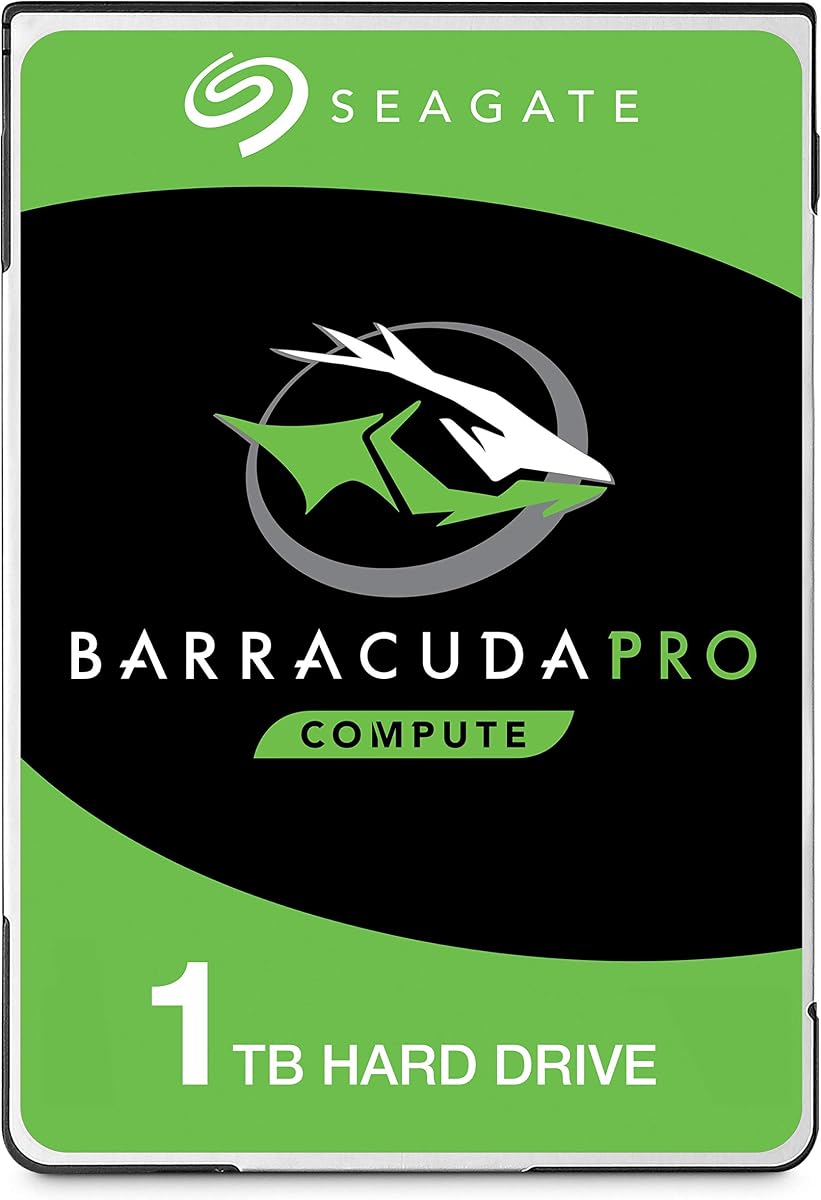


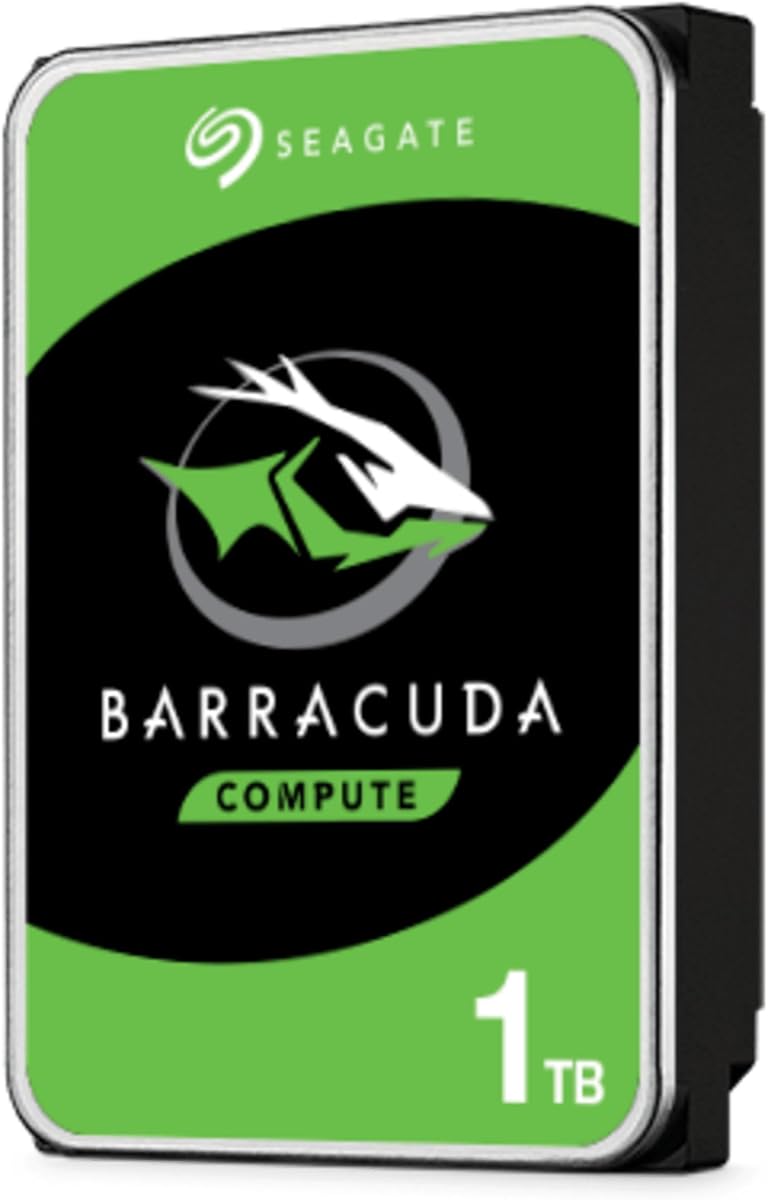
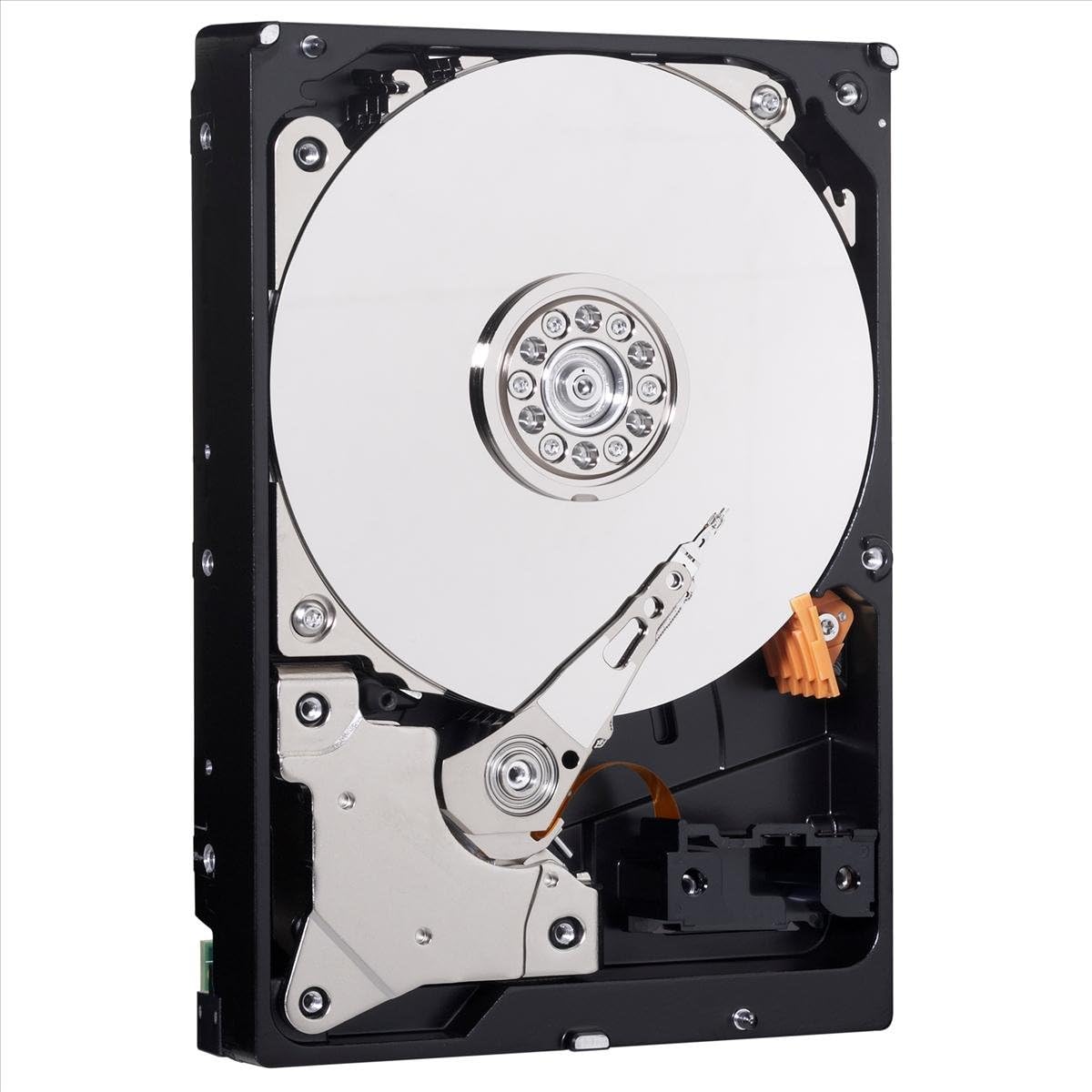


This drive stands out as a top choice for general desktop use. It combines speed with reliability to handle everyday tasks smoothly. Users appreciate its proven technology and frustration-free packaging for setup.
We may earn a commission when you buy through this link, at no additional cost to you.
The 7200 RPM speed ensures quick access to files and applications. With 64MB cache, data throughput is optimized for better system responsiveness. It supports a wide range of PC applications from media to gaming.
While it offers solid performance, it may not be ideal for extreme workstation loads. The warranty period is standard compared to some premium enterprise options. However, it remains a trusted choice for most users.
Buyers seeking a dependable storage solution for their desktop PC will find this model compelling. Its balance of capacity and speed makes it suitable for various needs. We recommend it for those wanting reliable performance.
The drive delivers consistent speed for daily computing tasks efficiently.
Frustration-free packaging simplifies the installation process for users.
We may earn a commission when you buy through this link, at no additional cost to you.
This model brings desktop-class speed to laptop environments effectively. The 128MB cache helps optimize read/write tasks for smoother operation. It is designed for users who need mobility without sacrificing performance.
We may earn a commission when you buy through this link, at no additional cost to you.
Users can tackle large projects like video editing or gaming with confidence. The included Rescue Data Recovery Services provide added peace of mind. Five-year warranty ensures long-term reliability for your valuable data.
While powerful, the price is higher than standard desktop drives. The 2.5-inch form factor limits capacity to 1TB which may not suit all. Yet it excels where portable high-speed storage is needed.
If you need a fast drive for a laptop or compact desktop this is ideal. The combination of cache and recovery services makes it stand out. Consider it if you value data security and speed.
Ideal for laptops requiring high performance in a small form.
Included recovery services help protect against accidental data loss.
We may earn a commission when you buy through this link, at no additional cost to you.
Designed specifically for gamers and creative professionals this drive excels. StableTrac technology improves reliability under demanding workloads significantly. Users get fast access to large game libraries and media files.
We may earn a commission when you buy through this link, at no additional cost to you.
The 2TB capacity offers ample space for modern titles and assets. Five-year warranty reflects confidence in its durability and longevity. It supports intensive tasks without slowing down the system.
Though premium priced it delivers value for those needing top-tier speed. It may not be the first choice for NAS systems compared to others. But for desktops it is a powerhouse option.
Gamers and creators needing reliable fast storage should consider this model. Its build quality and warranty provide confidence for long-term use. It is a solid investment for high-performance setups.
Optimized for gamers loading large files and assets quickly.
StableTrac reduces vibration to ensure consistent performance.
We may earn a commission when you buy through this link, at no additional cost to you.
This drive offers exceptional value for general desktop storage needs. It holds 2TB of data with fast SATA connectivity for speed. Users love its high rating and cost-effectiveness for upgrades.
We may earn a commission when you buy through this link, at no additional cost to you.
It handles everyday tasks like file storage and media streaming well. The 7200 RPM speed ensures reasonable performance for most applications. It fits standard desktop cases without issues.
While it lacks advanced features, it gets the job done efficiently. Warranty terms are standard but not extended compared to premium models. Still it is a great pick for budget-conscious buyers.
If you need simple reliable storage for a desktop this works well. The high user satisfaction rating speaks to its quality. We recommend it for general home or office use.
Offers large capacity at a very competitive price point.
SATA 6Gb/s interface ensures quick file access speeds.
We may earn a commission when you buy through this link, at no additional cost to you.
This drive brings datacenter reliability to affordable storage solutions. It includes RAFF technology to handle vibration in multi-drive setups. Users benefit from stable performance even in dense environments.
We may earn a commission when you buy through this link, at no additional cost to you.
Testing involves millions of hours to ensure consistent reliability over time. It holds 2TB and supports continuous operation effectively. Five-year warranty covers long-term usage needs well.
Installation requires purchasing screws separately which may inconvenience some. But the cost savings and reliability make up for this minor step. It is great for users needing robust storage.
Choose this if you want enterprise quality at a lower price. It suits systems needing vibration tolerance or continuous run capabilities. Great for workstations or small servers on a budget.
RAFF tech reduces vibration issues in multi-drive enclosures.
Delivers enterprise reliability with a low cost per gigabyte.
We may earn a commission when you buy through this link, at no additional cost to you.
This drive provides massive storage for space-hungry PC games. Its cache optimizes burst performance to reduce data bottlenecks effectively. It uses SATA 6Gb/s for modern controller compatibility seamlessly.
We may earn a commission when you buy through this link, at no additional cost to you.
Users can download movies and large files with plenty of room. The performance platform complements high capacity for desktop tasks. It is frustration-free packaged for easy handling during install.
Being an older model it may not have latest features. But it still delivers solid performance for standard desktop use. Many find it a dependable choice for expansion.
If you need extra space for media and games this works well. It balances capacity and speed efficiently for typical users. Consider it for secondary storage or main system drives.
Plenty of room for large game downloads and video files.
SATA 6Gb/s works with newest and older controllers.
We may earn a commission when you buy through this link, at no additional cost to you.
A trusted option for general desktop needs and media storage. It builds on 20 years of innovation with proven reliability. Users find it easy to install and use for various apps.
We may earn a commission when you buy through this link, at no additional cost to you.
Supports everything from music to video editing without issues. The 7200 RPM ensures adequate speed for everyday multitasking well. Frustration-free packaging simplifies the unboxing process.
Warranty period is shorter than some competing high-end options. But it remains a solid choice for casual users and gamers. Its reputation speaks for itself in many builds.
Look to this drive for dependable storage at a fair price. It fits standard desktop cases and offers good speed for tasks. A great pick for system upgrades and backups.
Backed by decades of innovation and consistent performance.
Works well for gaming media editing and daily tasks.
We may earn a commission when you buy through this link, at no additional cost to you.
This drive focuses on efficiency and reliability for desktops. IntelliSeek calculates optimum seek speeds to lower power and noise. Users get smooth operation with reduced vibration for quieter systems.
We may earn a commission when you buy through this link, at no additional cost to you.
Data LifeGuard monitors health continuously to keep the drive safe. NoTouch Ramp Load protects heads to prevent damage and loss. It is designed for basic storage tasks effectively.
The 500GB capacity is small by modern standards now. But it works well for OS or apps where speed matters. It is a good budget pick for basic upgrades.
Choose this if you need a compact drive for light tasks. Its focus on power and noise makes it great for home PCs. Ideal for secondary partitions or OS drives.
IntelliSeek reduces noise and power consumption effectively.
NoTouch Ramp Load protects heads from surface damage.
We may earn a commission when you buy through this link, at no additional cost to you.
Features a larger cache to optimize performance for heavy tasks. Users can migrate data from old drives using free software. It offers fast 7200 RPM speeds for desktop computing well.
We may earn a commission when you buy through this link, at no additional cost to you.
The 2TB capacity supports diverse applications like gaming and video. Frustration-free packaging ensures smooth handling and setup. It is a reliable choice for building powerful desktops.
Cache size helps reduce bottlenecks for large file transfers. But the price may be higher than standard budget alternatives. Still the performance gains justify the cost for many.
This drive suits users needing faster performance and large storage. The included software adds value for system upgrades. Consider it for main drives in performance setups.
256MB cache improves throughput for large files.
Free DiscWizard helps migrate data from old drives.
We may earn a commission when you buy through this link, at no additional cost to you.
This model offers huge capacity for centralized storage needs. Hot-plug support allows adding or removing drives easily. Users can use it for RAID or surveillance setups effectively.
We may earn a commission when you buy through this link, at no additional cost to you.
Features like PowerChoice optimize power use during idle. 128MB cache supports sustained transfers for heavy loads. It is ideal for 24×7 operation in enterprise contexts.
Renewed units provide savings but may vary in cosmetic condition. Warranty is shorter than new models for these items. Still it offers great value for high-capacity storage.
Buyers needing 6TB for backups or video archives should consider this. It balances capacity with enterprise reliability features. A good pick for users needing bulk storage.
6TB holds vast amounts of data for archives.
Hot-plug and RAID features fit professional use cases.
We may earn a commission when you buy through this link, at no additional cost to you.
Selecting the right drive involves considering capacity, interface, and durability factors for your specific needs.
Consider how much data you need to store now and in the future. Larger capacities like 2TB or 6TB suit users with large media libraries. Ensure the drive fits your budget and system constraints.
Choose capacity based on your current files and expected growth over time.
Cache helps buffer data transfers for improved system performance. Larger cache sizes like 128MB or 256MB reduce bottlenecks. This matters for heavy workloads involving large files or games.
Look for at least 64MB cache to handle everyday multitasking.
SATA 6Gb/s ensures fast data throughput compatible with modern systems. Older interfaces may limit the drive potential and speed. Always match the interface to your motherboard for best results.
Use SATA 6Gb/s for maximum speed on modern desktops.
Check warranty length and brand reputation before buying a new drive. Enterprise drives often offer better reliability and longer coverage. This protects your data investment over years of use.
Prioritize drives with five-year warranties for peace of mind.
Ensure the drive size matches your case or laptop drive bay. 3.5-inch drives are for desktops and 2.5-inch for laptops. Some cases may not fit larger drives without adapters.
Measure your drive bay before purchasing to avoid fit issues.
Different workloads benefit from different drive features like vibration control. Gamers may prioritize speed while users needing bulk storage value capacity. Choose a drive optimized for your specific application.
Match the drive type to whether you are gaming or archiving.
Balance the cost per gigabyte with performance needs carefully. Budget models save money but may lack advanced features like hot-plug. Decide what matters most for your long-term storage goals.
Weigh features against price to find the best value option.
Look for power-saving technologies if you want lower electricity use. Some drives offer sleep modes or idle optimization to save energy. This matters for systems running 24×7 or with low power budgets.
Check power consumption specs for energy-efficient operation.
When installing a drive, ensure you have the proper mounting screws and cables. Power off your system before connecting the SATA and power cables securely. Secure the drive in the bay to minimize vibration during operation.
Keep your system well ventilated to prevent overheating the drive. Excessive heat can reduce the lifespan and performance of mechanical parts. Use software tools to monitor drive health and temperature regularly.
Backup important data to prevent loss from potential hardware failures. Regularly run health checks to detect issues before they become critical. Replace older drives if they show signs of degradation over time.
Yes generally 7200 RPM drives offer faster data access speeds. They load applications and files quicker than slower models. However they may use more power and generate more heat.
Enterprise drives often feature better vibration tolerance and reliability. They are designed for 24×7 operation in server environments. Desktop drives suit general home and office use well.
Yes you need a SATA data cable and a power cable. Most cases do not include these with new drives. Ensure your power supply has the necessary connectors for use.
Yes if it is a 2.5-inch form factor drive. Desktop models are 3.5 inches and will not fit laptop bays. Check your laptop specs before purchasing the drive type.
Check your motherboard manual or specifications online. Most modern motherboards support SATA 6Gb/s ports. Older systems may only support 3Gb/s ports which work but slower.
It is better to shut down the system before moving. Moving with a spinning drive can cause head crashes or damage. Turn off the PC and let the drive stop completely.
Some noise is normal as the read head moves around. However loud clicking can indicate mechanical failure or damage. If sounds are unusual run diagnostics and check health status.
RAID combines drives for redundancy or speed improvements. You do not need it for basic single drive use. It requires multiple drives and a compatible controller to function.
We hope this guide helps you find the right 7200 Rpm HDD Hard Drive for your needs. The top picks offer reliable performance across various budgets and capacities. Consider your specific use case when making a final decision.
Prioritize capacity and cache size based on your workload and budget limits. For general users the Seagate BarraCuda models provide great value. Gamers may prefer the Western Digital Black for its performance features.
Always check current availability and specs before purchasing any model online. Prices and stock can change quickly so verify details on the product page. We wish you success with your new storage upgrade today.