
Infomir MAG544w3 4K Linux Set-Top Box
4.0Editor score
Quad-Core ARM Cortex-A35 processor
Supports 4K resolution at 60 FPS
Dual-band Wi-Fi and Ethernet port
This comprehensive guide compares the top ten Freeview Box models available in October 2026 to help you find the perfect device for your home entertainment
Choosing the right Freeview Box can transform your home entertainment experience significantly. Whether you want to access local channels or enhance your viewing quality, these devices play a crucial role in modern television setups.
We have carefully evaluated ten distinct models based on performance, features, and user feedback. Our comparison covers a wide range of options including converter boxes and streaming-enabled set-top boxes designed for various needs.
Each pick highlights specific strengths and ideal use cases for different households. Please note that availability and pricing change frequently so verify details before making your final purchase decision today.
4.0Editor score

3.9Editor score

3.8Editor score
The following table provides a side-by-side overview of all ten products to help you quickly compare key specifications and features across the entire lineup.




The Infomir MAG544w3 stands out as a top-tier set-top box with powerful hardware. It delivers smooth performance and supports modern video codecs for high-quality playback.
We may earn a commission when you buy through this link, at no additional cost to you.
Its Quad-Core processor ensures lag-free navigation while the dual-band Wi-Fi keeps connections stable. The Linux ecosystem offers security and reliability for authorized services.
While it costs more than basic converters, the premium features justify the investment for serious viewers. Users benefit from HDMI 2.1 and extensive format compatibility.
This box is ideal for home cinema setups needing high fidelity. If you want top performance and professional features this is the recommended choice.
The Amlogic S905Y4-B chipset delivers 16,500 DMIPS for seamless operation.
Dual USB ports and HDMI 2.1 allow flexible connection to peripherals.
We may earn a commission when you buy through this link, at no additional cost to you.
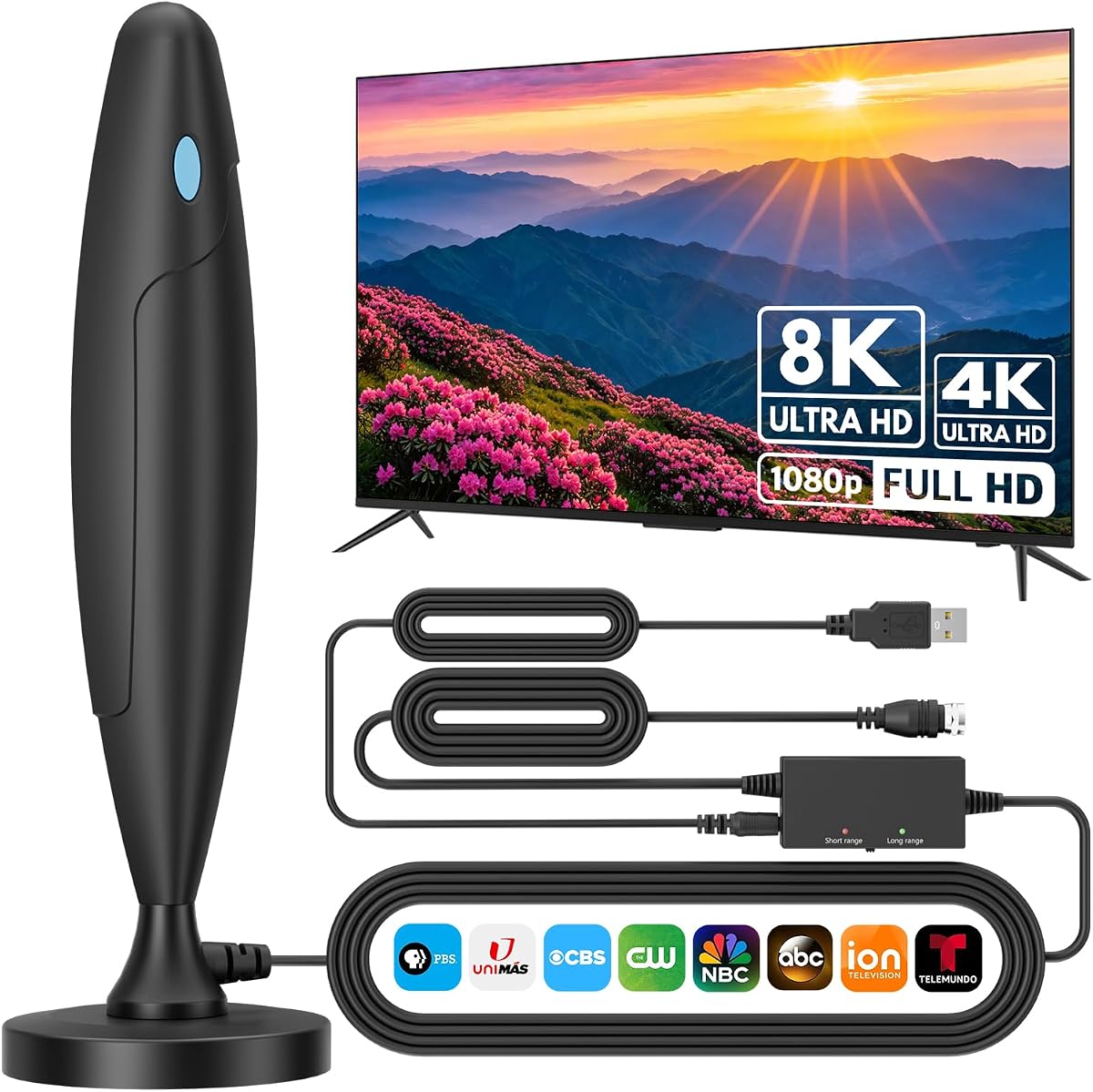
This antenna provides free access to local HD channels without subscriptions. It is designed to receive broadcast signals clearly with minimal interference.
We may earn a commission when you buy through this link, at no additional cost to you.
The Smart IC chip helps filter out noise for better picture quality. Users can switch between range modes to optimize reception based on distance.
Proper placement is key for best results near a window works best. Some areas may see limited channels depending on terrain and distance to towers.
Ideal for cord-cutters wanting basic local programming. Pair it with a converter box for older TVs to enjoy digital broadcasts.
Short-range and long-range modes adjust gain based on tower distance.
Supports 4K and 1080p broadcasts where available locally.
We may earn a commission when you buy through this link, at no additional cost to you.
The ZJBOX box converts over-the-air signals for older analog TVs. It offers 1080p output and basic recording features for convenient viewing.
We may earn a commission when you buy through this link, at no additional cost to you.
Users can save programs to USB drives and play back media files. The included cables make setup straightforward without extra purchases.
While firmware updates are rare the device handles standard broadcasts well. External storage is required which may add minor cost.
This is a great entry-level option for transitioning to digital TV. It balances functionality and cost effectively for budget-conscious buyers.
Record shows to external hard drives for playback on your TV.
View photos and play MP3 files stored on USB devices.
We may earn a commission when you buy through this link, at no additional cost to you.
The iView 3300STB converts digital air channels for analog TVs easily. It includes a built-in clock and supports media playback via USB.
We may earn a commission when you buy through this link, at no additional cost to you.
ClearQAM compatibility allows watching unscrambled cable channels without a box. You can save programs and play videos or music files conveniently.
It is limited to North American regions but works well for standard use. Firmware updates can be requested via support if needed.
This model balances features and usability for most households. It is a solid choice for upgrading older TVs to digital.
Watch unscrambled cable channels using cable provider signals directly.
Supports up to 4TB portable hard drives for files.
We may earn a commission when you buy through this link, at no additional cost to you.
This mini converter box is small enough to hide behind a TV. It receives ATSC signals and outputs via HDMI or RCA cables.
We may earn a commission when you buy through this link, at no additional cost to you.
The 2-in-1 remote can learn functions from old remotes reducing clutter. Real-time recording allows you to schedule shows easily.
It supports USB media playback and comes with cables for immediate use. Setup is plug-and-play making it very accessible for users.
Perfect for users needing a simple digital converter without bulk. It offers reliable performance for basic viewing needs.
The 2-in-1 remote learns functions to reduce extra remotes.
Includes both HDMI and 3RCA cables for flexible connections.
We may earn a commission when you buy through this link, at no additional cost to you.
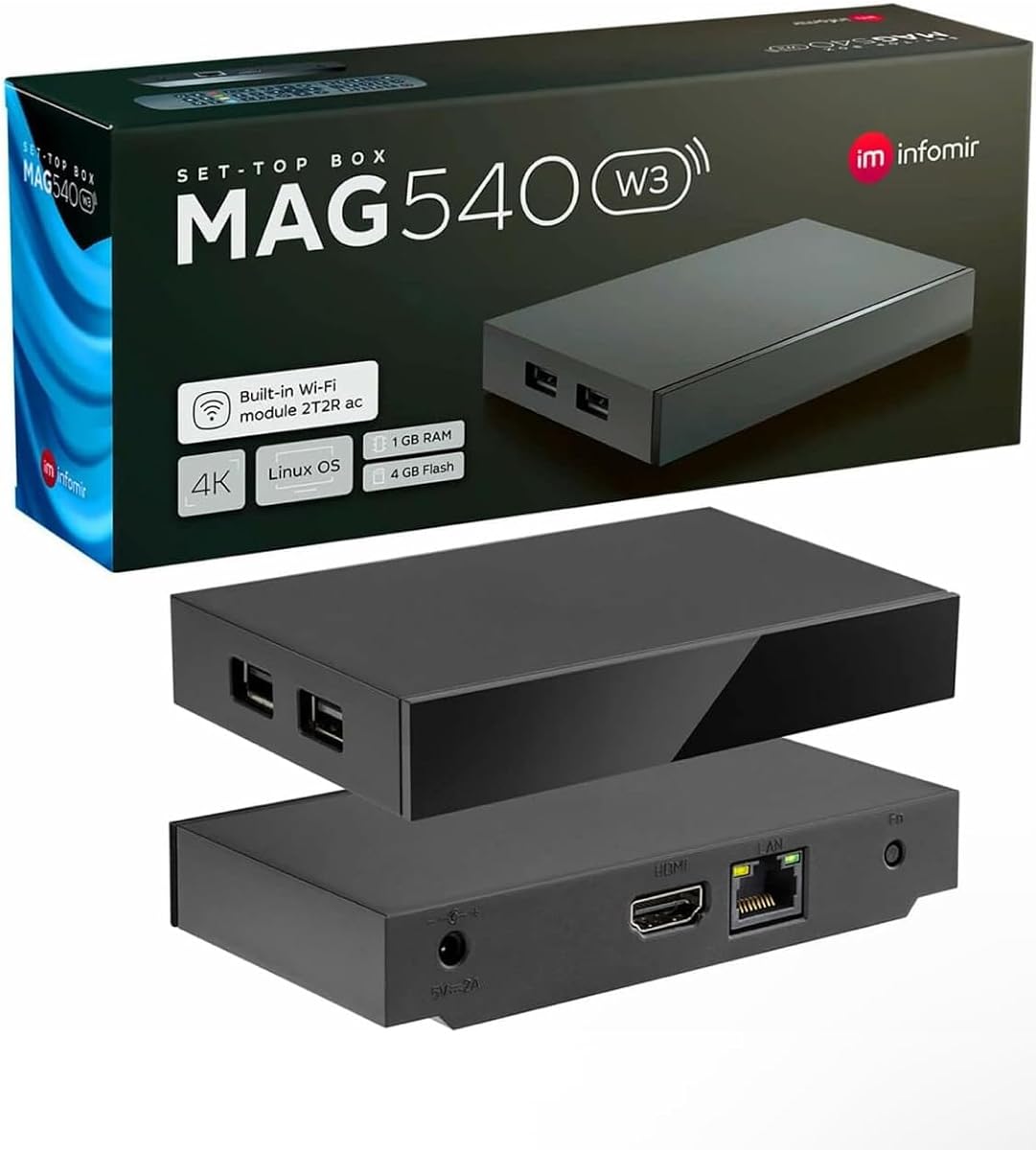
The MAG 540W3 offers high-performance features with its CPU upgrade. It supports 4K streaming and is designed for smooth operation.
We may earn a commission when you buy through this link, at no additional cost to you.
WiFi connectivity allows flexible placement without cables. The device is suitable for users needing better processing power for modern apps.
Specific features may vary by region or software integration. It is a strong option for those upgrading from older boxes.
Ideal for streaming enthusiasts wanting 4K support. It delivers reliable performance with modern hardware standards.
The ARM Cortex-A35 CPU ensures faster app loading and navigation.
Delivers sharp 4K video for compatible TVs and content.
We may earn a commission when you buy through this link, at no additional cost to you.
This antenna includes surge and lightning protection for added safety. It uses an 8-stage filter to block interference for clearer signals.
We may earn a commission when you buy through this link, at no additional cost to you.
The magnetic base allows flexible placement on metal surfaces easily. It supports VHF and UHF bands for comprehensive channel reception.
Safety features make it durable for long-term indoor use. Placement near a window is still recommended for best reception.
Great for users prioritizing device safety alongside signal quality. It brings entertainment value without risk of electrical damage.
Built-in surge protection prevents damage from electrical spikes.
Strong magnet lets you attach it securely to metal surfaces.
We may earn a commission when you buy through this link, at no additional cost to you.
This converter handles over-the-air signals and offers basic DVR functions. It converts digital signals for analog displays easily.
We may earn a commission when you buy through this link, at no additional cost to you.
Recording capabilities allow users to save programs for later viewing. The interface is straightforward for basic operation without complexity.
Specific features are not detailed extensively in the data. It serves as a functional option for simple needs.
Suitable for users needing minimal recording without extra cost. It performs standard conversion tasks reliably for older TVs.
Allows saving of over-the-air programs for later playback.
Converts digital TV signals to formats older TVs can use.
We may earn a commission when you buy through this link, at no additional cost to you.
This model is a firmware update of the iView 3300STB with improvements. It retains all core features like ClearQAM and media playback.
We may earn a commission when you buy through this link, at no additional cost to you.
The new firmware aims to resolve previous issues and enhance performance. It supports TV recording and USB media file access.
Users benefit from improved stability while keeping the same form factor. It remains a solid choice for analog TV upgrades.
Ideal for those needing a reliable converter with updated software. It offers consistent performance for standard digital broadcasting.
New version resolves issues and improves overall stability.
Play videos and music from USB drives connected to the box.
We may earn a commission when you buy through this link, at no additional cost to you.
The HW250STB features a sturdy metal case for long-term durability. It includes a front display to show channel numbers clearly.
We may earn a commission when you buy through this link, at no additional cost to you.
Clear QAM allows viewing unscrambled cable channels. It supports up to 2TB hard drives for recording needs.
The remote is large and easy to use. It does not support ATSC 3.0 but covers standard broadcasts well.
A reliable choice for users valuing build quality. It provides all basic features needed for a smooth transition to digital.
Metal housing provides better durability and heat dissipation.
Front display shows channel number and clock in standby.
We may earn a commission when you buy through this link, at no additional cost to you.
Selecting the right box involves evaluating technical specs and usage needs. This guide breaks down the critical factors to consider before buying.
Look for models supporting 1080p or 4K resolution to match your TV. Modern codecs like HEVC ensure efficient bandwidth use for smoother playback.
Prioritize devices with HDMI 2.1 for future proofing your setup.
Ensure the box has Wi-Fi for streaming or Ethernet for stability. USB ports allow for external storage which is essential for recording.
Check for HDMI output and RCA cables if using older TVs.
If you plan to record shows verify external hard drive support. Some models have built-in timers while others need manual setup.
Choose a box that supports your preferred drive size up to 2TB or 4TB.
A strong processor like ARM Cortex-A35 ensures lag-free navigation. Sufficient RAM like 1GB helps handle high-bitrate content smoothly.
Better hardware leads to quicker response times and stability.
Confirm the device works in your region especially for digital standards. Some boxes are optimized for specific cable or TV systems.
Check for ClearQAM if you need cable compatibility alongside OTA.
Simple installation reduces setup time significantly. Look for plug-and-play models with included cables and clear remotes.
User-friendly interfaces and remote learning features add convenience.
Metal cases offer better heat dissipation and longevity than plastic. Surge protection and quality materials prevent internal damage.
Invest in sturdy construction to ensure years of reliable service.
Reputable brands often provide better firmware updates and support. Check for warranty coverage and customer service responsiveness.
A reliable brand can save you from software and hardware issues.
Connect the device to your TV via HDMI or RCA cables and attach an antenna if needed. Ensure the box is powered through USB or a dedicated adapter for stability.
Run a channel scan on the device or TV to detect available signals. Save your favorite channels and set recording schedules via the menu settings.
Keep the box clean and dust-free to prevent overheating. Place it in a ventilated area and avoid stacking items directly on top of it.
Most boxes support HDMI which covers modern TVs. For older analog models use a box with RCA outputs. Always check input ports before buying.
Yes most converter boxes record to external drives without fees. Connect a compatible USB or hard drive. Verify the device supports your drive size.
Digital converters need an external antenna for OTA signals. Streaming boxes do not. Check if the device is a converter or streaming model.
A 500GB drive stores hundreds of hours of HD content. Larger capacities offer more flexibility. Always check device compatibility for hard drives.
Most current models support ATSC 1.0. Only specific newer units handle 3.0. Confirm the specs if future broadcasting standards are a priority.
Check the manufacturer website or box menu for updates. Some devices auto-update. Contact support if updates are missing or needed.
Many modern remotes support learning functions to control your TV. This reduces the number of remotes you need. Check for remote learning features.
No most boxes provide access to free local channels. ClearQAM models allow watching unscrambled cable without a subscription. Verify compatibility first.
The top picks cover premium performance budget needs and balanced options. The Infomir MAG544w3 leads in power while the ZJBOX offers affordability.
Consider your specific needs like recording size and TV type before deciding. Prioritize features that match your daily viewing habits and setup.
Availability and details change frequently so always verify specs before buying. Check current availability and terms to ensure the device meets your needs.