
LG 27UP850K-W
4.5Editor score
4K UHD IPS Display
HDR400 Support
90W USB-C Power
Built-in Stereo Speakers
Finding the right display for high-resolution work requires careful consideration of connectivity and color accuracy. Thunderbolt technology offers seamless integration with modern laptops, delivering fast data transfer and power delivery through a single cable for efficient setups.
We evaluated ten leading models based on resolution, refresh rate, color gamut coverage, and port selection. Our analysis focuses on how well each monitor handles professional tasks like design, coding, and media editing while maintaining crisp visuals and reliable performance.
Each pick below highlights specific strengths and trade-offs to help you match a display to your workflow needs. Remember that availability and pricing fluctuate frequently, so verify current stock before making a final decision on your new monitor.
4.5Editor score
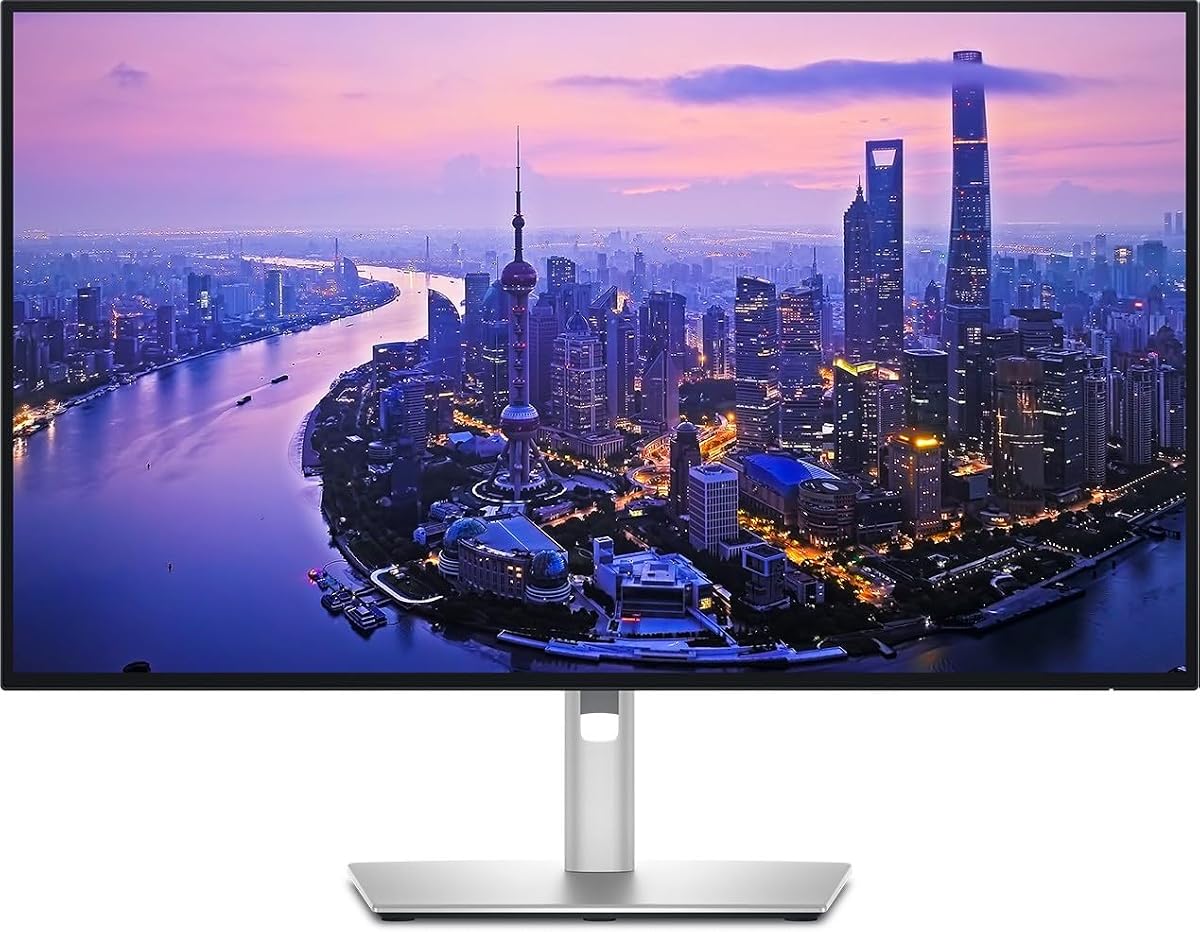
4.4Editor score

4.6Editor score
As an Amazon Associate we earn from qualifying purchases.
The following table provides a side-by-side overview of key specifications across all ten selected models to help you quickly compare resolution, connectivity options, and unique features.


The Dell S2725QC offers a compelling entry into high-resolution displays with its 4K UHD IPS panel and 120Hz refresh rate. It delivers vibrant visuals and smooth motion suitable for both work and casual gaming while maintaining a reasonable price tag.
We may earn a commission when you buy through this link, at no additional cost to you.
Its low blue light technology and improved audio performance make it a comfortable choice for long sessions. The single USB-C cable connection simplifies desk organization by handling video and power simultaneously without requiring extra adapters.
However, the power delivery maxes out at 65W which may not charge high-performance laptops fully during intense tasks. Additionally the stand lacks advanced pivot or swivel options compared to more premium models in this category.
For users seeking a balanced mix of visual quality and affordability this monitor stands out as a strong contender. It is particularly well-suited for general productivity and media consumption where top-tier color accuracy is not the primary concern.
The 120Hz refresh rate combined with AMD FreeSync Premium ensures tear-free visuals during multitasking or gaming.
ComfortView Plus reduces harmful blue light emissions to ensure better eye health during extended viewing periods.
We may earn a commission when you buy through this link, at no additional cost to you.
The Dell UltraSharp U2725QE stands out as a professional workhorse with its factory-calibrated color accuracy and robust connectivity options. Its 120Hz refresh rate and IPS Black panel deliver fluid motion and deeper blacks than standard IPS displays.
We may earn a commission when you buy through this link, at no additional cost to you.
Thunderbolt 4 connectivity supports up to 140W power delivery allowing users to charge powerful laptops while transmitting data and video through a single cable. This feature significantly reduces cable clutter and simplifies workspace setup.
While the price is higher than standard monitors the investment pays off in color precision and workflow efficiency. The ambient light sensor adjusts brightness automatically to reduce eye strain during varying lighting conditions throughout the day.
This model is ideal for designers and creators who need reliable color reproduction and seamless connectivity with their Mac or PC setup. It balances performance and usability effectively for demanding daily tasks.
Factory calibration ensures Delta E less than 1.5 providing true-to-life color reproduction for critical creative work.
Thunderbolt 4 single cable solution transmits video data and power simultaneously for a streamlined workspace experience.
We may earn a commission when you buy through this link, at no additional cost to you.
The Dell UltraSharp U3226QER redefines premium display performance with its enhanced IPS Black panel offering 3000:1 contrast and 99% Display P3 coverage. It delivers exceptional color depth and shadow detail that rivals OLED displays at a lower burn-in risk.
We may earn a commission when you buy through this link, at no additional cost to you.
Built-in KVM functionality allows users to switch between two machines using a single keyboard and mouse improving productivity for those managing multiple devices. This feature is particularly useful for developers and executives requiring seamless multitasking.
Despite the high cost the monitor provides a comprehensive solution for professional workflows needing top-tier visuals and connectivity. Its refined design and near-borderless screen enhance any workspace aesthetically while delivering practical utility.
This model is best suited for high-end creative professionals and executives who demand the absolute best in visual fidelity and ergonomic design. It justifies its price through superior performance and advanced built-in features.
IPS Black technology provides 47% deeper blacks than conventional panels enriching shadow detail and color vibrancy.
Built-in KVM switch enables seamless transition between two computers using one set of peripherals efficiently.
We may earn a commission when you buy through this link, at no additional cost to you.
The Dell UltraSharp U2725QE focuses on delivering accurate color reproduction and robust connectivity for design professionals. Its coverage of 100% of sRGB and Display P3 ensures that creative work appears true to life on screen.
We may earn a commission when you buy through this link, at no additional cost to you.
The integrated Thunderbolt hub supports high-speed data transfer and daisy-chaining allowing users to connect multiple peripherals or displays through a single cable. This setup reduces desk clutter and simplifies power management for workstations.
While the rating reflects limited user feedback the product promises a solid foundation for color-critical tasks like photo editing and graphic design. The fully adjustable stand provides ergonomic flexibility to maintain comfortable viewing angles.
This monitor is a strong option for designers who prioritize color space coverage and versatile connectivity options. It balances professional performance with practical features to support efficient daily workflows.
100% sRGB and Display P3 coverage ensures accurate color representation for critical creative editing and design work.
Built-in Thunderbolt hub simplifies connections for peripherals and storage through a single display link efficiently.
We may earn a commission when you buy through this link, at no additional cost to you.
The LG 27UP850K-W offers an accessible entry point for users seeking high resolution and USB-C connectivity. With HDR400 support and 90W power delivery it handles media consumption and productivity tasks comfortably without a premium price tag.
We may earn a commission when you buy through this link, at no additional cost to you.
Its built-in webOS streaming platform allows users to watch content directly without needing a connected computer. This feature adds versatility for media consumption while maintaining a clean desk setup.
While it lacks native Thunderbolt speeds the USB-C connection provides sufficient bandwidth for most laptop setups. The ergonomic stand ensures comfortable viewing angles making it suitable for extended use in home offices.
This monitor is an excellent choice for budget-conscious buyers who still want high-quality visuals and convenient connectivity features. It balances affordability with performance to meet everyday computing needs effectively.
Built-in webOS platform allows direct access to streaming apps without requiring a separate computer connection.
VESA DisplayHDR 400 certification enhances contrast and brightness for more vibrant content viewing experiences.
We may earn a commission when you buy through this link, at no additional cost to you.
The Dell UltraSharp U2725QE W129125896 variant emphasizes streamlined connectivity and professional aesthetics. Its Thunderbolt hub design minimizes cable clutter by centralizing connections into a single display unit.
We may earn a commission when you buy through this link, at no additional cost to you.
Multiple USB ports allow for easy connection of peripherals without needing a separate dock. This makes it a practical choice for workstations that require frequent access to external drives or cameras.
Despite limited review data the monitor promises reliable performance through Dell's established build quality standards. The ergonomic stand supports various adjustments to maintain comfortable viewing postures throughout the workday.
This model is ideal for professionals who prioritize a clean desk setup and efficient connectivity options. It delivers the benefits of Thunderbolt connectivity without excessive complexity.
Integrated Thunderbolt hub reduces cable clutter by centralizing peripheral connections through a single display interface.
Fully adjustable stand supports height tilt and pivot adjustments to maintain ergonomic comfort during long sessions.
We may earn a commission when you buy through this link, at no additional cost to you.
The ViewSonic VP2488-4K brings professional-grade color accuracy to a compact 24-inch form factor. It is optimized for Mac users seeking high resolution and accurate color reproduction in a smaller footprint.
We may earn a commission when you buy through this link, at no additional cost to you.
Thunderbolt 4 connectivity supports up to 100W power delivery ensuring laptops remain charged while handling high-speed data and video transmission. Pantone Validated color precision adds confidence for editing tasks where accuracy matters.
While the screen is smaller than standard models it suits desktops with limited space or dual-monitor setups requiring flexibility. The adjustable stand ensures ergonomic viewing despite the reduced footprint.
This monitor is perfect for designers and executives who need precise color management without sacrificing desk space. It combines portability with professional features for efficient mobile work.
Pantone Validated display ensures pinpoint color fidelity essential for professional-tier creative and editing outputs.
100W USB-C charging capability keeps compatible laptops powered up during intensive daily usage tasks.
We may earn a commission when you buy through this link, at no additional cost to you.
The Samsung ViewFinity S7 delivers exceptional clarity with its 32-inch 4K UHD display and HDR10 support. It offers more than a billion accurate colors for vibrant visuals suitable for media review and design work.
We may earn a commission when you buy through this link, at no additional cost to you.
Its large screen size allows for complex diagram creation and multitasking without the need for multiple monitors. Eye Saver Mode technology minimizes blue light to reduce eye strain during long work sessions.
While it lacks native Thunderbolt connectivity the HDMI and DP ports provide versatile options for various laptops and desktops. The high pixel density ensures crisp text and sharp details for comfortable viewing.
This monitor is well-suited for content creators and business professionals who prioritize visual fidelity and screen real estate. It combines large display benefits with professional comfort features.
32-inch 4K resolution provides high pixel density for greater detail levels and accurate color representation.
Eye Saver Mode reduces blue light exposure to minimize eye strain during extended usage periods.
We may earn a commission when you buy through this link, at no additional cost to you.
The Dell U3225QE offers an immersive viewing experience with its 31.5-inch screen and integrated Thunderbolt hub. It provides ample real estate for multitasking and detailed work without requiring multiple monitors.
We may earn a commission when you buy through this link, at no additional cost to you.
Vibrant colors and exceptional resolution ensure crisp text and sharp images for comfortable viewing. The sleek design complements professional environments with slim bezels that enhance the visual continuity.
While specific color gamut data is limited the HDR support and high resolution deliver superior image quality. It balances productivity features with aesthetic appeal for modern workspaces.
This monitor is ideal for professionals who need large screen real estate for complex workflows. It delivers efficiency and visual comfort in a stylish package.
Expansive 32-inch screen provides ample real estate for multitasking and detailed work reducing monitor clutter.
Integrated Thunderbolt hub streamlines workspace by offering versatile connectivity options for peripherals and devices.
We may earn a commission when you buy through this link, at no additional cost to you.
The Samsung TU87F Series provides a seamless dual monitor setup with two Thunderbolt 3 ports and daisy chain support. It allows users to connect compatible Macs and PCs for a larger virtual workspace using minimal cabling.
We may earn a commission when you buy through this link, at no additional cost to you.
The 3-sided borderless frame creates the impression of a single continuous display. Picture-by-Picture and Picture-in-Picture features enable simultaneous viewing of different sources for enhanced productivity.
While the VA panel offers deep blacks and wide viewing angles it may have slower response times than IPS alternatives. The fully adjustable stand supports various viewing angles for ergonomic comfort.
This model is a strong choice for businesses and creatives who need flexible multi-device connectivity. It simplifies complex setups with robust connectivity and innovative display modes.
Two Thunderbolt 3 ports enable seamless connection of Macs and PCs for a unified dual UHD setup.
Picture-by-Picture and Picture-in-Picture allow simultaneous viewing of multiple sources through intuitive management software.
We may earn a commission when you buy through this link, at no additional cost to you.
Selecting the right monitor requires balancing resolution color accuracy connectivity and budget to match your specific workflow needs.
4K resolution provides sharp details ideal for creative work and multitasking. IPS panels offer better color accuracy and viewing angles while VA panels provide deeper contrast and darker blacks.
Choose IPS for color-critical tasks and VA if contrast and text clarity are your top priorities.
Thunderbolt 4 offers faster data speeds up to 40Gbps and higher power delivery compared to standard USB-C. Ensure your laptop supports Thunderbolt to utilize these features effectively.
If your laptop supports Thunderbolt 4 prioritize monitors with this port to maximize data and power efficiency.
Look for monitors that cover 99% or 100% of sRGB or DCI-P3 color spaces for accurate visuals. Factory calibration with Delta E values under 2 ensures professional-grade color precision.
Prioritize wide color gamut coverage if you work with professional graphics media or video content.
Higher refresh rates like 120Hz reduce motion blur and provide smoother scrolling and video playback. Lower response times ensure quicker pixel transitions reducing ghosting in fast-paced scenes.
Opt for 120Hz refresh rates if you handle dynamic workflows or enjoy casual gaming on your monitor.
A variety of ports including HDMI DisplayPort and USB-A ensures compatibility with all peripherals and legacy devices. Daisy chain support allows connecting multiple monitors through one cable reducing clutter.
Check that the monitor offers enough ports to connect your keyboard mouse drives and external displays seamlessly.
Adjustable stands with height tilt swivel and pivot options help maintain a healthy posture during long sessions. Slim bezels enhance visual continuity especially in multi-monitor setups.
Invest in ergonomic features to prevent neck strain and maintain productivity throughout the workday.
HDR support like HDR400 or HDR10 enhances contrast and brightness for more vibrant content. Adequate peak brightness ensures visibility in well-lit environments without eye strain.
Look for HDR certification if you regularly consume high-dynamic-range content or work in bright offices.
Prices vary widely based on panel technology connectivity features and brand reputation. Determine your specific needs to avoid overspending on features you may not utilize regularly.
Balance essential features with your budget to find a monitor that offers the best long-term value.
Connect your laptop using a certified Thunderbolt cable to enable full data transfer speed and power delivery. Verify the cable length and quality to avoid signal degradation over distance.
Adjust the monitor's brightness and color settings to match ambient lighting conditions. Use software utilities to fine-tune profiles for different tasks like writing or video editing.
Clean the screen with a microfiber cloth and mild solution to avoid scratching the panel. Avoid using abrasive materials that can damage the coating or screen surface over time.
No. While Thunderbolt is a type of USB-C connection not all USB-C ports offer Thunderbolt speeds. Check the product specs for Thunderbolt 4 certification to ensure support for 40Gbps data transfer and higher power delivery.
Yes if the monitors support Thunderbolt 4 and daisy chain functionality. You can connect up to two additional 4K monitors through a single laptop port which simplifies multi-screen setups significantly.
Yes a higher refresh rate provides smoother scrolling and reduces motion blur making long work sessions more comfortable. It is particularly beneficial for coding video editing and multitasking workflows.
Delta E measures color accuracy where lower values mean colors appear closer to their true standard. Professional monitors with Delta E under 1.5 ensure that edits match your final output across devices.
Yes use a high-quality Thunderbolt 4 certified cable to achieve full data speeds and power delivery. Standard USB-C cables may limit bandwidth or fail to charge high-performance laptops efficiently.
IPS Black panels offer significantly deeper blacks and higher contrast ratios than standard IPS displays. This enhances shadow detail and color vibrancy making them ideal for high-end creative work and design.
The Dell UltraSharp U2725QE and U3226QER lead our list with professional color accuracy and robust connectivity options. These models balance performance and productivity features ideal for demanding workflows.
Prioritize panel type refresh rate and connectivity based on your primary tasks to ensure long-term satisfaction. Choosing the right specs now prevents future upgrades and increases workspace efficiency.
Verify current prices and availability before purchasing as discounts and stock levels change frequently. Always check the latest user reviews to confirm real-world performance matches advertised specifications.