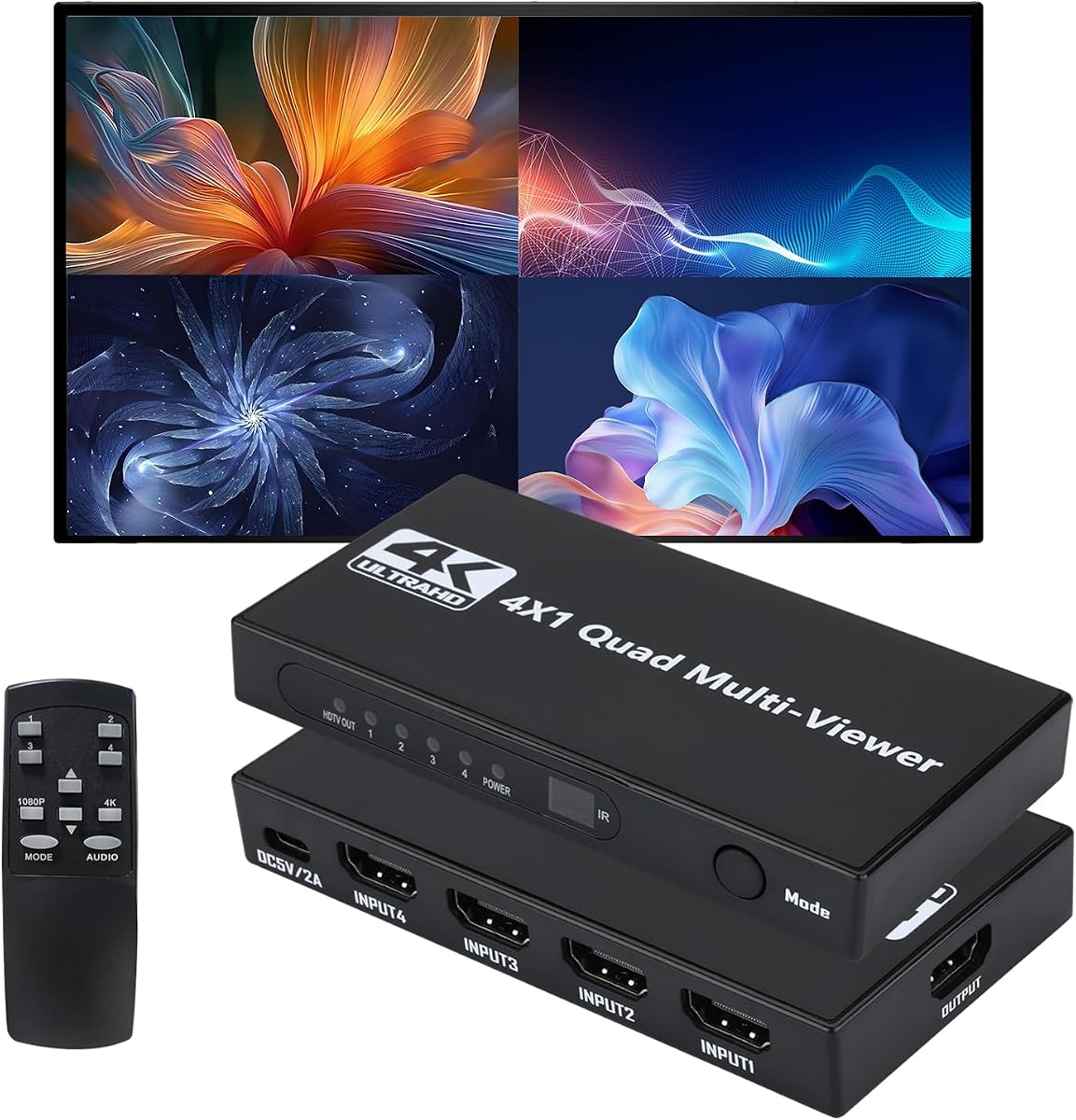
HDMI Multiviewer Switch 4 in 1 Out HDMI Quad Multi-Viewer switcher
4.8Editor score
12 Display Modes
4K@30Hz Support
IR Remote Control
This guide compares the top ten HDMI Multiviewer models for seamless multi-source display switching and flexible viewing modes across various professional and
Finding the right HDMI Multiviewer is essential for anyone managing multiple video sources on a single screen. Whether for security monitoring or gaming setups, seamless switching matters.
We evaluated ten leading models based on resolution support, viewing modes, and connectivity options. Our analysis focuses on performance reliability and user-friendly controls.
Each pick highlights key strengths and ideal use cases. Prices and availability change frequently so check current listings before purchasing your preferred device today.
4.8Editor score

4.3Editor score

4.2Editor score
The following table provides a side by side comparison of all ten models highlighting key specifications and features for easy decision making.




The PORTTA multiviewer stands out with its reliable seamless switching capabilities and versatile six viewing modes making it ideal for home and light professional use.
We may earn a commission when you buy through this link, at no additional cost to you.
It supports 1080p at 60Hz ensuring crisp video quality while offering Toslink and 3.5mm audio outputs for flexible sound routing to external devices.
While it does not support 4K resolutions the device handles gaming consoles and PCs well. The downscaler helps maintain consistency across mixed resolution inputs.
This model is best for users needing a straightforward solution to monitor multiple HDMI sources simultaneously without complex configuration or high bandwidth needs.
Choose from 4 equal screens or PIP layouts to suit different monitoring needs efficiently.
Connect speakers or receivers via Toslink or analog ports for immersive sound experiences.
We may earn a commission when you buy through this link, at no additional cost to you.
OREI offers a solid entry level multiviewer designed for straightforward switching tasks. It handles 1080p inputs smoothly and includes VGA output for broader monitor compatibility.
We may earn a commission when you buy through this link, at no additional cost to you.
The device features five display modes allowing quick configuration of your layout. Control is simple via the front panel or included infrared remote control.
Users may find the lack of 4K support limiting for modern high definition content. However it remains effective for older devices or specific security monitoring setups.
This unit is recommended for budget conscious buyers seeking a dependable tool to manage four HDMI sources on one display without extra complexity.
Connects easily with existing displays and legacy equipment via multiple output options.
Front buttons and remote allow quick adjustments without navigating complex menus.
We may earn a commission when you buy through this link, at no additional cost to you.
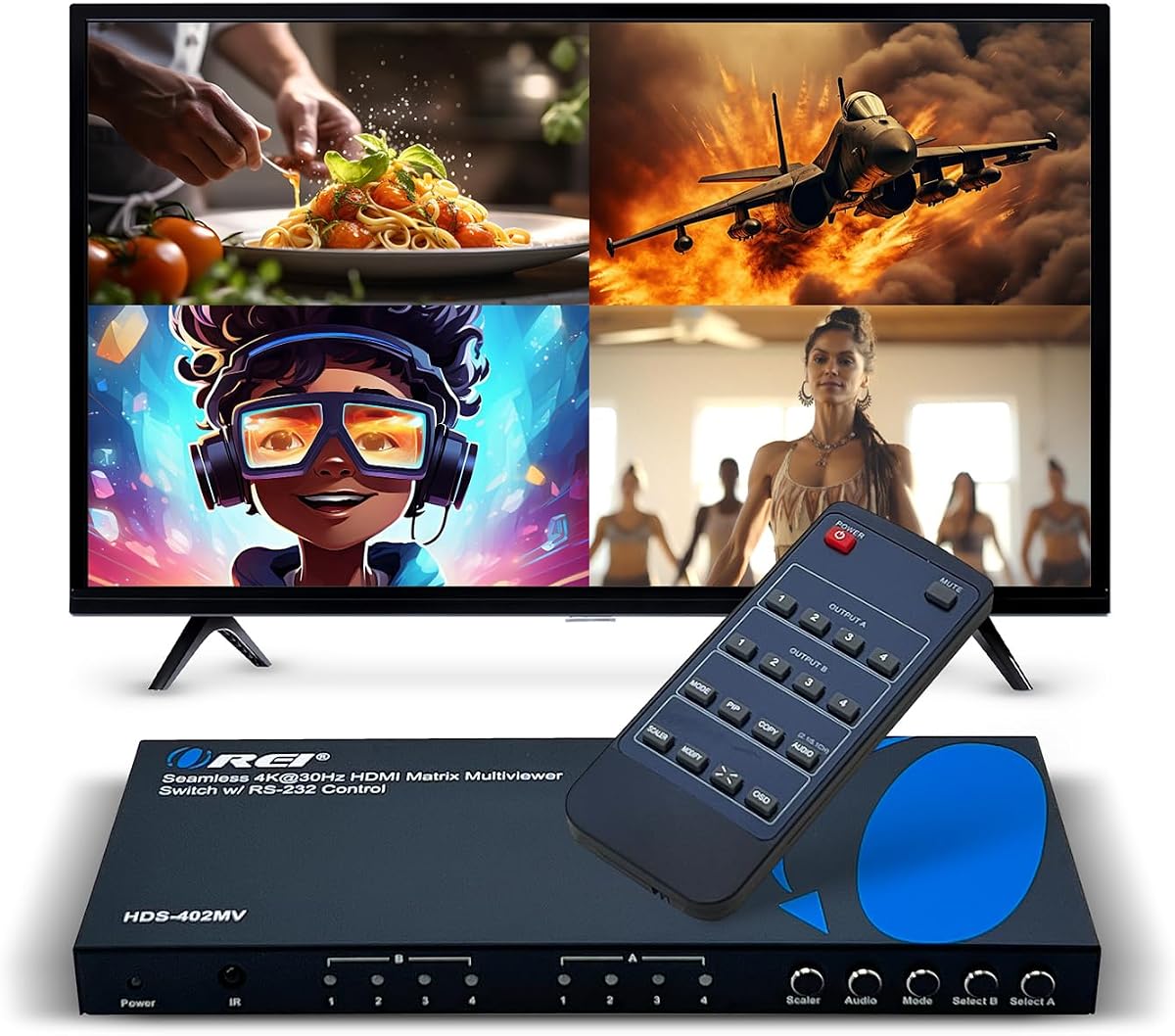
This model advances beyond basic switching by supporting 4K resolution at 30Hz which is beneficial for high quality content. It includes audio extraction for better sound routing.
We may earn a commission when you buy through this link, at no additional cost to you.
The RS-232 control interface allows integration into professional setups where automation is needed. EDID support ensures compatibility with various display configurations and input devices.
Setup may be more involved due to professional features. Casual users might prefer simpler options unless they require advanced control or specific resolution requirements.
Ideal for power users or small offices needing flexible video routing with higher resolution capabilities and control over audio streams simultaneously.
RS-232 enables integration with larger control systems for automated switching tasks.
Supports 4K resolutions for sharper visuals on compatible displays and projectors.
We may earn a commission when you buy through this link, at no additional cost to you.
Unique among its peers this unit provides two output ports enabling dual display setups. It maintains high ratings for performance stability and feature completeness.
We may earn a commission when you buy through this link, at no additional cost to you.
Support for 4K downscaled output ensures compatibility with high end displays while allowing flexible routing. The OSD menu simplifies visual adjustments on the fly.
The dual output capability sets it apart for users needing mirrored or extended screens. However the extra complexity and cost may not suit basic single screen needs.
This is a top choice for specialized installations requiring dual screen outputs without sacrificing multiview functionality or control options.
Route signals to two displays simultaneously for extended monitoring or presentation uses.
Adjust on screen display settings directly for customized viewing without external tools.
We may earn a commission when you buy through this link, at no additional cost to you.
This model pushes performance with 4K resolution at 60Hz offering smoother visuals for motion heavy content. It includes advanced HDCP 2.2 support for secure content playback.
We may earn a commission when you buy through this link, at no additional cost to you.
Optical and analog audio outputs provide diverse sound routing. The OSD helps manage displays efficiently while RS-232 ensures professional control capabilities.
Despite strong specs user feedback is limited compared to other models. Ensure compatibility with your specific sources before purchasing due to the advanced features.
Best suited for high end home theaters or professional monitoring stations demanding maximum resolution and secure content handling.
60Hz refresh rate ensures fluid visuals for sports or gaming on compatible screens.
HDCP 2.2 ensures protection for premium video streams and copyrighted material.
We may earn a commission when you buy through this link, at no additional cost to you.
Eight viewing modes offer significant flexibility for different layouts. The 4K support makes it suitable for modern high definition sources and monitors.
We may earn a commission when you buy through this link, at no additional cost to you.
Seamless switching helps maintain a smooth workflow when toggling between active inputs. It is designed to work with security cameras and gaming systems equally well.
Some users report variability in control responsiveness or stability under heavy load. Testing your specific setup is recommended to ensure consistent performance.
This is a versatile choice for those needing multiple layouts and higher resolutions without opting for a full matrix system.
Switch between eight distinct configurations to match your specific monitoring needs.
Ideal for surveillance setups needing multiple camera feeds on one display.
We may earn a commission when you buy through this link, at no additional cost to you.
With a high rating and low price this unit offers exceptional value. It supports 12 display modes providing unmatched variety for the price point.
We may earn a commission when you buy through this link, at no additional cost to you.
The Type-C power cable simplifies connections. It works seamlessly with Windows and Mac systems without driver installation requirements.
Build quality is basic but functional for most home or small office applications. It is an excellent entry point for users new to multiviewers.
Recommend this for anyone prioritizing cost and layout flexibility over premium audio or advanced professional features.
Twelve modes allow precise customization of your screen real estate.
Works immediately with most operating systems without extra software.
We may earn a commission when you buy through this link, at no additional cost to you.
This unit supports 4K at 60Hz ensuring high fidelity video. It includes dedicated software for deeper control over OSD and window placement.
We may earn a commission when you buy through this link, at no additional cost to you.
Audio extraction features are robust with optical and RCA outputs. The lifetime support adds value for long term professional use.
Users may find the setup slightly complex. It is better suited for professional environments than casual home use.
Choose this for demanding tasks requiring high resolution and advanced software control over display layouts.
PC software allows precise adjustments to window sizes and locations.
Manufacturer support ensures help is available throughout the product life.
We may earn a commission when you buy through this link, at no additional cost to you.
OREI provides a reliable standard multiviewer for general use. It supports 1080p and 2K resolutions with VGA for broad compatibility.
We may earn a commission when you buy through this link, at no additional cost to you.
Audio is handled via 3.5mm connection which simplifies sound routing. The device supports international voltage which is useful for global setups.
Performance is consistent but lacks advanced 4K features. It fits well in traditional setups needing steady performance.
Ideal for users who need a stable and compatible switch without extra bells and whistles.
VGA and HDMI outputs ensure it works with most modern and legacy displays.
Dual voltage support allows usage in different regions without extra adapters.
We may earn a commission when you buy through this link, at no additional cost to you.
This is the most versatile unit offering 4×4 matrix switching for complete routing freedom. It supports 10 video wall layouts for creative setups.
We may earn a commission when you buy through this link, at no additional cost to you.
LAN and web controls allow remote management which is essential for professional monitoring centers. It maintains high resolution integrity during switching.
The complexity is high and requires a dedicated setup process. It is far beyond what most casual users need but offers unmatched capability.
Choose this for large scale deployments where control and routing flexibility are critical requirements.
Any input can route to any output providing maximum flexibility.
LAN and web access let operators manage the system from a distance.
We may earn a commission when you buy through this link, at no additional cost to you.
Selecting the right HDMI Multiviewer involves understanding your specific resolution and connectivity needs. This section outlines key factors to consider before purchasing.
Check if the multiviewer supports the resolution required by your sources. Many units handle 1080p well while others support 4K at varying refresh rates.
Match the device resolution capabilities with your monitor to avoid downscaling issues or loss of image detail.
Different models offer varying numbers of viewing modes from PIP to quad screen. More modes give flexibility in how sources are displayed.
Choose a unit that offers layouts matching your typical workflow whether it is full screen focus or multi feed monitoring.
Audio outputs vary from basic analog to optical. Ensure the device routes audio as needed for your sound system.
Look for audio extraction features if you need to send sound to an external receiver independently of the video.
Some units use simple remote controls while others include RS-232 or network interfaces. Consider how you want to switch inputs.
Professional setups benefit from advanced controls allowing automation or remote operation without manual intervention.
Most options support 4 inputs but some allow more outputs like dual screens. Match counts to your actual device needs.
Avoid buying extra capacity you will not use as it adds unnecessary cost and complexity.
HDCP standards impact content playback compatibility especially for protected media. Ensure support matches your sources.
Also check for HDCID management which ensures the display recognizes the multiviewer correctly.
Quality units include proper cooling and robust casings for longevity. Warranty terms can vary significantly between brands.
Look for models with at least a year of support to protect against early hardware failures.
Prices range widely based on features. Higher cost often reflects advanced resolutions or professional features.
Set a realistic budget based on your essential needs rather than paying for capabilities you will not use.
Connect HDMI sources to the input ports and your display to the output port using high quality cables to ensure signal stability.
Power the device using the included adapter or Type-C cable and turn on all connected equipment before switching modes.
Regularly clean ventilation areas to prevent overheating and update any firmware if supported to maintain compatibility.
Some models support 4K at 30Hz or 60Hz while others cap at 1080p. Check specs before buying to ensure your sources are supported.
Yes many multiviewers support gaming consoles. Look for seamless switching and low latency features to maintain smooth gameplay.
Most multiviewers work universally with computers. They do not require drivers and plug directly into HDMI inputs.
PIP stands for Picture in Picture allowing you to see a secondary source in a small window over the main source.
Yes many units include audio outputs like optical or analog ports for connecting external speakers or receivers.
No most multiviewers work without installing drivers. They are plug and play devices compatible with standard HDMI protocols.
Yes most units support four inputs. You cannot connect more sources than available ports without using splitters.
We highlighted ten top options ranging from affordable choices to high end matrix systems. Each offers distinct strengths for different usage scenarios.
Prioritize resolution support and viewing modes to ensure the unit meets your workflow demands. Simple setups may not need professional grade features.
Always verify current specifications and prices before purchasing as models and offers change frequently on the market.