
Lenovo 100E Chromebook
4.0Editor score
Affordable pricing option
Compact 11 inch design
Chrome OS simplicity
Finding a reliable and affordable laptop can be challenging in today's market. A cheap Chromebook offers an excellent solution for students and casual users seeking functionality without breaking the bank.
We have carefully evaluated ten distinct models based on performance, build quality, and user feedback. Each entry in this list represents a strong contender in the budget computing category for current buyers.
Every pick details key features and real-world usage scenarios to assist your decision-making process. Please note that availability and pricing may change frequently, so check current listings before purchasing.
4.0Editor score

4.4Editor score
4.4Editor score
As an Amazon Associate we earn from qualifying purchases.
This table provides a quick side-by-side look at the core specifications of all ten selected models to help you compare them easily.




This laptop stands out as a top contender for budget-conscious buyers looking for reliable daily performance. It carries a strong user rating that reflects its ability to handle common tasks smoothly.
We may earn a commission when you buy through this link, at no additional cost to you.
The Intel Celeron N4120 processor provides enough power for multitasking with multiple browser tabs open. The micro-edge anti-glare display ensures comfortable viewing even in bright environments.
While the 64GB storage is limited compared to full laptops, cloud storage integration in Chrome OS makes up for this shortfall for most users. The battery life supports long study sessions.
Students and casual users will find this model balances cost and functionality effectively. We recommend it for those needing a dependable device for web browsing and media consumption.
The quad-core architecture allows smooth switching between applications without noticeable lag during typical use.
Multiple USB ports and HDMI output allow easy connection to external displays and peripherals.
We may earn a commission when you buy through this link, at no additional cost to you.
This model is an ideal entry-level option for users prioritizing portability and long battery life. It consistently receives praise for its lightweight build and ease of carrying between rooms.
We may earn a commission when you buy through this link, at no additional cost to you.
The custom-tuned stereo speakers deliver surprisingly clear audio for video calls and entertainment. HP Fast Charge technology ensures the device is ready to use quickly when plugged in.
The limitations include fixed memory which cannot be upgraded later. However, for basic computing needs, the performance remains adequate for most school and home tasks.
If you need a secondary device for travel or quick tasks, this Chromebook is a strong candidate. It offers great value for the price point with a reliable warranty.
The slim profile makes it easy to slip into a backpack for daily commuting or school trips.
Reaching 50 percent charge in roughly 45 minutes helps minimize downtime during busy days.
We may earn a commission when you buy through this link, at no additional cost to you.
This unit is particularly well-suited for younger students or users who benefit from touch input. The 2-in-1 design adds versatility for reading or note-taking in tablet mode.
We may earn a commission when you buy through this link, at no additional cost to you.
The Intel N4020 processor is efficient for light workloads and web browsing. Renewed condition often means significant savings while maintaining functional reliability for basic tasks.
The 32GB storage is quite tight for local files, but cloud apps mitigate this issue effectively. It is not ideal for heavy media storage without external drives.
Consider this model if you need an ultra-portable device for simple educational applications. It provides the core Chromebook experience at a minimal financial cost.
Touchscreen support allows intuitive navigation through apps and websites without relying solely on a trackpad.
Buying renewed often provides a budget-friendly alternative while maintaining essential functionality and performance.
We may earn a commission when you buy through this link, at no additional cost to you.
This laptop brings a higher resolution display to the budget category with its FHD touchscreen. The MediaTek Kompanio 520 offers a modern upgrade over traditional Celeron chips for daily tasks.
We may earn a commission when you buy through this link, at no additional cost to you.
WiFi 6 ensures fast wireless connections which is crucial for streaming and video calls. The privacy shutter on the webcam adds an essential layer of security for remote interactions.
The processor is designed for efficiency and long battery life but may not match x86 performance in specific applications. Still it handles Chrome OS tasks effectively with smooth transitions.
Users seeking a crisp screen and modern connectivity will appreciate this choice. It is a strong option for those who prioritize display quality over raw processing power.
The 1920×1080 resolution provides sharper text and images compared to standard HD displays.
Support for WiFi 6 means faster speeds and better connection stability in crowded networks.
We may earn a commission when you buy through this link, at no additional cost to you.
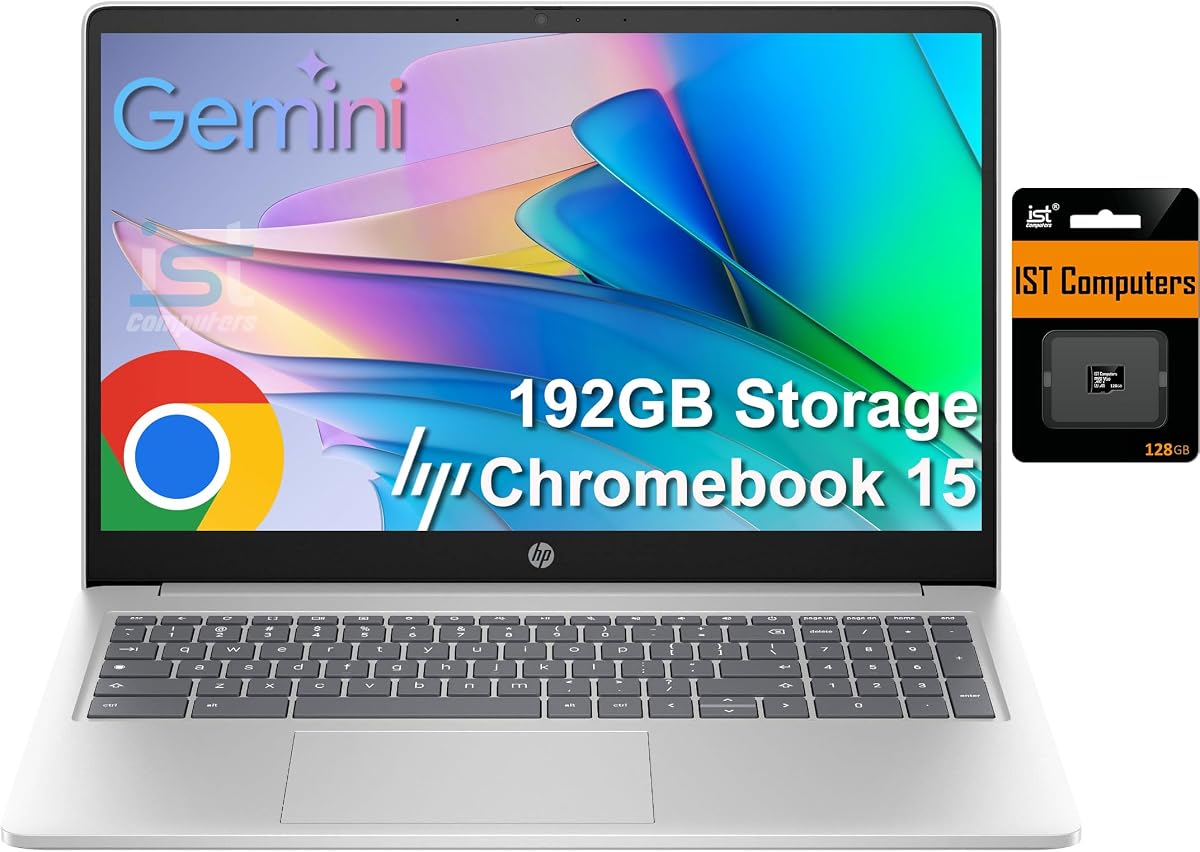
The 15.6-inch display offers a generous workspace for users who prefer a bigger view. This model often comes bundled with useful accessories that add immediate value upon purchase.
We may earn a commission when you buy through this link, at no additional cost to you.
The anti-glare coating helps reduce eye strain during long working sessions in bright environments. Despite the larger size, the device remains thin enough for moderate portability.
It balances a lower processor speed with a bigger screen which is ideal for media consumption. The inclusion of a mouse and HDMI cable makes it ready to use out of the box.
This option is great for home office setups or students who need screen real estate. It delivers a comprehensive package with all necessary tools for immediate productivity.
A 15.6-inch panel allows for side-by-side windows and more comfortable media viewing.
Included peripherals like a mouse and HDMI cable save the cost of buying separate items.
We may earn a commission when you buy through this link, at no additional cost to you.
This model stands out for offering 128GB of storage which is double the standard found in many rivals. The IPS panel ensures better viewing angles and color accuracy for visual tasks.
We may earn a commission when you buy through this link, at no additional cost to you.
The higher storage capacity means more room for local files without relying solely on cloud services. It is particularly useful for users with specific offline data requirements.
As a renewed product it offers significant cost savings while testing functionality. However buyers should verify warranty terms and condition details before finalizing their purchase decision.
If storage and screen quality are top priorities this unit is a compelling choice. It bridges the gap between budget pricing and enhanced utility for everyday computing.
128GB of space reduces the need for constant file management and external storage drives.
IPS technology provides consistent colors even when viewing the screen from side angles.
We may earn a commission when you buy through this link, at no additional cost to you.
This HP model is praised for its sleek design and lightweight form factor. It achieves a high user rating indicating strong satisfaction regarding reliability and ease of use.
We may earn a commission when you buy through this link, at no additional cost to you.
The Intel N4000 processor is suitable for basic web navigation and document editing. Battery life supports a full day of intermittent use which is essential for students on the go.
While storage is limited to 32GB the system is optimized for cloud integration which helps mitigate space constraints. The ceramic white finish adds a touch of premium aesthetics to the budget range.
This laptop is perfect for someone prioritizing mobility and simplicity over raw performance. It is a dependable tool for daily tasks and casual entertainment needs.
Its compact dimensions make it easy to carry in a standard bag without adding bulk.
Up to 13 and a half hours of mixed usage keeps you powered throughout a school day.
We may earn a commission when you buy through this link, at no additional cost to you.
This model offers superior specifications with 8GB of DDR5 RAM which is rare in budget devices. It ensures seamless multitasking even with many browser tabs and applications open simultaneously.
We may earn a commission when you buy through this link, at no additional cost to you.
The Intel N200 processor provides four cores for better efficiency compared to dual-core alternatives. A numeric keypad is included which is helpful for data entry tasks and spreadsheet work.
Expanded storage allows for more local data retention while the privacy shutter maintains security during video calls. It is the most capable device on this list for demanding tasks.
If you need a primary laptop for more intensive work this is the top choice. It bridges the gap between budget pricing and high-end performance features effectively.
8GB of DDR5 RAM allows for smoother multitasking and faster application loading times.
The included numeric keypad streamlines data entry tasks for business and school users.
We may earn a commission when you buy through this link, at no additional cost to you.
This renewed unit offers modern connectivity features like WiFi 6 and DDR5 RAM at a budget price. The IPS display ensures good visual quality for daily use and media streaming.
We may earn a commission when you buy through this link, at no additional cost to you.
WiFi 6 provides faster speeds and better stability which is essential for high-quality video calls. The DDR5 memory is a notable upgrade over older generations found in similar budget units.
Being a renewed product condition can vary so inspecting reviews is advisable before purchase. It offers a balance of modern hardware specs and affordability for specific buyer needs.
For users seeking modern tech specs without paying a premium this is worth considering. It brings faster wireless and memory standards to the affordable laptop segment.
Ultra-fast WiFi 6 ensures stable connections even in environments with many connected devices.
DDR5 RAM provides improved data processing speeds compared to standard DDR4 variants.
We may earn a commission when you buy through this link, at no additional cost to you.
This model is one of the most affordable options available for basic computing needs. It is designed for simplicity and ease of use making it suitable for introductory digital tasks.
We may earn a commission when you buy through this link, at no additional cost to you.
The 16GB storage is extremely limited but sufficient if you rely entirely on cloud storage. It is best used for browsing and simple word processing rather than heavy media storage.
The small 11-inch screen makes it highly portable and lightweight for carrying in any bag. While the hardware is older it remains functional for fundamental educational or light personal use.
If cost is the primary factor this Chromebook provides a functional entry point. It serves well for basic tasks where advanced features are not required by the user.
Its small footprint makes it easy to carry and use in confined spaces like airplanes.
Designed to work best with cloud apps and storage rather than local file management.
We may earn a commission when you buy through this link, at no additional cost to you.
Selecting the right budget laptop requires understanding your specific needs and the hardware limitations of the Chrome OS ecosystem.
The processor determines how smoothly your device handles tasks. For basic web browsing and document editing, dual-core processors like the Intel Celeron N4020 are sufficient. More demanding multitasking benefits from quad-core options like the N4120 or MediaTek Kompanio.
Look for at least a dual-core processor to ensure responsive performance during everyday activities.
Random Access Memory affects how many browser tabs and apps can run at once. Four GB is the standard for budget models and works well for typical tasks. Eight GB offers better longevity and smoother multitasking for power users.
Choose 4GB for basic needs or 8GB if you plan to keep the device for several years.
Storage in Chromebooks is often flash-based eMMC and varies from 32GB to 128GB. Since Chrome OS relies heavily on cloud storage, smaller internal drives are common but sufficient for online files.
Ensure your chosen model has enough space for your offline files or reliable internet access.
Screen size and resolution impact readability and media consumption. 14-inch and 15-inch models offer more workspace while 11-inch ones are more portable. Full HD displays provide sharper text than standard HD screens.
Prioritize IPS panels and at least HD resolution for comfortable viewing in various lighting conditions.
Long battery life is crucial for students and travelers who cannot always stay plugged in. Look for models promising 10 to 14 hours of typical usage to last through a full work or school day.
Check reviews for real-world battery performance since advertised times can sometimes vary.
Modern Chromebooks may lack legacy ports so check for USB-C and HDMI availability. A USB-C port can charge the device and output video to an external monitor simultaneously.
Ensure the device has enough ports for your peripherals like mice or external drives.
Durable construction ensures the laptop survives daily transport and usage. Look for energy-efficient materials and sturdy hinges. Renewed models offer savings but should come with a warranty for protection.
Invest in a unit with good build quality to extend its useful life over time.
Chrome OS is fast secure and automatically updates. It supports Android apps and Linux tools on many devices. Check the Auto Update Expiration date to ensure long-term software support.
Confirm the device receives updates for at least five to seven years from purchase.
To maintain optimal performance keep your Chrome OS updated. Regular updates improve security and add new features automatically without user intervention. This ensures your device stays protected against online threats.
Manage your storage carefully by utilizing cloud services like Google Drive. Clear browser cache regularly to free up space. Avoid downloading too many large files to local storage since space is limited.
Protect your hardware by using a soft case for transport. Clean the screen with a microfiber cloth to avoid scratches. Ensure vents remain clear of dust to prevent overheating during long use sessions.
Yes you can use web-based versions of Office or Google Workspace which function similarly. The Play Store also offers mobile versions of Word and Excel but they have limited features compared to desktop apps.
For most users relying on cloud storage it is sufficient. However if you plan to store many videos or large files locally you might find it limiting. Consider models with higher storage if offline media is a priority.
Most models last about three to five years depending on usage. Hardware durability is generally good but software support ends after the Auto Update Expiration date. Check this date before buying to ensure longevity.
In most budget Chromebooks RAM and storage are soldered and cannot be upgraded. This means you should choose specifications that fit your long-term needs at the time of purchase since later upgrades are not possible.
They are excellent for online learning due to their simple interface and security. Built-in webcams and microphones work well for video calls. The long battery life supports full days of remote schooling without needing a charger.
HD usually means 1366×768 pixels while Full HD is 1920×1080. Full HD offers sharper images and clearer text which is easier on the eyes. If you read a lot or watch media often Full HD is a better choice.
Typically no because Chromebooks use different architecture and firmware designed for Chrome OS. Some enthusiasts can install Linux but installing Windows is not supported officially on these budget models.
Not strictly because Chrome OS has built-in sandboxing and automatic updates that protect against most threats. However you can install security apps from the Play Store if you want extra layers of protection for sensitive data.
We have reviewed ten distinct models ranging from ultra-budget options to high-spec budget devices. The HP 14 HD Chromebook stands out as a reliable all-rounder for most users seeking value.
Prioritize your specific needs such as screen size or processing power before making a final decision. If portability is key the 11-inch models are ideal while 15-inch units offer better workspace for home use.
Prices and availability shift frequently so checking the latest listings is essential before purchase. Ensure you select a model with sufficient support years to maximize your investment in this computing category.