
Samsung Galaxy Tab S11
4.6Editor score
Galaxy AI Note Assist
IP68 Water and Dust Resistance
12GB RAM Multitasking
The AI Tablet market has evolved rapidly, offering smart tools that enhance productivity and creativity. These devices integrate advanced processors and intelligent features to streamline tasks for students and professionals alike.
We compared ten top models based on performance, display quality, battery life, and AI capabilities. Our analysis focuses on real-world usability and value to help you find the perfect device for your needs.
Each pick highlights specific strengths like stylus support, screen refresh rates, or smart assistants. Please note that prices and availability may change, so verify details before making your final purchase decision today.
4.6Editor score

5.0Editor score
4.6Editor score
As an Amazon Associate we earn from qualifying purchases.
This side-by-side comparison highlights key specifications for each model to help you quickly identify the best fit for your budget and usage requirements.



The Lenovo Yoga Tab AI Tablet stands out with its perfect 5.0 rating and premium build quality. It combines high-end specs with advanced AI tools designed for creators and professionals.
We may earn a commission when you buy through this link, at no additional cost to you.
Its Snapdragon 8 Gen 3 processor ensures smooth multitasking while the 144Hz screen delivers fluid visuals. The included stylus and keyboard support comprehensive productivity workflows.
While the cost is higher, the versatility justifies the investment for serious users. The IP53 rating adds durability for daily use in various environments.
Ideal for students and creators who need reliable performance. This tablet offers a complete package that balances power, display quality, and smart features effectively.
AI tools like live transcription and smart writing assistance streamline content creation tasks significantly.
The 3.2K resolution provides sharp text and accurate colors for editing and media consumption.
We may earn a commission when you buy through this link, at no additional cost to you.
The Samsung Galaxy Tab S11 earns its premium badge with robust AI features like Note Assist and Drawing Assist. It maintains a strong 4.6 rating for performance.
We may earn a commission when you buy through this link, at no additional cost to you.
The included S Pen and IP68 rating make it durable for daily use. The 11-inch AMOLED display ensures rich colors for creative and entertainment needs.
Its advanced AI capabilities save time during meetings by summarizing notes. However, the base storage is modest compared to other flagship models.
Best for those prioritizing Samsung ecosystem integration and durability. This model excels in professional settings requiring reliable note-taking and protection.
Gemini Live and Note Assist turn raw notes into organized summaries instantly.
IP68 certification protects against spills and dust without bulky cases.
We may earn a commission when you buy through this link, at no additional cost to you.
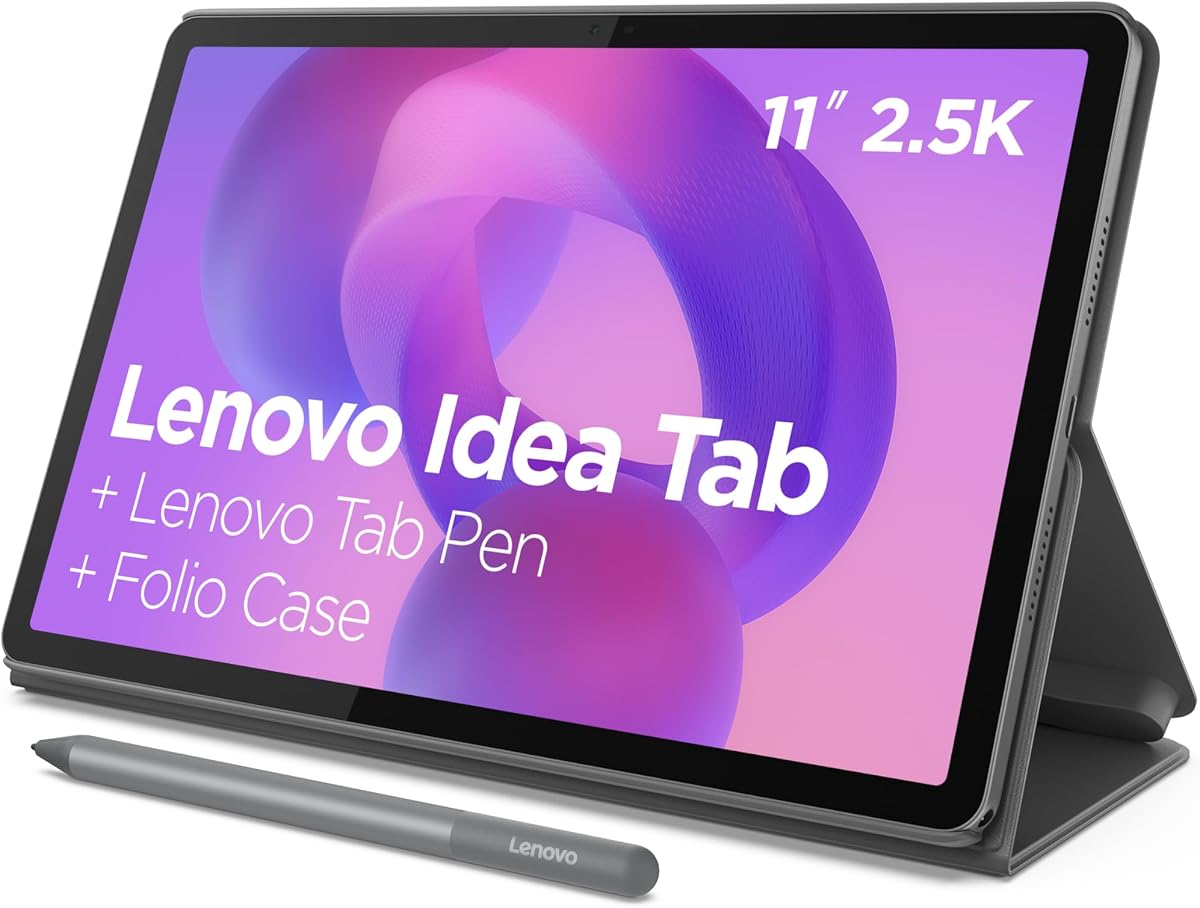
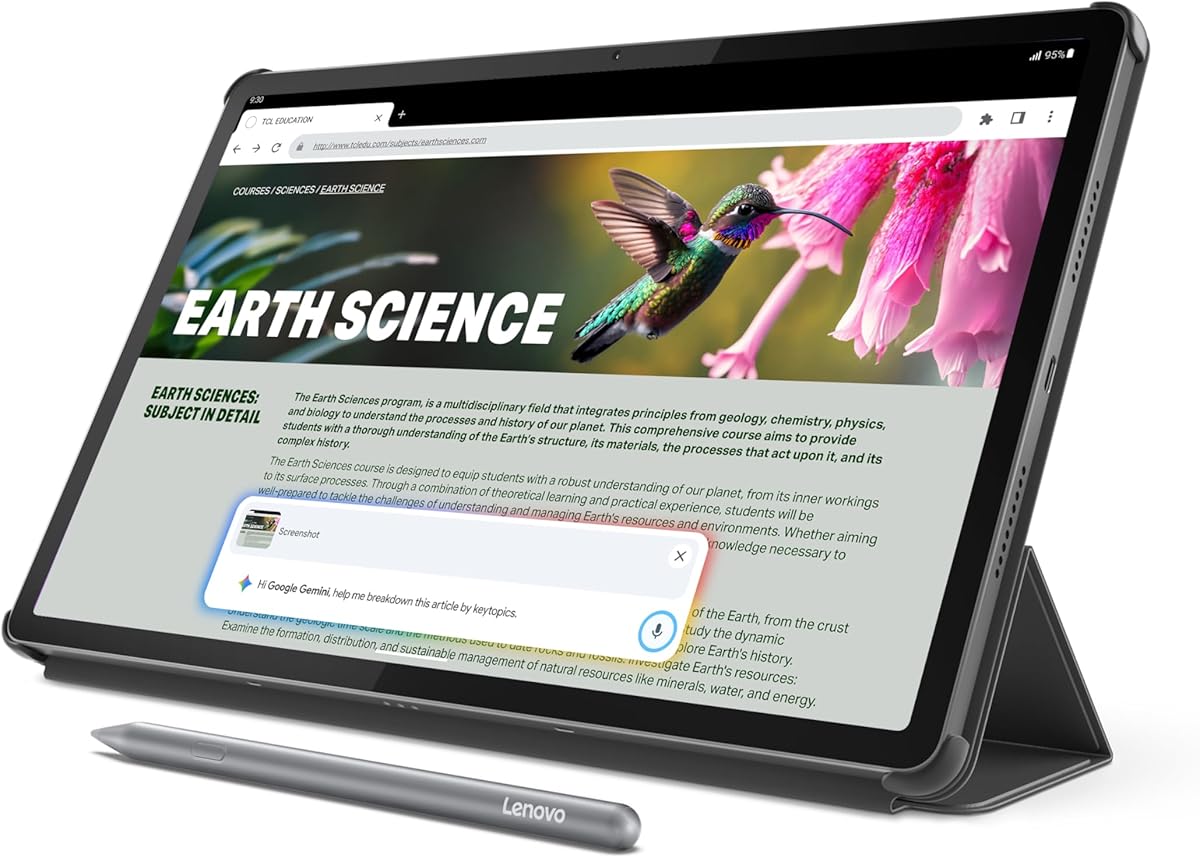
The Lenovo Idea Tab offers great value with a 4.6 rating and essential AI features like Circle to Search. It is an excellent choice for students on a budget.
We may earn a commission when you buy through this link, at no additional cost to you.
Its 2.5K display and 12-hour battery life support long study sessions. The included accessories add immediate value without extra cost.
While it lacks high-end AI tools, its performance is solid for daily tasks. The TUV certification ensures eye comfort during extended reading.
Perfect for students needing a reliable device for notes and media. This tablet balances cost and functionality effectively for education needs.
Built-in apps like Lenovo AI Note help organize class materials efficiently.
Hardware solutions reduce blue light to prevent strain during study.
We may earn a commission when you buy through this link, at no additional cost to you.
The TCL NXTPAPER 14 features a unique paper-like display that reduces glare effectively. Its 4.4 rating reflects high user satisfaction for reading and note-taking.
We may earn a commission when you buy through this link, at no additional cost to you.
The display modes switch between standard, color, and ink modes for comfort. It supports fast charging and reverse power for other devices easily.
Gaming performance is average due to the mid-range processor. However, its large screen is ideal for consuming content without eye strain.
Best for readers and artists who prefer a matte screen finish. This tablet excels in media consumption and creative sketching tasks.
NXTPAPER 3.0 filters blue light and adjusts color temperature automatically.
The 14.3 inch display offers ample space for split-screen multitasking.
We may earn a commission when you buy through this link, at no additional cost to you.
The Samsung Galaxy Tab S10+ Plus provides a massive 12.4-inch screen with excellent brightness. It holds a 4.7 rating for overall performance and usability.
We may earn a commission when you buy through this link, at no additional cost to you.
AI tools like Sketch to Image help visualize ideas quickly. The Note Assist feature organizes summaries from lectures automatically.
Its weight may be cumbersome for one-handed use over time. The screen size is best suited for home viewing or desk use.
Ideal for media lovers who need a large viewing area. This tablet offers robust features for entertainment and productivity.
Sketch to Image turns rough ideas into detailed art instantly.
SmartThings widget manages home automation directly from the tablet.
We may earn a commission when you buy through this link, at no additional cost to you.
The CHUWI Hi10 Max AI runs full productivity tasks with its Intel processor. It offers a 3:2 aspect ratio screen perfect for documents.
We may earn a commission when you buy through this link, at no additional cost to you.
The 512GB SSD ensures fast file access and ample storage space. Multiple ports allow direct connection to monitors and drives.
It lacks built-in stylus support which affects creativity. Its focus is on business utility rather than consumer AI features.
Best for professionals replacing a laptop for basic tasks. This device handles office work efficiently with great connectivity.
Intel AI Boost speeds up local content generation tasks.
Full USB-C and HDMI ports support diverse peripherals easily.
We may earn a commission when you buy through this link, at no additional cost to you.
The Lenovo Idea Tab Pro integrates Google Gemini as an AI assistant for students. It receives a 4.6 rating for its balanced performance.
We may earn a commission when you buy through this link, at no additional cost to you.
The 12.7 inch screen offers clear visuals for reading materials. The 45W charger quickly refills the battery during short breaks.
Storage starts at 128GB which fills up with media. It remains a strong tool for focused academic tasks.
Best for students needing an AI helper and large display. This tablet supports learning workflows effectively.
Gemini helps brainstorm ideas and solve problems directly.
Low Blue Light certification ensures comfort during late study.
We may earn a commission when you buy through this link, at no additional cost to you.
The TCL NXTPAPER 11 Gen 2 balances portability with screen comfort. It features upgraded eye care technology and a slim profile.
We may earn a commission when you buy through this link, at no additional cost to you.
The 11 inch display is easy to hold while reading. Reverse charging allows it to power phones in emergencies.
Performance is sufficient for daily use but heavy gaming is limited. Its focus remains on eye comfort and reading.
Best for commuters and casual readers. This device offers a comfortable viewing experience without bulk.
Switch between standard and ink modes for better readability.
CenterFace keeps you centered during remote meetings easily.
We may earn a commission when you buy through this link, at no additional cost to you.
The Samsung Galaxy Tab A11+ serves as a solid family device with ample storage. It gets a 4.6 rating for consistent performance.
We may earn a commission when you buy through this link, at no additional cost to you.
Quad speakers with Dolby Atmos provide immersive audio for movies. The 256GB space holds plenty of media.
It lacks advanced AI features compared to premium models. Its design focuses on reliability and entertainment.
Best for general home use and streaming. This tablet is robust enough for daily chores.
Dolby Atmos tuning creates a surround sound effect for media.
256GB internal space reduces need for external drives.
We may earn a commission when you buy through this link, at no additional cost to you.
The Android 16 Tablet is an affordable entry with GPS and expandable storage. It holds a 4.0 rating for basic utility.
We may earn a commission when you buy through this link, at no additional cost to you.
The 8000mAh battery supports long use sessions easily. Face ID offers convenient unlocking for users.
It lacks high-end processing and premium materials. Its value lies in providing essential features at a low cost.
Best for casual users and basic browsing needs. This device is functional for simple daily tasks.
MicroSD slot allows storage expansion up to 2TB.
Built-in GPS ensures accuracy for travel and maps.
We may earn a commission when you buy through this link, at no additional cost to you.
Selecting the right AI Tablet requires evaluating hardware, smart features, and budget constraints carefully.
A powerful processor like Snapdragon 8 Gen 3 or Intel Ultra 5 handles complex AI tasks efficiently. Look for dedicated NPUs that speed up photo editing and transcription.
Prioritize chips with high top ratings to ensure smooth local AI processing.
Screen resolution and refresh rates impact clarity and smoothness. Aim for at least 1080p and 90Hz for better visual comfort.
High-resolution screens reduce eye strain during long study or work sessions.
Many professionals need precise input for notes or design. Check if the device includes a pen or offers compatible accessories.
Included accessories save costs and enhance immediate productivity.
Long battery life is essential for all-day use away from outlets. Look for capacities above 8000mAh for better endurance.
Fast charging capabilities reduce downtime when the battery runs low.
AI tools and apps require significant space. Ensure at least 128GB internal storage or expandable slots like microSD.
Sufficient storage prevents interruptions caused by lack of space.
Different tablets offer unique AI tools like Note Assist or Circle to Search. Choose features that align with your workflow.
Real-world AI capabilities provide practical value beyond simple commands.
Wi-Fi 6 or 7 and Bluetooth 5.4 ensure fast data transfers and peripheral connections. USB-C ports allow versatile docking.
Robust connectivity keeps you connected in various work environments.
Prices range from entry-level models to premium devices. Balance your spending against essential features like performance or screen size.
Set a clear budget to narrow down your options effectively.
Clean the screen regularly with a microfiber cloth to maintain clarity. Avoid harsh chemicals that could damage the display coating.
Keep the device updated to ensure AI features work correctly. Regular updates also fix security vulnerabilities.
Store the tablet in a cool place to protect battery health. Avoid leaving it in direct sunlight or extreme heat.
An AI Tablet is a computing device with dedicated AI processors and software tools. These enable tasks like summarizing notes or editing photos instantly.
A stylus is not mandatory but highly recommended for note-taking. Many tablets include one, enhancing precision for creative work.
Yes, modern AI Tablets support full office apps and multitasking. Accessories like keyboards make them viable laptop replacements.
Battery life varies by usage but typically lasts 10 to 12 hours. Models with larger batteries and efficient chips last longer.
128GB is sufficient for basic apps but tight for media. Consider expandable models if you plan to download many files.
Lenovo and Samsung offer strong AI ecosystems with premium features. TCL provides excellent value for display-focused needs.
Some models support cellular data while others rely on Wi-Fi. Check connectivity options before buying to ensure online access.
For many users, an AI Tablet can replace a laptop. It depends on whether your workflow requires heavy desktop software.
The top three picks cover various needs from premium power to budget-friendly utility. Lenovo and Samsung lead in performance and ecosystem support.
Prioritize screen quality and AI features that match your daily tasks. Battery life and storage are equally vital for long-term use.
Prices and models evolve quickly, so check current listings before buying. This guide ensures you select a device that offers lasting value.