
Bootable USB Drive for Windows 11
4.0Editor score
Affordable installation and recovery
UEFI and Legacy compatible
No TPM requirement needed
This guide compares the top bootable Windows 11 USB drives for installation and repair, highlighting features like TPM bypass, UEFI support, and recovery tools.
Finding the right bootable Windows 11 USB drive is essential for installing or repairing your operating system efficiently. These drives simplify the process of setting up new PCs or fixing existing ones without needing complex downloads.
We compared ten popular options based on compatibility, included tools, and ease of use. Our analysis focuses on drives that support UEFI and Legacy BIOS, offer network drivers, and bypass TPM requirements for broader compatibility.
Each pick below shows key features, pros, and cons to help you choose the best drive for your needs. Keep in mind that prices and availability can change, so check the latest details before purchasing.
4.0Editor score

4.3Editor score

4.2Editor score
The following table provides a side-by-side comparison of all ten bootable Windows 11 USB drives reviewed in this guide. Each entry highlights core specifications to help you quickly identify the right fit for your system requirements.


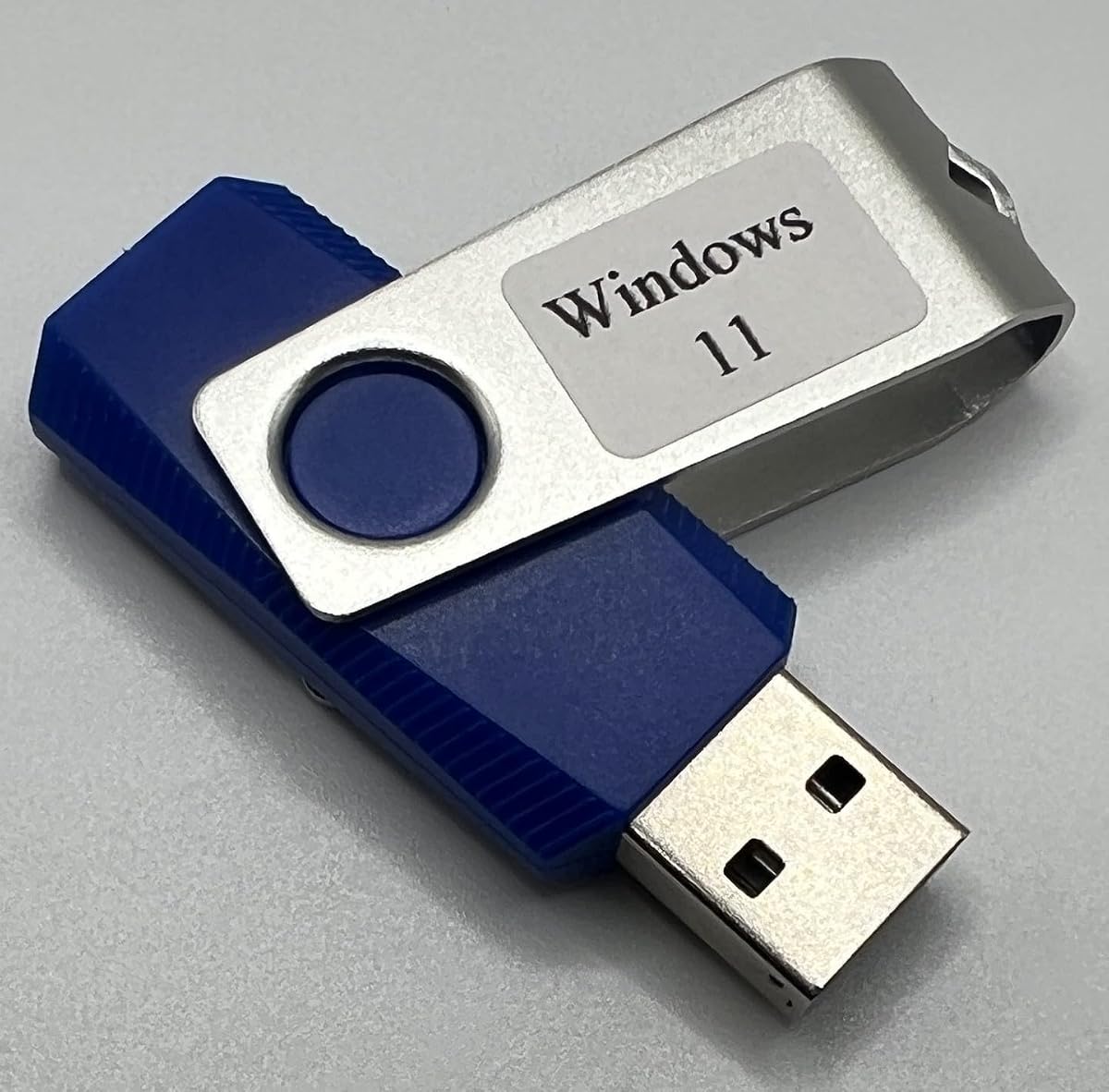


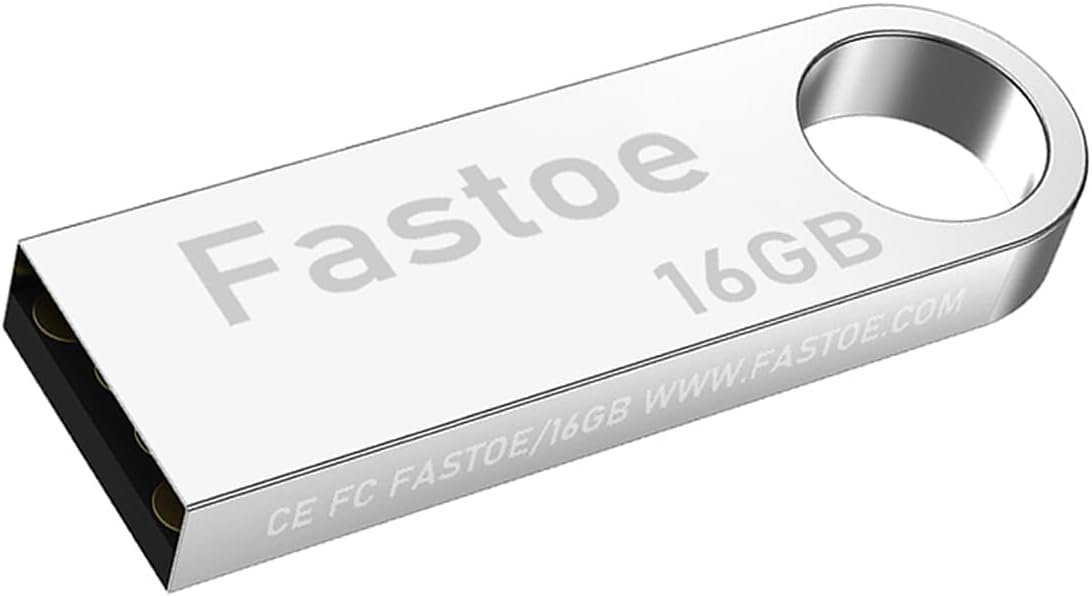
This 64GB bootable USB drive offers a versatile solution for installing or repairing Windows 11, 10, 8.1, and 7. With a rating of 4.3, it stands out for its broad compatibility and included tools like network drivers and data recovery utilities.
We may earn a commission when you buy through this link, at no additional cost to you.
The drive supports both UEFI and Legacy BIOS, making it suitable for a wide range of systems. It bypasses the TPM requirement, which is crucial for older hardware. Additionally, it includes programs for hard drive partitioning and data recovery, enhancing its utility as a maintenance tool.
While it requires disabling Secure Boot in the BIOS, this is a common trade-off for broader compatibility. The drive is fully scanned for viruses, ensuring safety. Note that existing Windows installations cannot be kept during reinstallation.
This drive is ideal for users needing a reliable tool for system installation and repair. Its comprehensive features and ease of use make it a top choice for both beginners and experienced technicians.
Supports Windows 11, 10, 8.1, and 7 for versatile use across different systems.
Includes network drivers, partitioning tools, and data recovery options for complete system management.
We may earn a commission when you buy through this link, at no additional cost to you.
This 8GB bootable USB drive is designed specifically for Windows 11 installation and recovery. With a rating of 4.0, it offers an affordable solution for users needing a straightforward setup tool without TPM requirements.
We may earn a commission when you buy through this link, at no additional cost to you.
The drive supports both UEFI and Legacy BIOS, ensuring compatibility with most modern and older systems. It is handmade and tested in Texas, adding a touch of quality assurance. Instructions are clear, guiding users through the boot process effectively.
However, it is limited to Windows 11 only, which may not suit users needing older version support. Additionally, it cannot fix failing hardware like bad RAM or motherboards, so verify your PC's health before purchasing.
This drive is perfect for budget-conscious users needing a reliable Windows 11 installer. Its simplicity and focus on core functionality make it a strong contender for basic installation needs.
Offers an affordable way to install Windows 11 without needing expensive tools or subscriptions.
Handmade and tested in Texas to ensure reliability and performance for users.
We may earn a commission when you buy through this link, at no additional cost to you.
This 32GB bootable USB drive supports Windows 10 and 11, offering flexibility for users with different system needs. With a rating of 4.2, it is known for its included network drives and comprehensive repair tools.
We may earn a commission when you buy through this link, at no additional cost to you.
The drive allows users to access hard drives and backup data before installation, adding a layer of safety. It supports UEFI and Legacy BIOS, making it compatible with various brands. The inclusion of network drivers helps with post-installation connectivity.
Like other options, it requires disabling Secure Boot and does not support keeping existing Windows installations. This is a standard trade-off for bootable media focused on reinstallation and repair.
This drive is suitable for users needing a balanced option between storage and features. Its ability to backup data and support multiple Windows versions makes it a practical choice for maintenance tasks.
Allows access to hard drives for data backup before reinstalling Windows, ensuring important files are saved.
Compatible with all brands and supports both UEFI and Legacy BIOS for broad system support.
We may earn a commission when you buy through this link, at no additional cost to you.
This 64GB bootable USB drive offers extensive tools including WinPE, password reset, and hardware testing. With a rating of 4.2, it is designed for users needing robust repair capabilities alongside standard installation.
We may earn a commission when you buy through this link, at no additional cost to you.
The drive supports Windows 11, 10, 8.1, and 7, making it versatile for various systems. It includes network drives and bypasses TPM requirements, ensuring compatibility with older hardware. A video tutorial is available to guide beginners through the process.
Users should note that Secure Boot may need to be disabled, and it does not support the Automatic Repair option. These limitations are typical for bootable media focused on full reinstallation and system rescue.
This drive is ideal for advanced users or technicians needing a comprehensive toolkit. Its range of utilities makes it a powerful option for troubleshooting and system recovery tasks.
Includes WinPE, password reset, and hardware testing tools for complete system troubleshooting and recovery.
Provides video tutorials to help users navigate the boot and installation process with ease.
We may earn a commission when you buy through this link, at no additional cost to you.
This bootable USB drive is designed for Windows 11 and 10 on 64-bit systems. It stands out by working with Secure Boot enabled, eliminating the need for BIOS changes. It downloads genuine Windows directly from Microsoft, ensuring no pirated or outdated files.
We may earn a commission when you buy through this link, at no additional cost to you.
The drive offers clear on-screen instructions and US-based support via live chat or email. This adds a layer of trust and assistance for users who may encounter issues. It is designed for UEFI BIOS, which is standard for most PCs from 2013 and newer.
However, it does not support Legacy BIOS, which may limit compatibility with very old systems. Also, a Windows product key is not included, so users need their own license. These are minor trade-offs for the security and reliability it offers.
This drive is perfect for users prioritizing security and official sources. Its ability to work with Secure Boot and provide direct downloads makes it a safe choice for installations.
Works with Secure Boot enabled, reducing the need for BIOS modifications and increasing security.
Downloads genuine Windows directly from Microsoft, avoiding outdated ISOs or pirated copies.
We may earn a commission when you buy through this link, at no additional cost to you.
This 16GB recovery and repair USB drive is designed specifically for Windows 11 Professional and Home editions. With a rating of 3.9, it focuses on resolving common issues like slow performance or blue screens through repair tools.
We may earn a commission when you buy through this link, at no additional cost to you.
The drive is UEFI compliant, ensuring proper system booting across various models. It includes detailed instructions for recovery, repair, and boot setup. Multiple recovery options are available, including system repair, fresh installation, and data recovery.
While it is specialized for Windows 11, this may not suit users with older systems. The lower rating compared to some rivals suggests potential usability or compatibility variations. Users should verify their system needs before purchasing.
This drive is best for users needing a targeted solution for Windows 11 recovery. Its focus on specific tools and instructions makes it a useful option for troubleshooting within that ecosystem.
Offers specific tools for system repair, fresh installation, and data recovery tailored to Windows 11.
Ensures proper system booting across various computer makes and models with 64-bit architecture.
We may earn a commission when you buy through this link, at no additional cost to you.
This 64GB bootable USB drive includes a license key for installation, which is a notable feature. It supports Windows 11 and 10 Pro and Home versions, with tools for recovery, password resets, and machine troubleshooting.
We may earn a commission when you buy through this link, at no additional cost to you.
The drive offers password recovery, network drives, and hard drive partitioning options. Video instructions are provided to assist users through the process. Secure Boot may need to be temporarily disabled on newer systems to boot from the USB.
However, it has a lower rating of 3.4, which may indicate user experiences with compatibility or usability. The license key inclusion is useful but requires following instructions for redemption properly.
This drive is suitable for users needing an activation key included. Its range of tools makes it a comprehensive option for installation and maintenance, despite the mixed ratings.
Includes 1 license key for install, providing added value for users needing activation during setup.
Offers password recovery, network drives, and hardware testing for complete system management.
We may earn a commission when you buy through this link, at no additional cost to you.
This 64GB bootable USB installer combines Win 11, 10, and 7 installation media with a WinPE utility suite. With a rating of 4.2, it is a comprehensive one-in-one rescue USB for installing and repairing Windows.
We may earn a commission when you buy through this link, at no additional cost to you.
The included WinPE suite allows for system backup, troubleshooting, and password recovery. Printable instructions and a video guide are provided to help users boot from the drive easily. This makes it accessible even for those new to bootable media.
Users should note that Secure Boot might need to be disabled in some cases. The reliance on video guides means internet access may be needed to view them initially. These are minor considerations for the value offered.
This drive is ideal for users needing a premium all-in-one solution. Its combination of installation media and repair tools makes it a top choice for maintaining multiple systems.
Combines multiple Windows installation media with repair tools on one drive, reducing the need for multiple downloads.
Provides printable instructions and video guides to ensure users can boot and use the drive effectively.
We may earn a commission when you buy through this link, at no additional cost to you.
This 30-in-1 bootable USB drive provides a wide range of tools for installation and recovery across Windows 11, 10, 8.1, and 7. With a rating of 4.0, it is designed to help keep older PCs useful and eliminate the need for downloads.
We may earn a commission when you buy through this link, at no additional cost to you.
The drive is ready-to-use, allowing users to insert it and select installation or recovery options from the boot menu. It helps users maintain compatible older computers before deciding on replacements. Support is available for 64-bit PCs with UEFI or Legacy BIOS.
Note that no Windows license key is included, so users need their own activation. Results may vary depending on the condition of the computer. These are standard limitations for such versatile tool suites.
This drive is suitable for users needing a variety of tools in one package. Its focus on maintaining older systems makes it a practical choice for home computers and workstations.
Offers a 30-in-1 collection of tools for installation, recovery, and repair across multiple Windows versions.
Helps keep compatible older computers useful by providing maintenance and reinstall options before replacement.
We may earn a commission when you buy through this link, at no additional cost to you.
This bootable USB flash drive installer is built with a 16GB high-quality drive and deployed with the latest official version of Windows 11. With a rating of 3.8, it emphasizes reliability and a clean, virus-free installation experience.
We may earn a commission when you buy through this link, at no additional cost to you.
The drive is plug-and-play, including a user guide and online technical support services. It is compatible with all major PC brands and supports 64-bit systems. This simplicity makes it accessible for users seeking a straightforward installation tool.
However, it is limited to Windows 11 Pro and Home, which may not suit users needing older versions. The lower rating suggests some users may have experienced compatibility issues. Verifying system specs before purchasing is advisable.
This drive is best for users needing a simple and clean Windows 11 installer. Its focus on official sources and support makes it a reliable option for basic installation needs.
Uses the latest official version of Windows 11, ensuring no viruses or spyware are included in the media.
Offers plug-and-play setup with user guides and online support for hassle-free installation.
We may earn a commission when you buy through this link, at no additional cost to you.
Selecting the right bootable Windows 11 USB drive involves considering compatibility, features, and ease of use. This guide breaks down the key factors to help you make an informed decision.
Storage capacity affects how many files and tools can be included on the drive. Options range from 8GB to 64GB, with larger capacities allowing for more comprehensive utilities and multiple Windows versions. For most users, 32GB or higher provides enough space for installation and recovery tools without unnecessary bulk.
Choose a capacity that matches your needs. If you only need a simple installer, 8GB or 16GB may suffice. For a toolkit with multiple tools, 64GB offers more flexibility.
Some drives support multiple Windows versions like 11, 10, 8.1, and 7, while others focus on Windows 11 only. Consider whether you need flexibility for older systems or just the latest installation. Broad support is useful for households with mixed hardware ages.
Prioritize drives that support your target Windows version. If you have older systems, ensure the drive lists compatibility with them explicitly.
Compatibility with UEFI and Legacy BIOS ensures the drive works with both modern and older systems. Most drives support both, but some newer options may only support UEFI. Check your system's BIOS type before purchasing to avoid boot issues.
Ensure the drive supports your system's BIOS mode. If unsure, choose a drive that explicitly supports both UEFI and Legacy for maximum compatibility.
Windows 11 typically requires TPM 2.0, but some drives bypass this requirement for easier installation on older hardware. This is a critical feature if your PC lacks TPM support. Verify that the drive clearly states no TPM requirement is needed.
Select a drive that bypasses TPM if your hardware does not meet official requirements. This allows you to install Windows 11 without hardware upgrades.
Drives often include network drivers, password reset tools, and data recovery options. These features add value beyond simple installation. Consider what utilities you need, such as network connectivity post-install or password recovery for lost accounts.
Look for drives with tools that match your maintenance needs. If you need network drivers, choose a drive that explicitly includes them for WiFi and LAN.
Ensure the drive is scanned for viruses and malware to prevent security issues during installation. Reputable products mention this in their descriptions. This is especially important for bootable media that runs outside your primary OS.
Prioritize drives that confirm virus scanning and clean sources. This reduces the risk of compromising your system during installation.
Video tutorials and user guides help beginners navigate the boot and installation process. Some drives include printed instructions or links to videos online. This support can save time and reduce frustration for less experienced users.
Choose a drive with clear instructions if you are new to bootable media. Video guides are particularly helpful for visual learners.
Prices vary based on capacity and features. While higher capacity drives cost more, they may offer better long-term value with more tools. Balance the cost with the features you need to avoid overspending on unused capabilities.
Compare prices against included features. Sometimes a slightly more expensive drive with more tools offers better value than a cheaper basic option.
To use your bootable USB drive, insert it into a USB port on your computer. Restart the device and access the boot menu or BIOS setup by pressing the designated key like F12, Esc, or Del during startup. Select the USB drive from the list to boot into the installer or recovery environment.
Follow the on-screen instructions to proceed with installation or repair. Some drives may require disabling Secure Boot in BIOS settings, so check the included guide. Ensure you backup important data before installation since existing files may be deleted during the process.
For care, store the drive in a protective case to prevent physical damage. Keep it away from moisture and extreme temperatures. Do not remove the drive while it is actively being used to avoid data corruption. Regularly check for updates from the manufacturer if available.
A bootable Windows 11 USB drive is a portable storage device that contains the Windows installation files and tools. It allows you to install or repair Windows directly without needing a DVD or network download. This makes it convenient for setting up new PCs or fixing existing systems.
Most drives do not include a product key, so you will need your own valid license. Some options may include a temporary key or redemption instructions, but a permanent key is usually purchased separately. Check the product description for details on key inclusion.
Many drives are designed to bypass TPM requirements, allowing installation on older hardware. Look for products that explicitly state no TPM is required. This is helpful for PCs that do not meet official Windows 11 hardware standards.
Insert the USB drive and restart your computer. Press the boot menu key like F12 or Del to access the boot selection screen. Choose the USB drive from the list. If needed, disable Secure Boot in BIOS settings as per the included instructions.
Some drives include data recovery tools that allow you to access and backup files before reinstalling. Check the product features to confirm if data recovery is supported. Not all drives have this capability, so review the included utilities carefully.
Reputable drives are scanned for viruses and malware before being sold. The product descriptions often mention antivirus checks. However, always ensure you download or use the drive from trusted sources to maintain security during installation.
Most drives come pre-formatted and ready to use. You do not need to format them manually. Attempting to reformat may remove the bootable content, so use the drive as provided for best results.
Compatibility depends on your system's hardware and BIOS type. Ensure the drive supports your specific Windows version and BIOS mode. Some drives require UEFI BIOS, while others support Legacy. Check the compatibility details before purchasing.
The best bootable Windows 11 USB drive depends on your specific needs for compatibility and features. Our top picks like the 64GB Bootable USB Drive 3.2 and the Budget option offer strong value for most users looking to install or repair systems efficiently.
Prioritize drives that support your system's BIOS type and offer necessary tools like network drivers and TPM bypass. Consider whether you need multiple Windows version support or just the latest installation. These factors will guide you to the most suitable option for your hardware.
Always check current prices and availability before purchasing as they may change. Ensure you have a valid Windows license if required and backup important data before using the drive. With the right choice, you can maintain your systems with ease.