
CORSAIR RS120 ARGB 120mm PWM Fans Triple Pack
4.6Editor score
Daisy chain connections
2100 RPM speeds
Low noise operation
Discover the top Corsair case fans for cooling and RGB lighting. This guide compares performance, noise, and features to help you choose the right model.
Choosing the right airflow solution is critical for maintaining optimal system temperatures and ensuring long term stability. Corsair offers a wide range of options designed to balance performance with aesthetics for modern PC builds.
We evaluated each model based on airflow efficiency, static pressure capabilities, noise levels, and lighting customization features. Our analysis focuses on real world performance metrics and integration ease with standard motherboard ecosystems.
Each selection below highlights key strengths and ideal use cases to help you narrow down your options efficiently. Please note that availability and pricing can vary over time so always verify current details before purchasing.
4.6Editor score

4.7Editor score

4.6Editor score
The following table provides a side by side overview of all models considered in this guide including key technical specifications and design features.

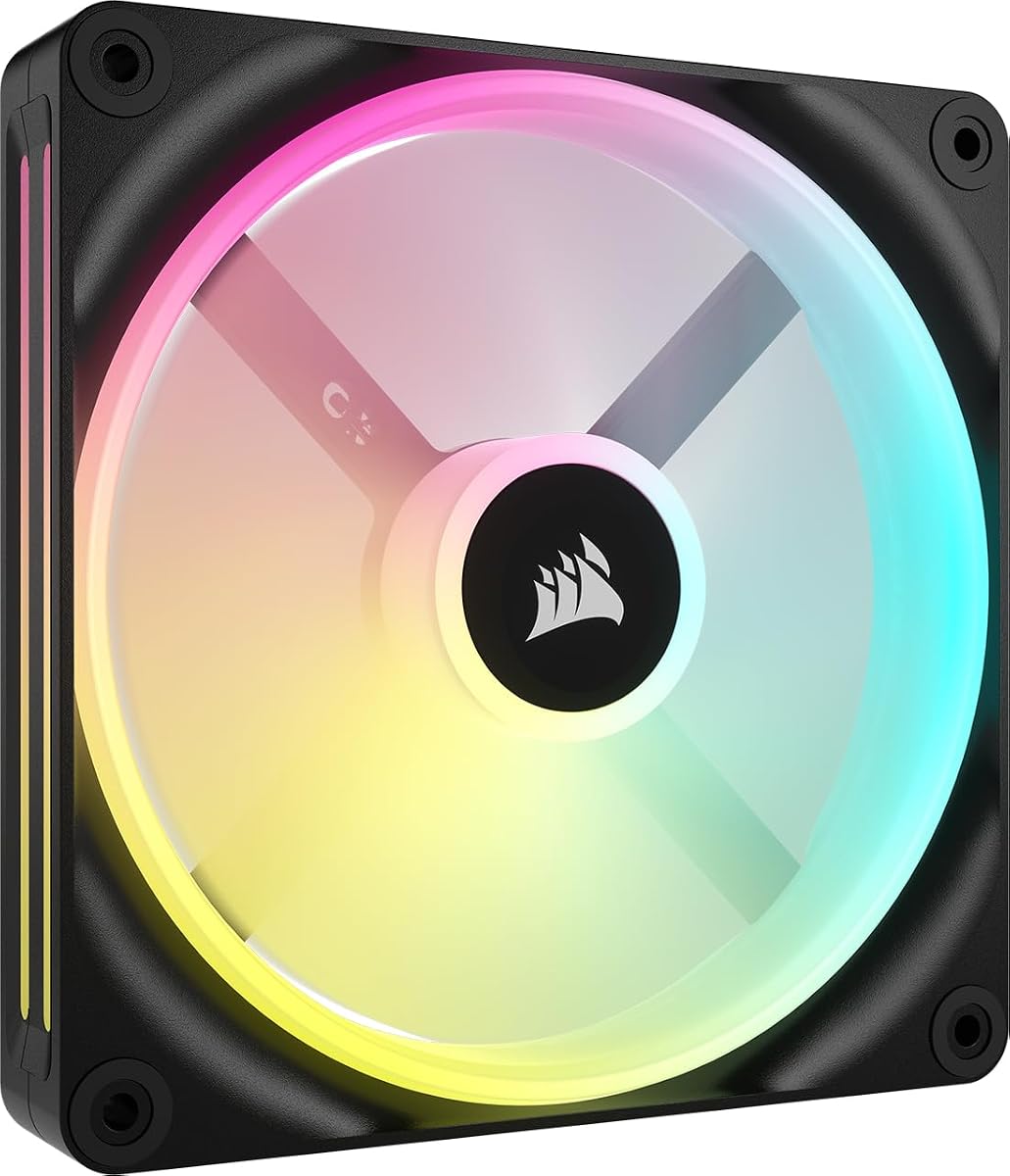


This triple pack delivers excellent cooling performance with a streamlined connection design. It maintains solid airflow while keeping noise levels manageable for everyday use.
We may earn a commission when you buy through this link, at no additional cost to you.
The daisy-chain connectors reduce cable clutter significantly. With up to 2100 RPM speeds you get reliable cooling for radiators or standard case setups.
While lighting requires motherboard support the customization options are extensive. AirGuide technology helps direct airflow efficiently where it matters most.
It suits users needing reliable cooling without premium costs. The balance of features and simplicity makes it a top choice for most builds.
Connecting multiple fans requires only a single PWM and ARGB cable per chain. This reduces motherboard header usage and keeps internal layouts clean.
AirGuide vanes minimize turbulence and focus air through radiators or heatsinks. This increases thermal efficiency without requiring higher fan speeds.
We may earn a commission when you buy through this link, at no additional cost to you.
This set integrates seamlessly with iCUE Link hardware for simplified control. It offers advanced cooling and stunning dual loop lighting aesthetics.
We may earn a commission when you buy through this link, at no additional cost to you.
Each fan includes bridge connectors for a daisy chain setup. The included hub consolidates all connections into one cable for your motherboard.
Performance is robust with high static pressure for radiators. Magnetic dome bearings ensure long life and quiet operation under load.
Ideal for enthusiasts wanting a unified lighting and cooling system. The cost reflects the integrated convenience and premium build quality.
The iCUE Link protocol eliminates traditional fan cables. Fans connect directly to each other and the hub using bridge connectors.
Each fan has 18 LEDs split across inner and outer loops. This allows complex lighting effects that sync with other iCUE devices.
We may earn a commission when you buy through this link, at no additional cost to you.
These fans flip the standard layout so lights remain visible from the front. They deliver strong cooling while maintaining a clean aesthetic.
We may earn a commission when you buy through this link, at no additional cost to you.
Reverse rotors remove obstructive spokes on the intake side. The ARGB lighting stays unblocked for consistent visual impact across your case.
Performance rivals standard models with high static pressure ratings. Zero RPM mode stops fans at low loads for silent operation.
Perfect for builds where appearance is as important as cooling. The reverse design solves a common aesthetic issue for RGB fans.
Mounting as intake no longer hides the RGB rings. The reverse rotor ensures the lighting face is always visible to the viewer.
Set speeds manually or let Zero RPM mode handle low loads. This flexibility helps balance noise and cooling based on system needs.
We may earn a commission when you buy through this link, at no additional cost to you.
This black variant matches dark themed builds while keeping lights visible. It provides the same reverse rotor benefits as the white model.
We may earn a commission when you buy through this link, at no additional cost to you.
Intake mounting now shows RGB without obstruction. The design ensures your build looks cohesive from every angle.
Performance remains strong with 65.8 CFM airflow. Zero RPM support adds quiet operation when system loads are minimal.
Choose this if you prefer a monochromatic aesthetic. It combines form and function effectively for modern PC designs.
The black housing blends with dark frames and panels. This prevents visual distractions and enhances the RGB glow.
Magnetic Dome bearings reduce friction and noise over time. This ensures consistent operation across long usage periods.
We may earn a commission when you buy through this link, at no additional cost to you.
This 140mm single fan offers significant airflow for larger cases. It fits the iCUE Link ecosystem for unified control.
We may earn a commission when you buy through this link, at no additional cost to you.
With 82.5 CFM it moves air efficiently across open areas. The bridge connector allows chaining to other QX fans easily.
34 LEDs across two zones enable unique effects. Time Warp mode adds dynamic visuals with compatible hub hardware.
Suitable for cases requiring bigger fans for clearance. The size and connectivity make it versatile for custom setups.
Larger blades move more air at lower speeds. This helps maintain silence while cooling larger chassis areas.
Thirty four LEDs provide broader light coverage. The dual zone design allows segmented lighting patterns.
We may earn a commission when you buy through this link, at no additional cost to you.
This kit combines reverse rotor visibility with Link simplicity. It features unique tools for fast and secure mounting.
We may earn a commission when you buy through this link, at no additional cost to you.
Intake mounts show full RGB rings clearly. The bridge connectors eliminate traditional wiring between fans for cleaner builds.
High static pressure helps with dense radiators. Magnetic bearings ensure quiet operation even at higher speeds.
Best for users wanting visibility and ease of use. The included tools add practical value to the package.
QuikTurn screws allow quick installation without separate tools. This reduces installation time and frustration during assembly.
Reverse rotors ensure fans visible from the front. Lighting remains vibrant regardless of intake placement.
We may earn a commission when you buy through this link, at no additional cost to you.
The thick profile moves massive air at lower RPMs. This design targets heavy cooling needs with reduced noise.
We may earn a commission when you buy through this link, at no additional cost to you.
Five millimeter extra thickness boosts blade size. You get over 100 CFM without needing to spin at max speed.
Windowed frames allow side lighting views. The white finish suits light themed builds perfectly.
Use this for radiators or rear exhausts. The high volume output suits demanding thermal loads.
Extra thickness increases blade surface area. This allows more air movement at reduced rotation speeds.
Slower speeds mean less noise. You maintain high airflow without the associated loudness.
We may earn a commission when you buy through this link, at no additional cost to you.
This fan features a thick design for dense cooling tasks. It is built with rigid materials for durability.
We may earn a commission when you buy through this link, at no additional cost to you.
Fifty millimeter increase over standard fans improves airflow. AirGuide technology directs air where needed most.
Static pressure is optimized for high density radiators. It provides solid performance without RGB features.
Pick this for functional cooling needs on a budget. The material quality ensures long term reliability.
Liquid Crystal Polymer offers excellent stiffness. This reduces blade vibration and maintains shape over time.
Anti vortex vanes focus air on components. This increases cooling efficiency on specific hot spots.
We may earn a commission when you buy through this link, at no additional cost to you.
This model delivers high airflow with vivid lighting. It suits cases needing 140mm fans with RGB.
We may earn a commission when you buy through this link, at no additional cost to you.
Static pressure is high for radiator tasks. The window allows you to view the frame lighting clearly.
AirGuide vanes ensure air moves efficiently. Link bridges enable easy connection with other iCUE devices.
Choose this for balanced cooling and looks. It fits standard cases needing high performance 140mm fans.
The frame includes a window for side visibility. This adds depth to RGB effects when viewed from angles.
Anti-vortex vanes direct air directly at parts. This minimizes wasted airflow and improves cooling.
We may earn a commission when you buy through this link, at no additional cost to you.
This kit provides the basics to start an iCUE Link setup. It includes a hub to link the two fans.
We may earn a commission when you buy through this link, at no additional cost to you.
Starter kits simplify the entry into Link ecosystems. You get two 140mm fans for front or rear intake.
White finish suits light builds well. The hub consolidates control into one connector.
Good for those wanting to try Link tech. Check renewed status to ensure warranty coverage.
Includes hub and two fans plus connectors. This reduces extra purchases needed to start using Link.
The white finish matches light cases. It provides a clean look for RGB lighting.
We may earn a commission when you buy through this link, at no additional cost to you.
Selecting the right fans involves balancing cooling needs with aesthetic and connectivity preferences. Below are key factors to consider.
Measure your case slots carefully before buying. Standard sizes are 120mm and 140mm. Ensure you have room for thicker models.
Always check case specs for max thickness limits.
High CFM suits open cases while high static pressure suits radiators. Choose based on your cooling setup.
Prioritize static pressure for radiators.
Magnetic Dome bearings reduce noise. Look for models with low RPM options.
Use Zero RPM modes when available.
Choose standard ARGB or iCUE Link for sync. Confirm motherboard headers match.
Link systems simplify wiring.
These fans keep RGB visible from intake. This improves aesthetics for front mounts.
Check if your build needs this.
Daisy-chain connectors reduce cable clutter. Link hubs offer single cable control.
Plan for your cable paths.
Liquid Crystal Polymer blades are durable. Ensure the frame is rigid.
Strong materials reduce vibration.
Choose black or white to match your build. Some packs offer mixed colors.
Aesthetics impact visual balance.
Install fans ensuring intake and exhaust flow matches your case design. Secure them firmly to avoid vibrations.
Use software to set fan curves. Keep curves smooth to reduce noise.
Dust fans every few months. Use compressed air to clean blades gently.
Not always. Many boards support +5V ARGB directly. If not a header hub works. Check motherboard compatibility first.
Link fans connect via bridge cables and a hub. Standard fans use individual PWM and ARGB cables. Link simplifies wiring.
Yes you can. Mixing 120mm and 140mm works if slots match. Just ensure your case supports the sizes.
Not necessarily. They improve aesthetics. Noise depends on bearings and RPM settings. Choose based on your needs.
Turn off your PC. Use compressed air to blow dust out. Hold blades to stop them from spinning too fast.
Set higher RPM when idle is hot. Lower it when system is cool. Most software allows auto curves.
Yes magnetic bearings are long lasting. Durability is high. Normal use should provide years of service.
Not always. Standard cases allow 25mm thickness. Thicker fans like 30mm need clearance. Check dimensions.
The options here cover a range of budgets and needs. Whether you want simplicity or advanced Link features you have choices.
Prioritize size and pressure for cooling. Choose connectivity for ease of use.
Always check current stock and specs before buying. Your perfect fans are ready to improve your build.