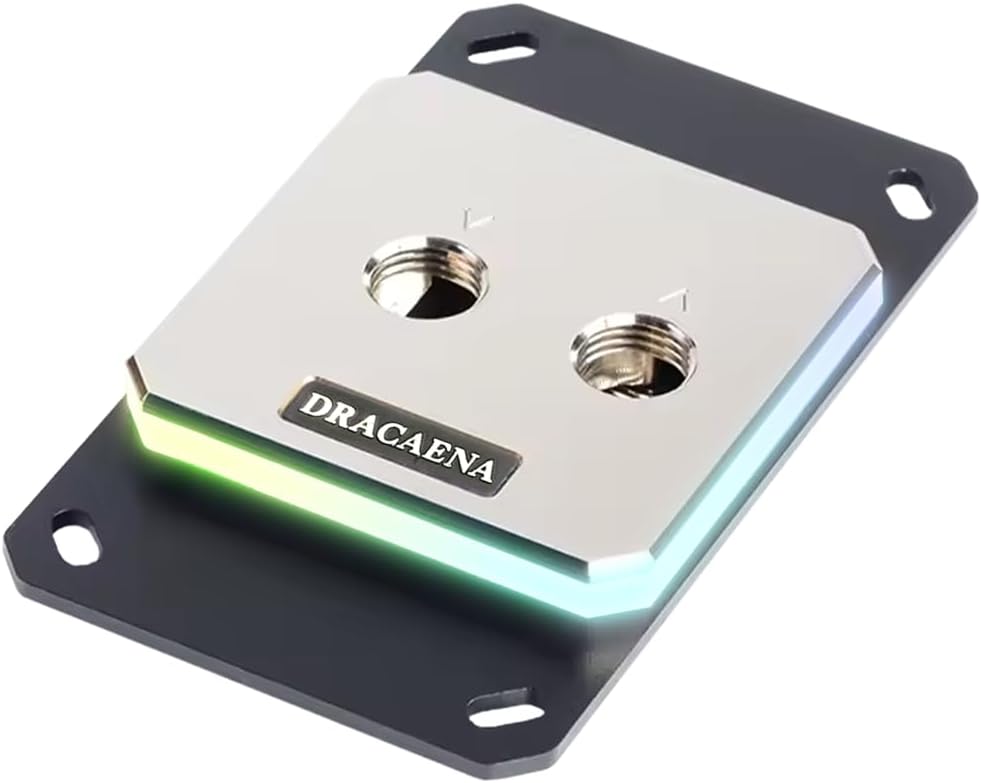
Dracaena.io CPU Water Block
4.6Editor score
Full copper internal channels
Compatible with AM5 and AM4
5V ARGB sync support
Choosing the right CPU water block is essential for anyone building a custom liquid cooling loop. A high-quality block ensures efficient heat transfer, keeping your processor cool under heavy loads while maintaining system stability and longevity.
We evaluated ten leading models based on thermal performance, build quality, and compatibility. Our analysis covers key features like microfin density, material quality, and aesthetic options to help you find the perfect match for your system.
Each pick highlights specific strengths and ideal use cases for different users. Keep in mind that availability and pricing can change frequently, so always verify current details before making your final purchase decision.
4.6Editor score

4.6Editor score

3.6Editor score
As an Amazon Associate we earn from qualifying purchases.
The following table provides a side-by-side comparison of all ten models reviewed in this guide. It highlights key specifications, material choices, and unique features to help you quickly identify the best fit for your needs.




The EKWB EK-Quantum Velocity 3 stands out as the top performer in our reviews. It delivers reliable cooling for high-end systems with its refined internal design and solid build quality.
We may earn a commission when you buy through this link, at no additional cost to you.
This model achieves up to 2 degrees C improvement compared to previous generations. The nickel-plated copper cold plate ensures efficient heat transfer, making it ideal for demanding workloads.
While it is more expensive than standard options, the performance gains justify the cost. The precise mounting pressure guarantees consistent contact with the CPU die.
Enthusiasts seeking top-tier thermal results will appreciate this block. It is a safe investment for anyone building a serious custom cooling loop.
The optimized internal geometry allows coolant to flow more effectively, reducing hot spots and keeping temperatures stable even under heavy load.
Crafted with high-quality materials, this block is designed to last. The nickel plating protects against corrosion while maintaining excellent conductivity.
We may earn a commission when you buy through this link, at no additional cost to you.
The CORSAIR XC7 RGB Elite LCD brings a unique visual element to custom loops. Its integrated IPS screen allows for real-time monitoring and personalization options.
We may earn a commission when you buy through this link, at no additional cost to you.
The Hexa-Flow cooling engine ensures that all CPU cores are cooled evenly. This is particularly beneficial for modern multi-chip package processors.
While the display adds value, it also requires additional configuration. Users should be comfortable using iCUE software to get the most out of the features.
This block is perfect for builders who prioritize style alongside performance. It turns the CPU cooler into a focal point of the system.
With 480×480 resolution and 600cd/m² brightness, the screen delivers crisp images and smooth animations that enhance your build visually.
USB-C connectivity simplifies installation and setup. This reduces cable clutter and eliminates the need for a separate controller unit.
We may earn a commission when you buy through this link, at no additional cost to you.
The Dracaena.io CPU Water Block offers excellent value for budget-conscious builders. It provides reliable cooling performance without breaking the bank.
We may earn a commission when you buy through this link, at no additional cost to you.
Its full copper water loop ensures maximum thermal conductivity. The compact form factor fits easily into various case configurations.
Although it lacks premium features like LCD screens, it delivers solid performance. The included installation kit makes setup straightforward for beginners.
This is an ideal choice for those entering the custom loop space. It balances cost and effectiveness better than most competitors in its class.
Supporting AM5, AM4, and older sockets, this block offers versatility. You can use it across multiple builds without needing adapters.
The aluminum mounting brackets and acrylic top ensure durability. It is pressure-tested to handle the rigors of continuous cooling operation.
We may earn a commission when you buy through this link, at no additional cost to you.
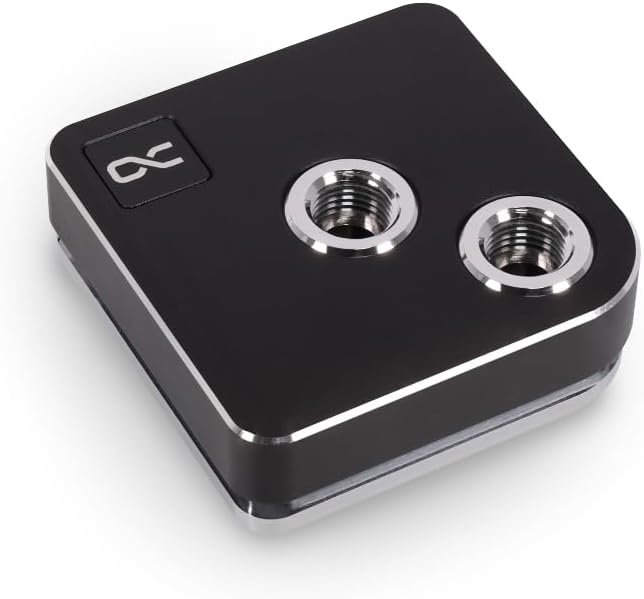
The Alphacool Core 1 is a straightforward solution for those prioritizing function over form. It is designed to keep your CPU cool without unnecessary extras.
We may earn a commission when you buy through this link, at no additional cost to you.
Its compatibility with both Intel and AMD sockets makes it versatile. The black finish blends well with most modern system builds.
While it may not have flashy features, its performance remains reliable. It is a great option for users who prefer a clean look.
This block is suitable for professional or understated builds. It delivers consistent cooling performance for daily tasks and gaming alike.
Supporting the latest and older sockets ensures longevity. This flexibility allows for upgrades without replacing the water block entirely.
Built to withstand regular use, this block is durable. The materials are chosen for stability and long-term reliability.
We may earn a commission when you buy through this link, at no additional cost to you.
This generic water block is a viable option for those with older systems. It offers basic cooling capabilities at a very low cost.
We may earn a commission when you buy through this link, at no additional cost to you.
The large water contact area helps carry heat away efficiently. Its simple design ensures easy installation for DIY enthusiasts.
However, it lacks compatibility with modern CPUs. It is best suited for vintage builds or experimental projects.
Buyers should note the age restrictions before purchasing. It serves as an entry point but not a long-term solution for current hardware.
This is one of the most affordable options available. It provides basic functionality for those on a tight budget.
Supporting legacy sockets like 775 and AM3 allows reuse of old parts. It is helpful for preserving retro gaming rigs.
We may earn a commission when you buy through this link, at no additional cost to you.
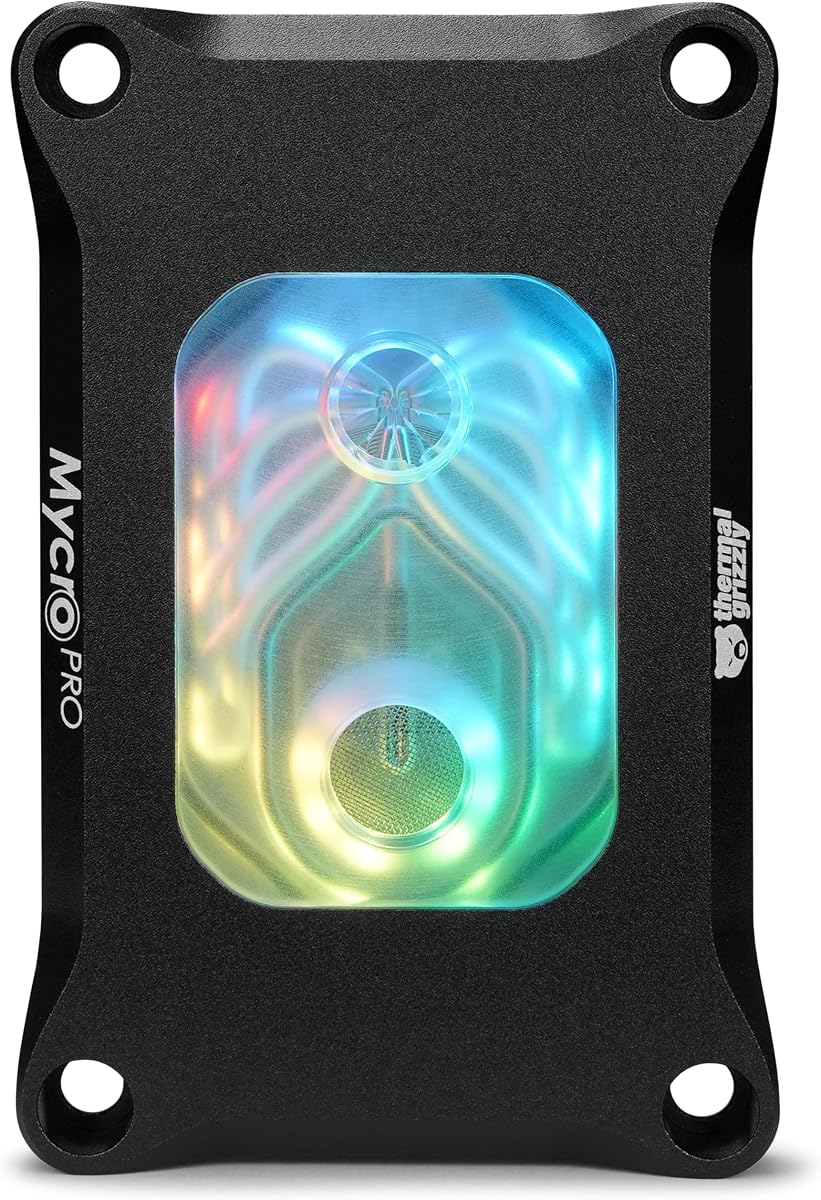
The Thermal Grizzly Mycro Pro RGB is engineered for precise heat dissipation. Its 0.2 mm microfins maximize surface area for better thermal transfer.
We may earn a commission when you buy through this link, at no additional cost to you.
The integrated filter protects the microfin structure from debris. This ensures consistent coolant flow and prevents clogging over time.
It is designed for high-end custom systems. The nickel-plated copper plate ensures durability and efficiency in heat exchange.
Enthusiasts who value technical precision will appreciate this model. It is a strong choice for demanding cooling setups.
The 68 microfins are precision-machined to improve heat transfer. This structure increases efficiency without adding excessive flow resistance.
Using acrylic and nickel-plated copper provides stability. The O-rings ensure tight seals to prevent leaks in your loop.
We may earn a commission when you buy through this link, at no additional cost to you.
The TRYX Panorama WB is the most innovative block in our lineup. Its curved AMOLED screen transforms how you view system information.
We may earn a commission when you buy through this link, at no additional cost to you.
Beyond visuals, it includes a dedicated fan for VRM cooling. This extra cooling targets motherboard voltage regulators directly under load.
The software supports GIPHY for real-time animations. This allows for dynamic customization of the display content.
This block is for users who want to stand out. It is a premium choice for builders who value cutting-edge technology.
The 60Hz refresh rate and 372PPI ensure vibrant visuals. The curved design creates anamorphic effects that look unique.
The PWM VRM fan provides targeted airflow. It reduces noise while effectively cooling critical components under stress.
We may earn a commission when you buy through this link, at no additional cost to you.
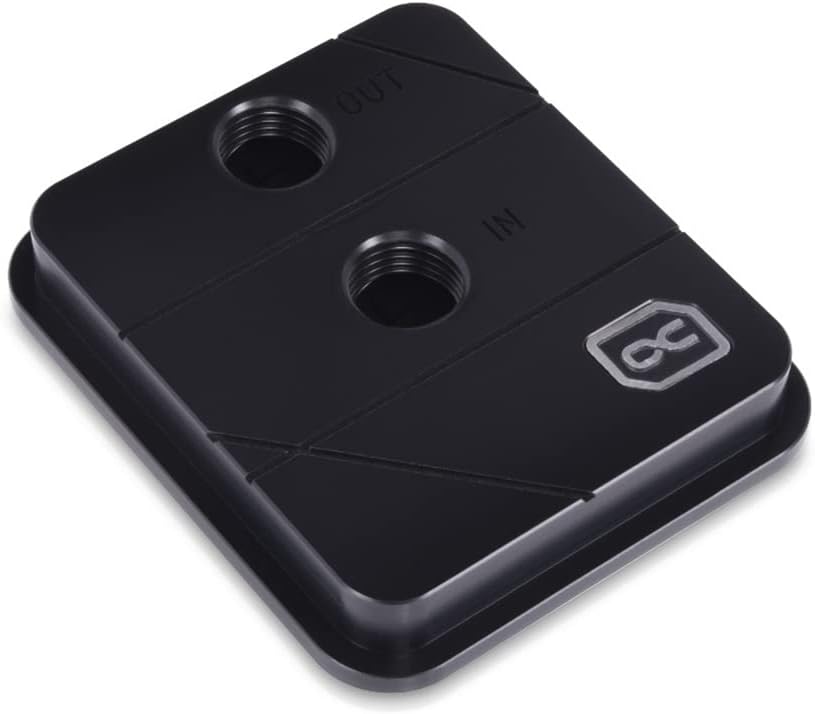
The Alphacool Core XP3 provides reliable cooling with a minimalist design. It focuses on performance rather than flashy aesthetics.
We may earn a commission when you buy through this link, at no additional cost to you.
The acetal top is durable and resistant to wear. It ensures longevity for the physical components of the block.
Its compact size helps in builds with space constraints. It fits well in tight areas without sacrificing cooling efficiency.
This is a practical choice for functional builds. It offers dependable performance for users who do not need RGB.
With dimensions of 73x63x21mm, it is designed for efficiency. The small profile helps manage clearance in smaller cases.
Using standard 1/4-inch threads ensures easy integration. It works seamlessly with standard tubing and fittings.
We may earn a commission when you buy through this link, at no additional cost to you.
The CORSAIR iCUE Link XC7 simplifies cable management significantly. It uses a universal connector system that reduces clutter.
We may earn a commission when you buy through this link, at no additional cost to you.
Its transparent flow chamber lets you see the coolant moving. This provides immediate visual feedback on loop operation.
The Hexa-Flow engine ensures all cores are cooled evenly. This is essential for modern processors with multiple core clusters.
This is ideal for users invested in the CORSAIR ecosystem. It makes building and managing components much easier.
The iCUE LINK system allows daisy-chaining. You only need one connection to the hub, reducing cable count.
The clear chamber adds a unique look. You can monitor flow rate visually without additional sensors.
We may earn a commission when you buy through this link, at no additional cost to you.
The Alphacool Core 1 LT features an acrylic top for clear visibility. This allows you to see the coolant flow through the block.
We may earn a commission when you buy through this link, at no additional cost to you.
It includes digital RGB lighting for customization. The light effect enhances the overall look of your build.
While acrylic is lighter, it may be less durable than metal. It should be handled with care during installation.
This is a great choice for bright, colorful builds. It balances visual appeal with standard performance features.
The acrylic material offers clarity for the coolant. This creates a clean, bright aesthetic for the top of the block.
The RGB features add customization options. You can synchronize the colors with other system components easily.
We may earn a commission when you buy through this link, at no additional cost to you.
Choosing the right CPU water block requires considering several factors. This guide outlines the most important elements to ensure your build performs well.
The first step is ensuring the block supports your CPU socket. Check the manufacturer specifications for LGA or AM types to ensure a physical fit.
Always verify compatibility lists before purchasing to avoid issues.
Cold plates are typically made of nickel-plated copper or pure copper. Copper offers the highest thermal conductivity for transferring heat away from the processor.
Nickel plating adds protection against corrosion. Choose copper for the best thermal performance.
Microfins increase the surface area for heat dissipation. Denser microfins generally lead to better cooling but may restrict coolant flow.
Balance the density with your pump speed for optimal results.
RGB lighting adds aesthetics to your build. Consider whether you want sync with your motherboard or standalone control via software.
Decide if lighting is a priority for your specific setup.
Advanced blocks offer LCD or OLED screens for monitoring. These display temperature or system stats but add to the cost.
Use this feature only if you value visual customization.
Established brands provide reliable warranty support. Stick to trusted manufacturers to ensure longevity and support.
Research the brand history for any recurring issues.
Some blocks come with thermal paste while others do not. Check if you need to source your own high-quality thermal compound.
Quality paste ensures the block performs as intended.
Blocks range from basic to premium pricing. Determine your budget and find a model that balances features with cost.
Don't overspend on features you won't use.
Install the block carefully by aligning the mounting points. Ensure the thermal paste is applied evenly on the CPU die before securing the plate.
Connect the tubing securely to the ports. Check for any potential leaks by pressure testing the loop before powering on your system.
Perform routine maintenance every six months. Inspect the coolant level and clean the block if necessary to ensure continued efficiency.
Yes, a water block requires a dedicated pump to circulate coolant through the loop. Without a pump, the liquid cannot flow to dissipate heat effectively. Always include a pump in your custom loop setup.
It is recommended to replace the coolant every six months. This prevents buildup and maintains clear flow. Regular changes keep the system healthy.
A microfin cold plate has tiny fins inside the base to increase surface area. This allows for more efficient heat transfer from the CPU to the water.
Yes, you can mix brands as long as they use standard fittings. However, try to keep materials consistent to avoid corrosion issues.
RGB blocks allow for aesthetic customization. They sync with your system's lighting for a unified look. This is purely for visual preference.
No, you must check socket compatibility. Most support LGA 1700 or AM5, but always verify before buying.
Our top picks highlight different strengths for various builders. The EKWB velocity 3 offers top performance while the Dracaena.io provides great value.
Prioritize compatibility and build quality above flashy features. Ensure your block fits your CPU socket and offers reliable cooling.
Prices and availability change frequently, so verify details before buying. Always check current data for the most accurate information.