
LG 24U411A-B
4.6Editor score
Vivid Color With Full HD
Virtually Borderless Design
Experience Smooth Motion
Frameless computer monitors have transformed how we view digital content by minimizing bezels and maximizing screen real estate. These displays offer a sleek aesthetic that enhances any workspace while providing immersive visual experiences for work and entertainment alike.
We evaluated ten leading models based on panel technology refresh rates connectivity options and ergonomic features. Our analysis focuses on delivering clear visuals reducing eye strain and ensuring seamless integration with various computing devices for professionals and casual users.
Each pick highlights specific strengths like color accuracy gaming performance or budget friendly pricing to help you find the perfect match. Please note that availability and pricing fluctuate regularly so verify current details before making your final purchase decision today.
4.6Editor score

4.7Editor score

4.2Editor score
As an Amazon Associate we earn from qualifying purchases.
Here we present a detailed side-by-side comparison of all ten selected models highlighting their unique specifications and ideal use cases for different users.


The ViewSonic VA2256-MHD stands out as a top choice for professionals seeking a reliable frameless display. With a strong rating of 4.7 it delivers consistent colors and wide viewing angles thanks to its IPS panel technology.
We may earn a commission when you buy through this link, at no additional cost to you.
Its compact 22-inch size makes it perfect for tight spaces while maintaining a Full HD resolution that ensures sharp text and clear images. The frameless design allows for nearly seamless multi-monitor setups enhancing productivity for those managing multiple tasks.
While it lacks higher refresh rates found in gaming monitors its AMD FreeSync support ensures smooth multimedia performance without tearing. Eye care features like Flicker-Free and Blue Light Filter make it comfortable for extended work sessions.
This monitor is ideal for students and office workers who prioritize visual comfort and value. It balances performance with affordability making it a smart addition to any modern workspace setup.
The frameless design minimizes distractions and maximizes screen real estate allowing users to focus on content rather than bezels.
Integrated eye care technologies reduce fatigue during long days ensuring you can work longer without discomfort.
We may earn a commission when you buy through this link, at no additional cost to you.
The LG 24U411A-B offers exceptional value with its 120Hz refresh rate and HDR10 support at a budget friendly price. It features an IPS panel that delivers vivid colors from virtually any angle ensuring clarity during daily tasks.
We may earn a commission when you buy through this link, at no additional cost to you.
Its borderless design creates a clean modern look that fits well in any environment. The 1ms Motion Blur Reduction keeps fast-paced content sharp making it suitable for casual gaming or dynamic media consumption.
Trade-offs include limited ergonomic adjustments and basic built-in speakers. However these do not detract significantly from the core viewing experience which remains vibrant and comfortable for extended periods.
Buyers looking for a stylish and capable monitor without breaking the bank will find this model compelling. It is a strong contender for home offices and entry-level gaming setups.
HDR10 support enhances contrast and brightness providing richer details in both work and entertainment content.
Reader Mode lowers blue light levels creating a more comfortable environment for document review and browsing.
We may earn a commission when you buy through this link, at no additional cost to you.
The CRUA 27 Inch 4K UHD monitor delivers professional-grade visuals with its ultra-sharp resolution and accurate color gamut. It is designed for creators who need precision and clarity in their workflows.
We may earn a commission when you buy through this link, at no additional cost to you.
Its frameless design paired with a sleek silver aluminum housing adds a modern touch to any desk. The height-adjustable stand ensures you can find a comfortable viewing angle throughout the day reducing neck strain.
While the 60Hz refresh rate may not suit competitive gamers the visual fidelity is unmatched in this class. Connectivity options like USB-C simplify setup for laptops and modern peripherals making it highly versatile.
This monitor is perfect for graphic designers video editors and professionals seeking top-tier display quality. It justifies its premium price with exceptional performance and durability.
With 120% sRGB coverage and DCI-P3 support this monitor ensures your work looks accurate across different devices.
USB-C allows for single-cable connections reducing clutter while delivering power and data simultaneously.
We may earn a commission when you buy through this link, at no additional cost to you.
The ViewSonic VS2725-2K offers a great balance between resolution and refresh rate for productivity and casual gaming. Its 27-inch QHD display provides ample screen real estate for multitasking and detailed work.
We may earn a commission when you buy through this link, at no additional cost to you.
The frameless bezels enhance the immersive experience and support seamless dual monitor configurations. Adaptive Sync technology ensures smooth visuals without tearing making it suitable for streaming and gaming.
Users might find the stand lacks full ergonomic adjustability but the 3-year warranty offers peace of mind. The combination of visual quality and longevity makes it a reliable choice for long-term use.
Ideal for home office users who need more screen space than 1080p offers without jumping to expensive 4K models. It delivers consistent performance with minimal compromises.
The larger QHD screen allows more windows open side by side increasing workflow efficiency significantly.
A 3-year warranty and US-based customer service ensure you are covered if issues arise later.
We may earn a commission when you buy through this link, at no additional cost to you.
The Samsung 34 ViewFinity expands your digital workspace with its 21:9 Ultra WQHD display offering a panoramic view for multitasking. It replaces multiple screens with a single expansive canvas for improved efficiency.
We may earn a commission when you buy through this link, at no additional cost to you.
Features like HDR10 and AMD FreeSync enhance media consumption and gaming experiences with smoother visuals and richer colors. The ambient light sensor adjusts brightness automatically to reduce eye strain in varying lighting conditions.
PBP and PIP modes let you view two sources simultaneously which is ideal for power users. While the larger size needs more desk space the productivity gains often outweigh the physical footprint.
This monitor suits content creators and business professionals who benefit from wide formats. It blends immersive viewing with smart features that support health and productivity.
View inputs from two sources at once using Picture-by-Picture to streamline complex workflows effortlessly.
An ambient light sensor ensures brightness matches your environment keeping eyes comfortable all day long.
We may earn a commission when you buy through this link, at no additional cost to you.
The ASUS BE249QG-R is tailored for government and enterprise buyers with TAA compliance and robust ergonomic features. Its 120Hz refresh rate ensures smooth motion which benefits data visualization and frequent window switching.
We may earn a commission when you buy through this link, at no additional cost to you.
The frameless design keeps visuals focused while the included Adobe Creative Cloud subscription adds immediate value for designers. Connectivity is extensive including HDMI and DisplayPort to support diverse peripherals.
Trade-offs involve standard color coverage which may not satisfy high-end creatives. However for general office tasks and procurement needs it offers significant advantages in compliance and workflow support.
This model is a strategic choice for businesses needing reliable displays that meet strict procurement guidelines. It balances performance with practicality for professional environments.
TAA compliance ensures the monitor meets US government procurement standards for public sector purchases.
A free Adobe Creative Cloud subscription adds immediate value for users needing professional editing tools.
We may earn a commission when you buy through this link, at no additional cost to you.
The Dell 24 Plus Monitor combines speed and style with its 144Hz refresh rate and sleek Ash White finish. It supports 1ms response time ensuring crisp visuals for fast-paced work and gaming.
We may earn a commission when you buy through this link, at no additional cost to you.
Integrated speakers reduce cable clutter while offering decent sound for video calls. Full ergonomic adjustability including pivot and swivel ensures you can customize the view to your posture needs.
While speakers are functional rather than premium the display quality and adjustability are strong. The TÜV-certified low blue light helps reduce strain during long sessions keeping eyes comfortable.
This monitor fits well in modern office setups requiring a clean aesthetic and reliable performance. It is ideal for users who prioritize ergonomics and visual comfort.
Full adjustability including height and pivot ensures you can position the screen for optimal comfort.
Built-in speakers provide sound without extra hardware keeping your desk tidy and streamlined.
We may earn a commission when you buy through this link, at no additional cost to you.
The Dell 27 Plus QHD offers a step up in resolution with its 2560×1440 display ensuring text and images appear razor sharp. The 144Hz refresh rate provides fluid motion which is valuable for both work and entertainment.
We may earn a commission when you buy through this link, at no additional cost to you.
Its Ash White finish and full ergonomic adjustability match the 24-inch sibling making it versatile for any setup. Built-in speakers add convenience though they remain modest in power compared to external options.
Gaming and design tasks benefit from the extra clarity and speed while TÜV certification ensures eye safety. Users may need a capable graphics card to drive the resolution at high refresh rates.
This monitor is perfect for professionals who need sharp visuals and a modern look. It delivers a balanced experience of performance and ergonomics.
QHD resolution delivers sharper text and clearer images making it ideal for detailed design work.
A 144Hz refresh rate ensures fluid motion reducing blur during dynamic tasks and gaming.
We may earn a commission when you buy through this link, at no additional cost to you.
The BenQ GW2491 is highly rated for its focus on eye care and comfort making it ideal for readers and document workers. Its 100Hz refresh rate ensures smooth scrolling while ePaper mode mimics paper for easier reading.
We may earn a commission when you buy through this link, at no additional cost to you.
TÜV certifications validate its low blue light and flicker-free technology which are crucial for long hours. The ultra-slim bezel enhances the visual experience by minimizing distractions around the edges.
While it lacks advanced ergonomic features the visual comfort features are its strongest selling point. It is a practical choice for those who prioritize health over high-end performance specs.
This monitor is excellent for students and professionals with heavy text workloads. Its affordable price and reliable eye care make it a sensible purchase.
ePaper mode reduces glare and adjusts contrast to mimic paper reducing strain during reading sessions.
TÜV certification ensures the monitor meets strict standards for reducing harmful blue light and flicker.
We may earn a commission when you buy through this link, at no additional cost to you.
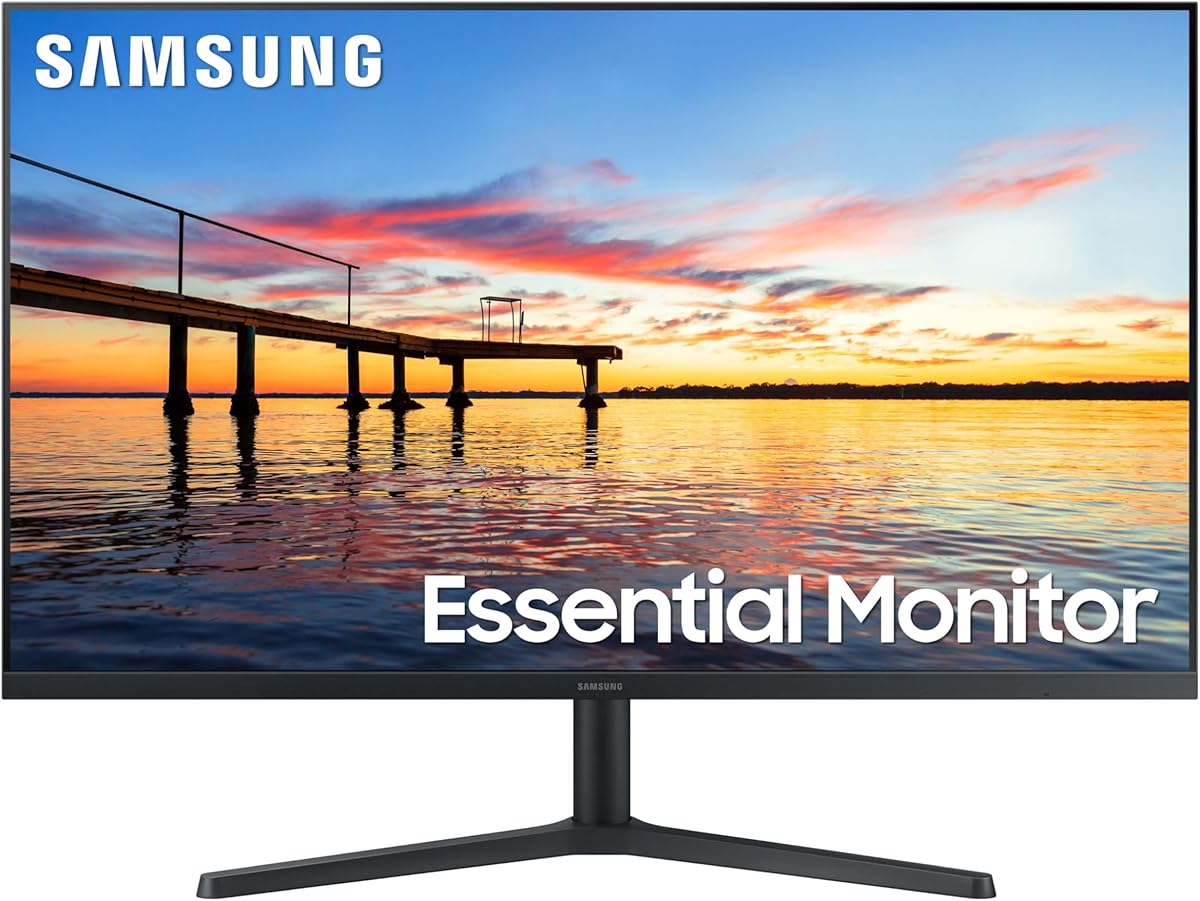
The Samsung 32 Flat provides a large viewing area ideal for multitasking and immersive experiences. Its 32-inch frameless display offers a clean aesthetic that enhances any workspace with minimal distractions.
We may earn a commission when you buy through this link, at no additional cost to you.
75Hz refresh rate ensures smooth visuals while AMD FreeSync reduces tearing for casual gaming and media. Advanced eye care technology minimizes fatigue allowing longer work sessions without strain.
While not optimized for competitive gaming the size and clarity are great for spreadsheets and design. The seamless setup potential makes it a strong candidate for dual monitor configurations.
Ideal for users needing extra screen space without multiple bezels. It delivers solid performance with a focus on comfort and style.
A 32-inch screen offers ample room for multiple applications improving overall workflow efficiency.
Built-in eye care technologies reduce strain ensuring you can stay focused longer without discomfort.
We may earn a commission when you buy through this link, at no additional cost to you.
Selecting the right frameless monitor involves understanding key features that impact performance and comfort.
Consider the physical size and resolution to match your desk space and visual needs. Larger screens like 32 inches offer more real estate while 4K resolution ensures sharp details for creative work.
Choose a size that fits your view distance and resolution that matches your typical tasks.
Higher refresh rates like 144Hz provide smoother motion which is essential for gaming and dynamic content. Response time measures how fast pixels change color impacting blur during fast scenes.
Look for refresh rates above 75Hz if you plan on watching videos or playing games regularly.
IPS panels are preferred for accurate colors and wide viewing angles making them suitable for designers. VA panels offer better contrast while TN panels have faster response times but worse viewing angles.
IPS is generally the best choice for professional work and general office productivity.
Flicker-free and low blue light technologies are crucial for reducing strain during long work hours. Some monitors include ambient light sensors that adjust brightness automatically to match the room.
Prioritize models with TÜV certification to ensure verified eye safety standards are met.
An ergonomic stand with height tilt pivot and swivel adjustments helps maintain a healthy posture. Some monitors include VESA mount options allowing you to use third-party arms for more flexibility.
Ensure the stand allows you to position the top of the screen at or slightly below eye level.
Check for HDMI DisplayPort and USB-C ports to ensure compatibility with your devices. USB-C can transmit video and power which simplifies connections for laptops.
Select ports that match your PC or laptop to avoid needing extra adapters.
AMD FreeSync and G-Sync reduce screen tearing by syncing the monitor refresh rate with your graphics card. Look for Motion Blur Reduction or low input lag if gaming is a priority.
These features are vital if you play fast-paced titles on your computer.
A longer warranty period offers peace of mind against defects. Some brands include extended coverage or replacement services for enterprise buyers.
Check the terms carefully to understand what is covered during the product lifespan.
Position your monitor so the top edge is at or slightly below your eye level to maintain good posture and reduce neck strain. Adjust brightness to match ambient lighting and enable night shift or blue light filters during evening work to protect your eyes.
Clean the screen regularly with a microfiber cloth to prevent dust buildup without scratching the glass. Avoid using harsh chemicals or paper towels that can damage the protective coatings on frameless displays.
Update your graphics drivers to ensure optimal performance with features like FreeSync and adaptive brightness. Keep the monitor firmware up to date for improved stability and access to new settings.
Yes because the thin bezels reduce gaps between screens creating a more seamless and immersive experience. This design minimizes distractions and allows for better alignment when placing monitors side by side for increased productivity.
Most standard frameless monitors fit on typical desks without special mounts. However if you want to wall mount them check if the model includes VESA mounting holes for compatible arms or brackets.
Higher refresh rates make scrolling and window transitions smoother which reduces eye fatigue over time. While not critical for static text 75Hz or higher provides a noticeably more fluid experience than 60Hz.
IPS is generally preferred due to better color accuracy and wider viewing angles. VA offers better contrast but may have more color shift when viewed from the side which can be noticeable on wider screens.
Yes most support HDMI or DisplayPort which Macs support directly. For USB-C models ensure your Mac has compatible ports or use a dongle to connect to standard HDMI inputs.
Not necessarily. Power usage depends more on size and backlight technology than bezel design. Many frameless models include energy-saving features like auto-brightness to reduce consumption.
Adaptive Sync adjusts the refresh rate dynamically to match the content frame rate reducing screen tearing. This is especially useful for gaming or watching videos with fluctuating frame rates.
Use a dry microfiber cloth to wipe away dust gently. Avoid applying pressure to the bezel areas as they can be fragile. Do not spray liquid directly on the panel.
We selected ten exceptional models including the ViewSonic VA2256-MHD for overall value and the CRUA 27 Inch 4K UHD for premium performance. Each option offers distinct advantages tailored to different needs and budgets.
Prioritize resolution refresh rate and eye care features based on your daily tasks. Gamers should focus on response times while professionals need color accuracy and ergonomic support.
Always verify current pricing and availability before purchasing since deals change frequently. Our list provides a strong foundation to help you find the perfect frameless display today.