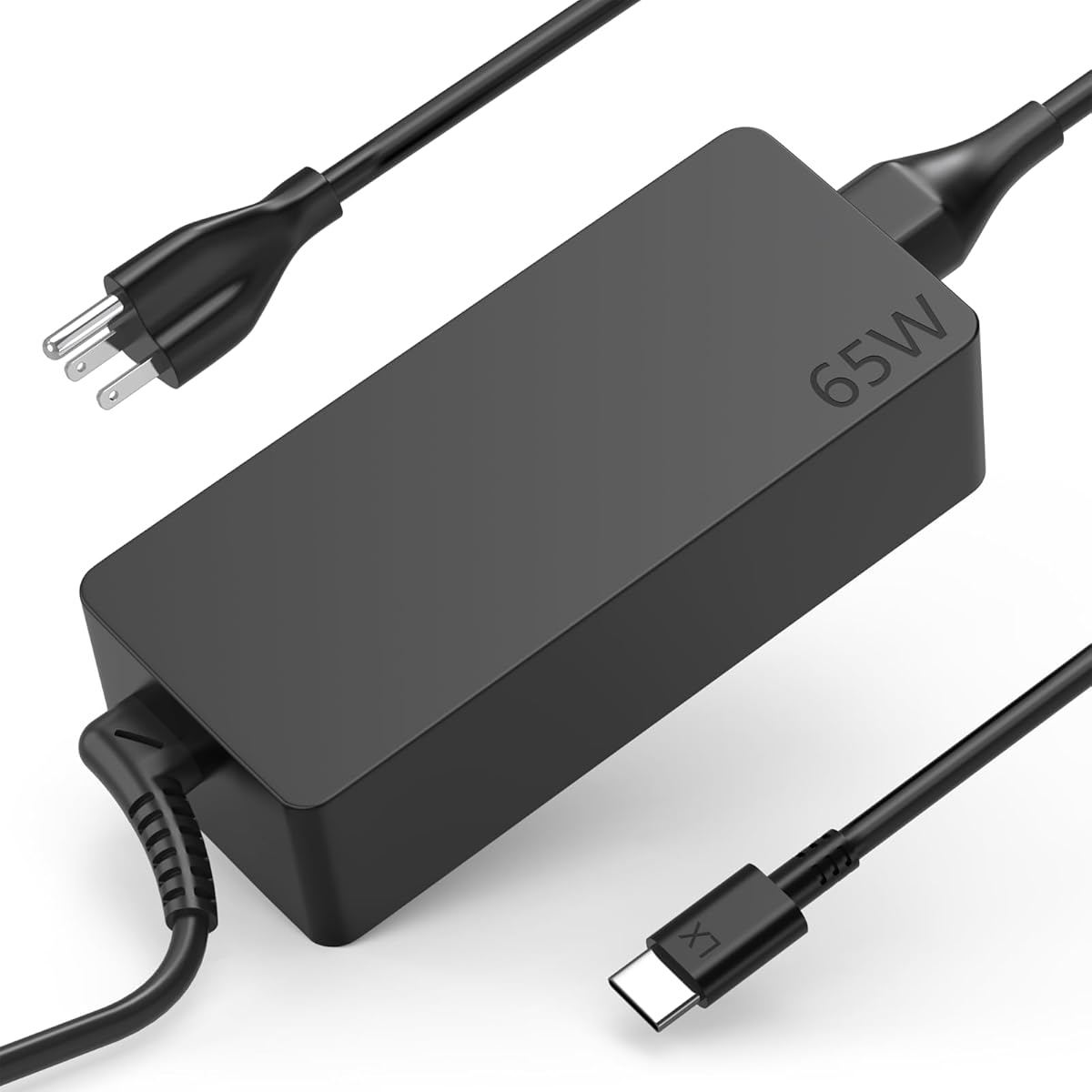
DECSZDY Replacement for 65W Lenovo Laptop Charger USB C
4.3Editor score
Affordable price point
Wide laptop compatibility
Includes AC power cord
This guide compares the top ten Lenovo Thinkpad charger options for reliability and performance ensuring your business laptop stays powered up wherever you
Finding the right power source for your mobile workstation is crucial for maintaining productivity throughout the day. A reliable charger ensures your device operates at peak performance without interruption during critical tasks.
We analyzed ten highly rated power adapters focusing on compatibility safety features and build quality. Our comparison highlights official and third party options that meet strict performance standards for various Thinkpad models.
Each selection includes detailed specifications and user feedback to help you make an informed decision. Please note that availability and pricing may fluctuate frequently so verify details before purchasing.
4.3Editor score

4.2Editor score

4.6Editor score
The following table provides a side by side overview of all ten power adapters evaluated in this guide. Compare key specifications and features to find the perfect match for your specific hardware needs.
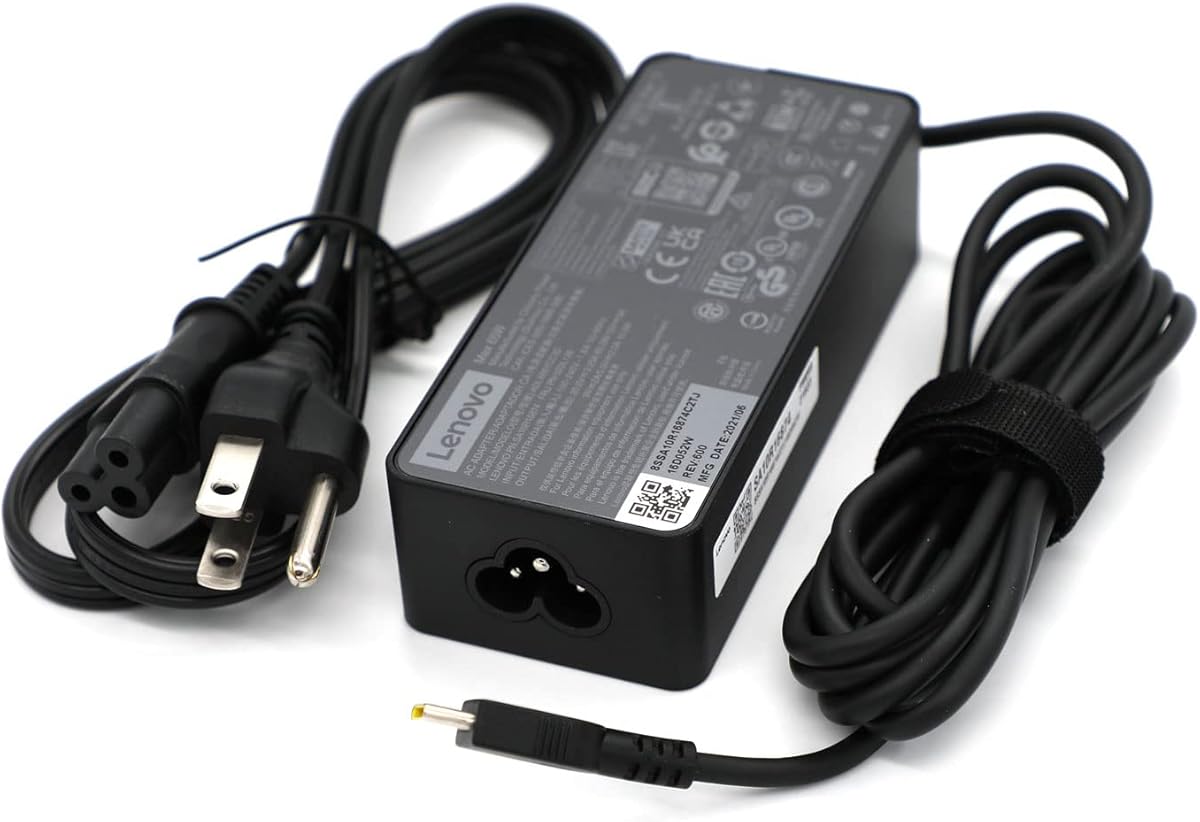


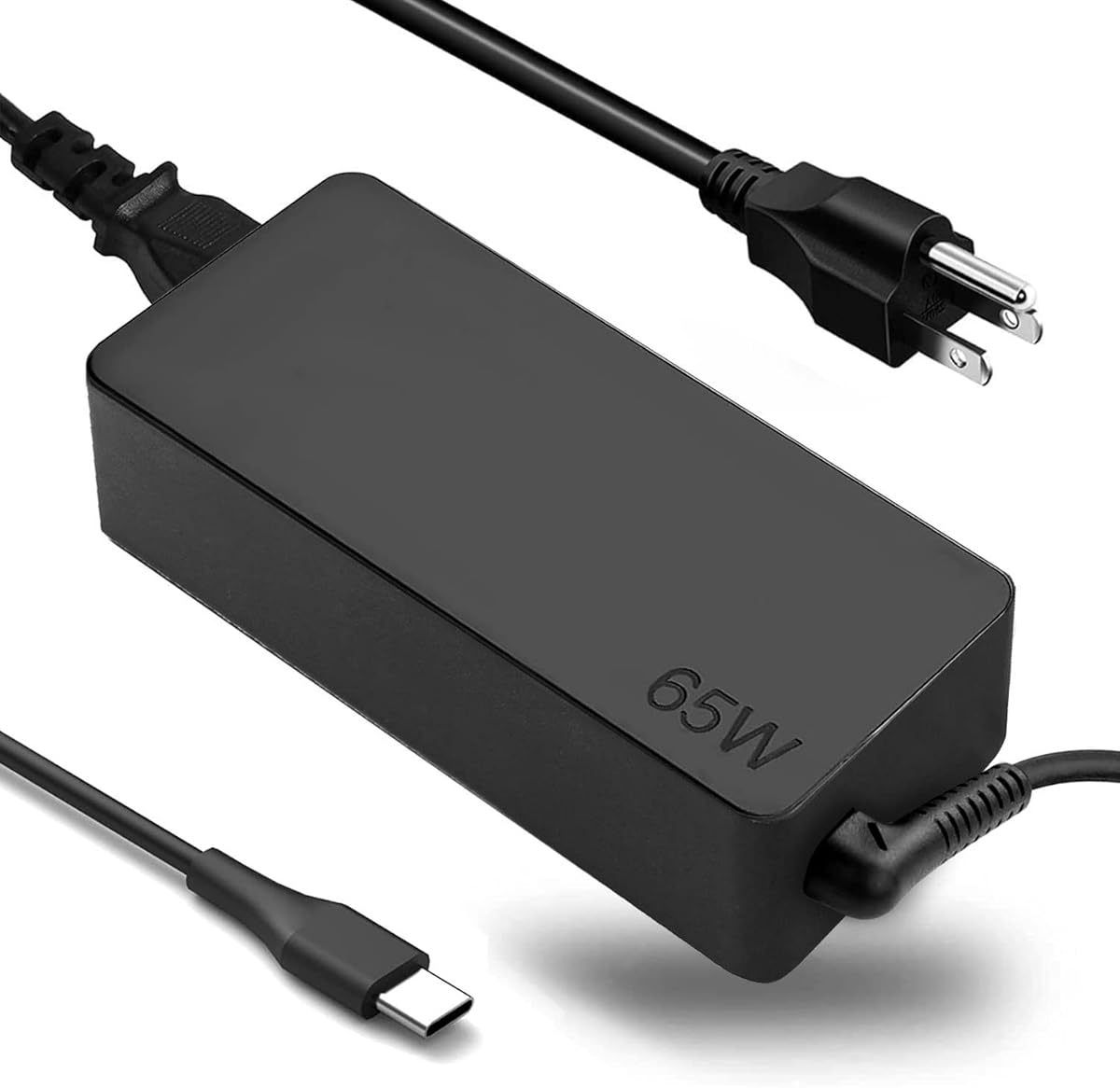


This power adapter targets Thinkpad users needing a reliable 65W source. It supports multiple models including the T14 and X13 series. Users report it delivers consistent power for daily workflows.
We may earn a commission when you buy through this link, at no additional cost to you.
The adapter offers versatile voltage outputs matching original specs. This ensures smooth charging for various Thinkpad generations. It maintains efficiency during high usage periods like video calls.
Some users note variations in build durability over time. The connector joint may show wear faster than premium units. However it remains a cost effective solution for backups.
It suits users seeking a direct OEM replacement at lower cost. Ideal for offices needing bulk spares without high expense. Verify your model number before purchase for best fit.
Supports 20V 15V 9V and 5V to match different device needs effectively.
Fits ThinkPad T14 T15 E14 E15 and X1 Carbon across multiple generations.
We may earn a commission when you buy through this link, at no additional cost to you.
This third party charger emphasizes longevity and safety. The connector joint withstands significant bending stress. Users appreciate the robust build for frequent travel use.
We may earn a commission when you buy through this link, at no additional cost to you.
It includes intelligent circuitry to monitor heat and current. This prevents overheating during extended sessions. The PD 3.0 technology speeds up charging times effectively.
The cable length might be shorter than some users expect. It works well on desks but less so for reaching distant outlets. Durability offsets this minor inconvenience.
Recommended for travelers needing a tough reliable power source. Its safety features protect expensive laptops from surges. Excellent choice for active professionals prioritizing hardware safety.
Tested to withstand 50000 plus bends to prevent fraying and breakage.
Built in chip monitors temperature and current to protect your device.
We may earn a commission when you buy through this link, at no additional cost to you.
Lenovo designed this unit for maximum mobility. Its slim profile fits easily into small laptop bags. Users love the extra long cable for flexible workspace setups.
We may earn a commission when you buy through this link, at no additional cost to you.
It supports PD 3.0 for rapid energy transfer. This ensures your device charges quickly during breaks. The brand guarantees compatibility with ThinkPad USB-C ports.
Price is higher than generic alternatives on the market. It prioritizes build quality and convenience over low cost. Ideal for users who value official branding.
Great for business travelers needing a lightweight reliable charger. The long cable reduces reach issues in hotel rooms. Trustworthy option for daily commute use.
Designed to be extra slim and light for easy carrying in any bag.
Includes a 1.7 meter cable to let you charge in any spot.
We may earn a commission when you buy through this link, at no additional cost to you.
This official adapter provides a direct replacement for lost units. It guarantees strict compatibility with ThinkPad hardware. Users appreciate the consistent power delivery without fluctuations.
We may earn a commission when you buy through this link, at no additional cost to you.
It supports USB Type-C devices with optimal efficiency. The constant voltage ensures smooth functioning of your laptop. It meets standard safety requirements for office environments.
Design remains functional without extra advanced features. It focuses on reliability rather than high speed tech. Good for stationary users needing a backup power source.
Perfect for IT departments requiring verified genuine parts. Its simplicity reduces potential points of failure. Recommended for those prioritizing manufacturer support.
Delivers constant power to ensure smooth functioning and charging of your device.
65 Watt maximum output ensures optimal performance with maximum feasibility.
We may earn a commission when you buy through this link, at no additional cost to you.
This charger supports an extensive range of ThinkPad models. From X1 to ThinkBook it covers diverse user needs. Real time monitoring protects against voltage spikes effectively.
We may earn a commission when you buy through this link, at no additional cost to you.
It features comprehensive safety against overheating and overcurrent. This ensures your device remains protected during charging. Users value the included manual for setup guidance.
Build quality is functional but not premium. It serves well as a reliable secondary charger. Performance matches standard expectations for 65W output.
Suitable for offices managing mixed device fleets. The broad compatibility simplifies inventory management. Recommended for backup power across different teams.
Built in safeguards monitor temperature and voltage to protect against overheating.
Compatible with ThinkPad X1 T14 E14 and Yoga series laptops.
We may earn a commission when you buy through this link, at no additional cost to you.
A budget friendly alternative for ThinkPad users needing power. It lists specific part numbers for precise matching. Users find it easy to set up immediately.
We may earn a commission when you buy through this link, at no additional cost to you.
Supports multiple output voltages to fit various needs. The included AC cord simplifies the purchase. Performance is adequate for standard daily usage patterns.
Cable durability may lag behind premium options. It is best used in low movement environments. Great for temporary replacement while waiting for main unit.
Ideal for users with tight budget constraints. Its simplicity avoids unnecessary costs. Recommended for light duty office use.
You get 1x 65W Power Adapter and 1x Power Supply Cord.
Output includes 5V 9V 12V 15V 20V for versatile charging.
We may earn a commission when you buy through this link, at no additional cost to you.
This adapter offers high value for its low price. Designed for Lenovo laptops with USB-C ports. Users praise its ability to work across different operating systems.
We may earn a commission when you buy through this link, at no additional cost to you.
It provides efficient charging speeds for most daily tasks. The included power cord ensures you can plug in right away. Performance remains consistent during normal office hours.
Build materials are basic and may show wear quickly. It is less suitable for frequent travel or rough handling. Best kept as a dedicated desk charger.
Perfect for home offices where cost matters most. Its simplicity meets basic power needs effectively. Recommended for users seeking a secondary power source.
Designed to be compatible with all Lenovo laptops requiring a 65W USB-C charger.
Works seamlessly regardless of the operating system on your laptop.
We may earn a commission when you buy through this link, at no additional cost to you.
This adapter supports many laptop brands beyond Lenovo. It is a versatile choice for mixed device environments. Users appreciate the broad compatibility list.
We may earn a commission when you buy through this link, at no additional cost to you.
It delivers multiple voltage outputs to suit different needs. The USB-C connector fits most modern ultrabooks. Charging speed is consistent for standard workloads.
Not specifically optimized for ThinkPad quirks. It functions well but may lack proprietary features. Good for general-purpose power across different machines.
Ideal for shared workspaces with various devices. Its flexibility simplifies power management. Recommended for users with multiple hardware types.
Compatible with Lenovo HP Dell Asus and Samsung Chromebooks.
Outputs 5V 9V 15V 20V to match various device requirements.
We may earn a commission when you buy through this link, at no additional cost to you.
For power users this 135W adapter ensures maximum performance. It supports demanding tasks like video rendering efficiently. Users report stable charging even under heavy load.
We may earn a commission when you buy through this link, at no additional cost to you.
The official brand guarantees reliability and safety. It fits multiple devices through the USB Type-C port. Ideal for workstations requiring consistent high wattage.
Weight is higher than lighter 65W options. It is better suited for stationary setups. The extra power comes with a premium price tag.
Recommended for engineers and video editors needing power. Its stability prevents throttling during intensive tasks. Ideal for high performance ThinkPad P series.
Up to 135 Watts maximum power output for demanding devices.
Power up your portable devices with the constant voltage supply.
We may earn a commission when you buy through this link, at no additional cost to you.
This adapter supports gaming laptops requiring high power. The Slim Tip connector fits specific Lenovo models. Users value its stability during demanding gaming sessions.
We may earn a commission when you buy through this link, at no additional cost to you.
It accepts dual voltage inputs for international travel. The official model number ensures exact hardware matching. Performance remains consistent across different regions.
Design is bulkier than standard office adapters. It is best kept in a fixed location. The cost reflects the high power and brand quality.
Ideal for Legion and IdeaPad Gaming users. Its stability prevents performance drops during play. Recommended for serious gamers needing reliable power.
Maximum Output Power of 135 Watts for gaming and performance tasks.
Compatible with IdeaPad Gaming Legion and other models using Slim Tip.
We may earn a commission when you buy through this link, at no additional cost to you.
Selecting the right charger involves understanding compatibility wattage and build quality. This guide details key factors to help you find the perfect match.
Most ThinkPad laptops require 65W for standard operation while gaming models need 135W. Using a lower wattage adapter may result in slower charging and system throttling.
Always check your device specs before buying to ensure the adapter matches the required output power.
Modern ThinkPads use USB-C while older models rely on the proprietary Slim Tip connector. Verify your port type to avoid compatibility issues.
Choose USB-C for future proofing and Slim Tip only if your device requires it.
Durability matters for travelers who frequently pack their power adapters. Look for reinforced joints and high grade materials to prevent wire breakage.
Invest in units with tested cable strength if you plan on carrying it daily.
Genuine Lenovo chargers offer guaranteed safety and compatibility. Third party brands can be cheaper but ensure they list specific compatibility codes.
Verify part numbers before purchasing to maintain device integrity.
Multi voltage support allows one charger to work with various devices. This flexibility is useful for households with different USB-C laptops.
Check if the adapter supports 20V and 15V for optimal ThinkPad charging.
Good chargers include over-voltage and short-circuit protection. These safeguards protect your laptop from power surges and heat buildup.
Prioritize models with intelligent circuit chips for safe operation.
Cable length affects usability in different setups. Longer cables provide more flexibility for reaching outlets on the wall.
Measure your desk space before buying to ensure you have enough cord reach.
Official units cost more but offer reliable longevity. Budget options are good for backups but may have shorter lifespans.
Balance your budget against expected usage frequency.
Plug the AC cord into the adapter first then connect the other end to a wall outlet. Ensure the connection is secure before plugging the USB-C or Slim Tip connector into your laptop.
Avoid wrapping the cable tightly around the brick which can stress internal wires. Instead use loose loops or a cable tie to maintain cord integrity over time.
Keep the adapter away from heat sources and moisture to prevent overheating. Regularly check the connector for debris to ensure optimal electrical contact.
Yes using a higher wattage charger is safe because the laptop draws only what it needs. It ensures stable charging even during intensive usage.
USB-C is more versatile and supports multiple devices. However use Slim Tip if your older ThinkPad model does not support USB-C charging.
Slow charging often results from using a lower wattage adapter. Check your charger specifications to ensure it matches your laptop requirements.
Third party chargers can be safe if they meet safety standards and list correct compatibility codes. Look for verified reviews and safety certifications before purchase.
Check the label on your current charger or your laptop manual for the specific part number. This ensures exact compatibility with your model.
Yes if both laptops use USB-C and have similar power requirements. A 65W charger often works for standard ultrabooks and some ThinkPads.
Choosing the right charger ensures your ThinkPad stays reliable and ready for work. We recommend the DECSZDY Replacement for budget needs and the official Lenovo 65W for standard use.
Prioritize safety and compatibility to avoid risks to your hardware. High wattage adapters suit power users while standard units work for general office tasks.
Remember that availability and stock can change quickly. Check current listings to confirm fit and specifications before finalizing your purchase.